V1108, 7.2
7.2. Product backup
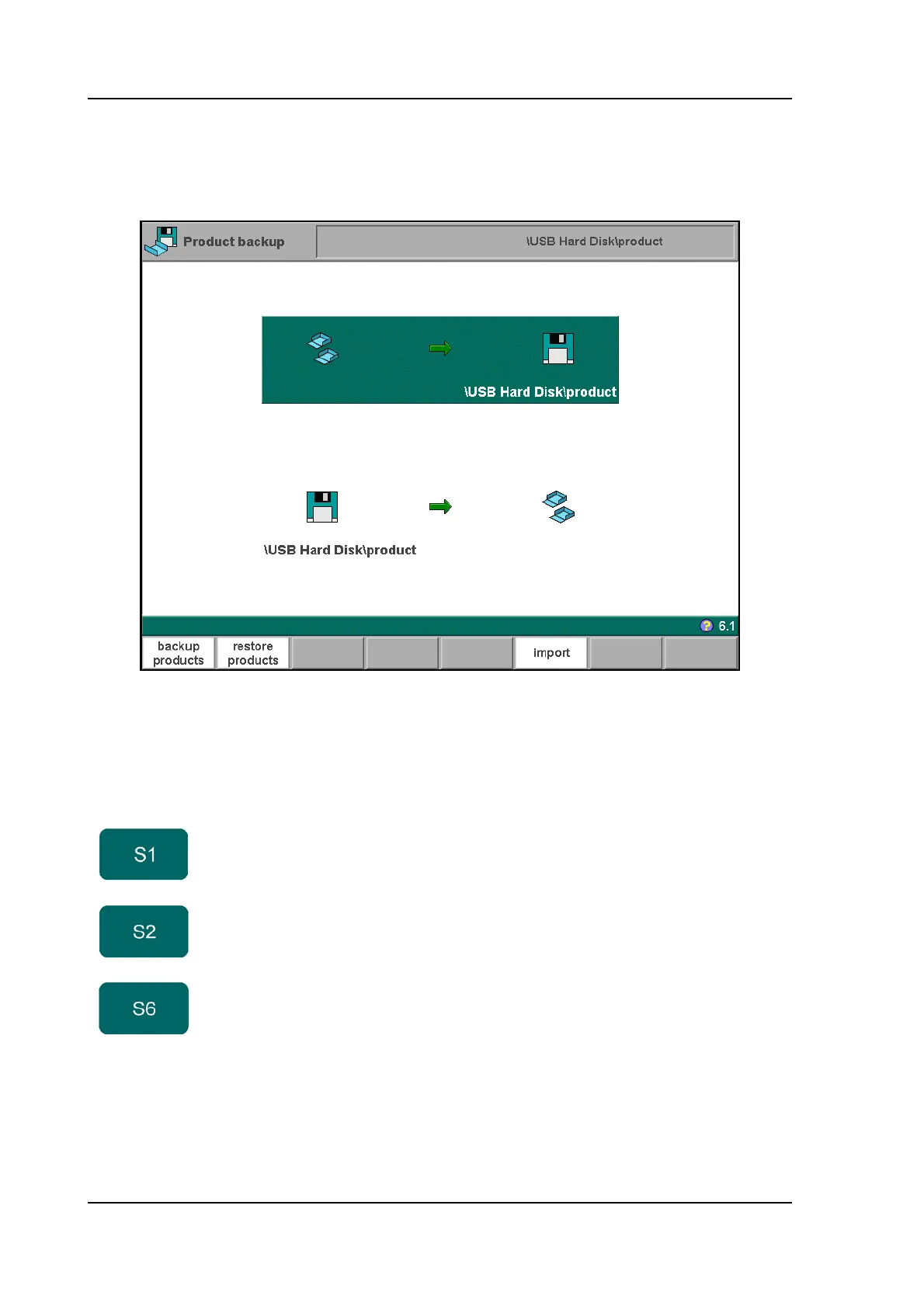
To make a back-up of programs to disk, choose ‘Product backup’ in the main menu.
7.b
From this screen, a backup or a restore function is available. It is also indicated to which
location a backup is made (floppy disk, network, etc.).
When ‘backup products’ has been selected, a screen like shown below appears.
Function keys
backup
products
Open the back-up menu to save products to disk.
restore
products
Open the restore menu to load products from disk.
import Import product programs from previous control software
versions.



 To Next Page