V1108, 6.7
• Edit punch drawing
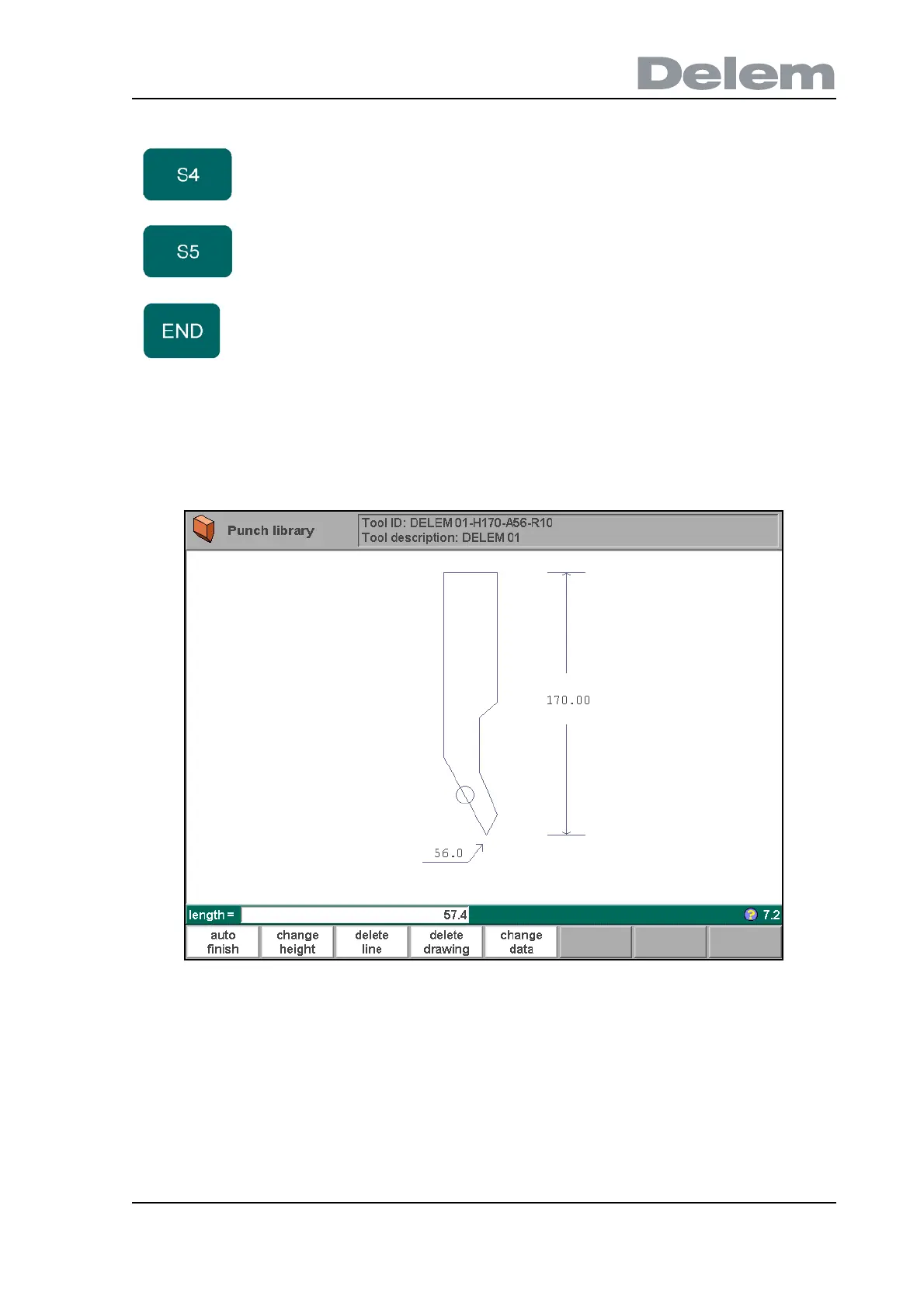
To edit an existing tool, press the key ‘edit’ in the punch library and subsequently the key ‘edit’.
The tool appears on the screen and can be edited with the drawing facilities.
6.i
• Drawing orientation of the punch on the screen
The right hand side of the tool is the back gauge side.
The bottom point of the punch will be placed on the center line of the press brake shape.
delete
drawing
To delete the complete tool from the library.
change
data
To change specific tool data and description.
To return to the directory overview.
Function keys:



 To Next Page