V1108, 6.6
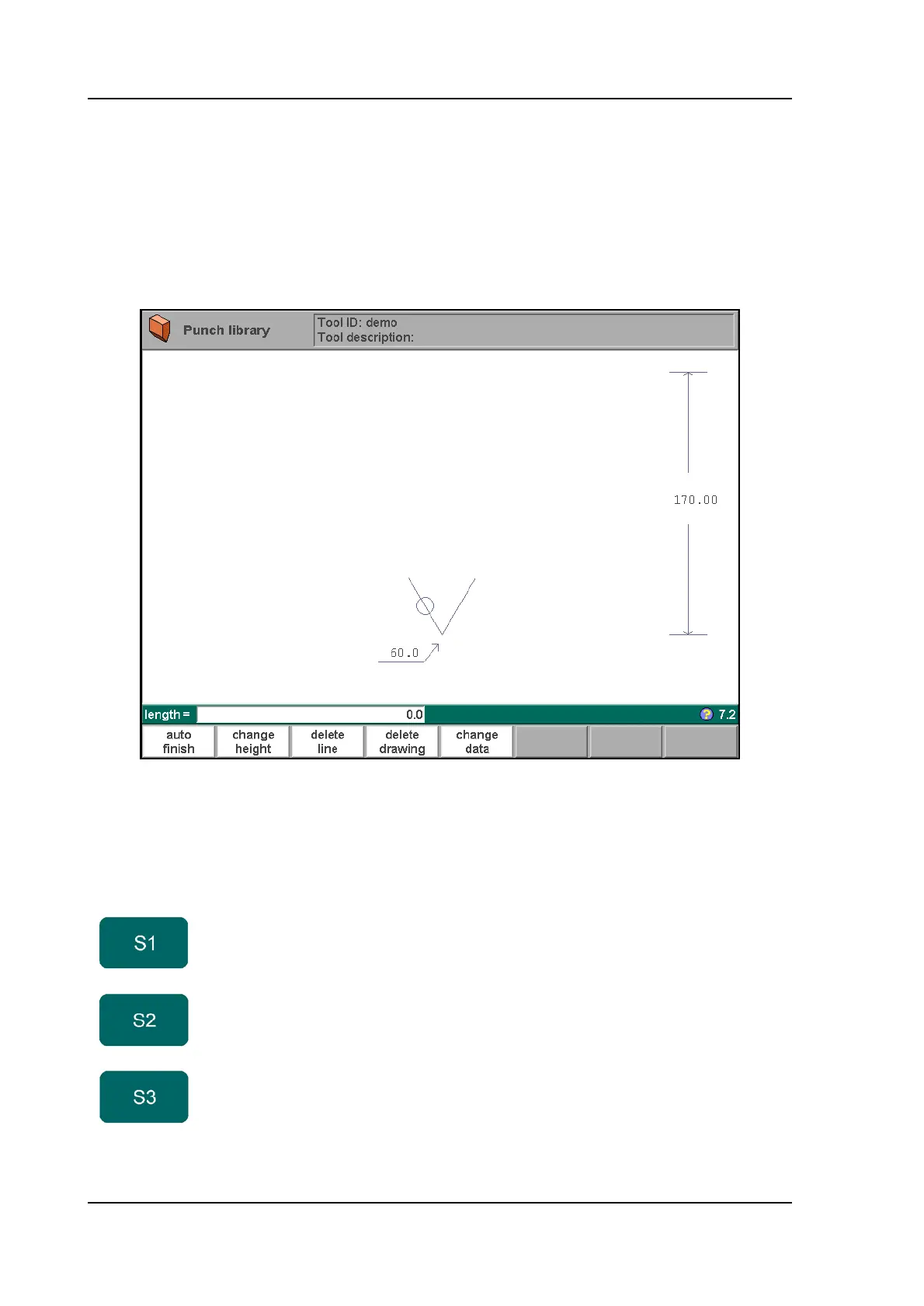
The control will start by prompting the initial dimensions of the tool.
Height. . . . . . . . . . . . . . . . . . . . . . . . . . . . . . . . . . . . . . . . . . . . . . . . . . .H
The height of the tool. Important: this height value will be used in bend depth calculation.
Angle . . . . . . . . . . . . . . . . . . . . . . . . . . . . . . . . . . . . . . . . . . . . . . . . . . .a
The angle of the punch tip.
After entering these typical values you can create the tool drawing with the drawing facilities.
6.h
Drawing a tool profile is done by entering angle values and line length values. These values
are prompted in the lower left corner of the screen.
Function keys:
auto finish Finishing the tool outline to the top of the tool
automatically.
change
height
To change the height dimension of the tool.
delete line To delete a line segment.



 To Next Page