V1108, 2.1
2. Product drawing
2.1. General product properties
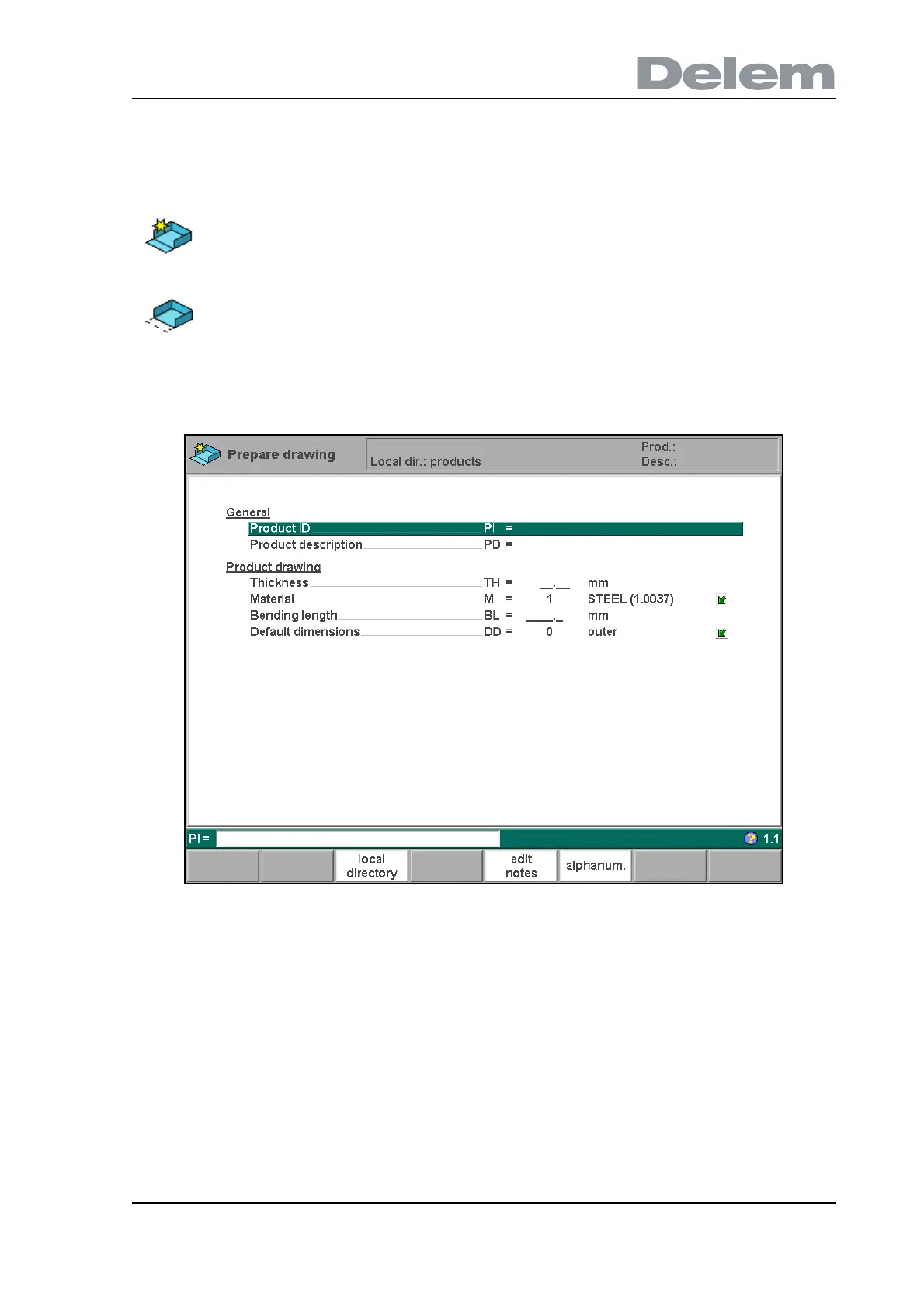
When a new product drawing is started or an existing one is opened, a screen with general
product properties appears.
2.a
Product ID . . . . . . . . . . . . . . . . . . . . . . . . . . . . . . . . . . . . . . . . . . . . . ..PI
A unique name to identify a product program. The maximum length is 25 characters.
The product ID may contain letters and numbers. Letters can be entered with the help of
the function key ‘alphanum.’ (S6).
Product description. . . . . . . . . . . . . . . . . . . . . . . . . . . . . . . . . . . . . . ..PD
A name or description of this program. The maximum length is 25 characters. The
product description may contain letters and numbers. Letters can be entered with the
help of the function key ‘alphanum.’ (S6).
If an existing product ID is entered, a warning appears that this product already exists. You are
asked whether to replace that existing product with the new product or not. If you choose ‘yes',
the existing product is erased. If you choose ‘no', you must enter a new ID.
To start a new product drawing, choose prepare drawing in the
main menu.
To edit an existing product drawing, choose edit drawing in the
main menu.



 To Next Page