V1108, 6.11
6.3. Programming of bottom dies
6.3.1. The die menu
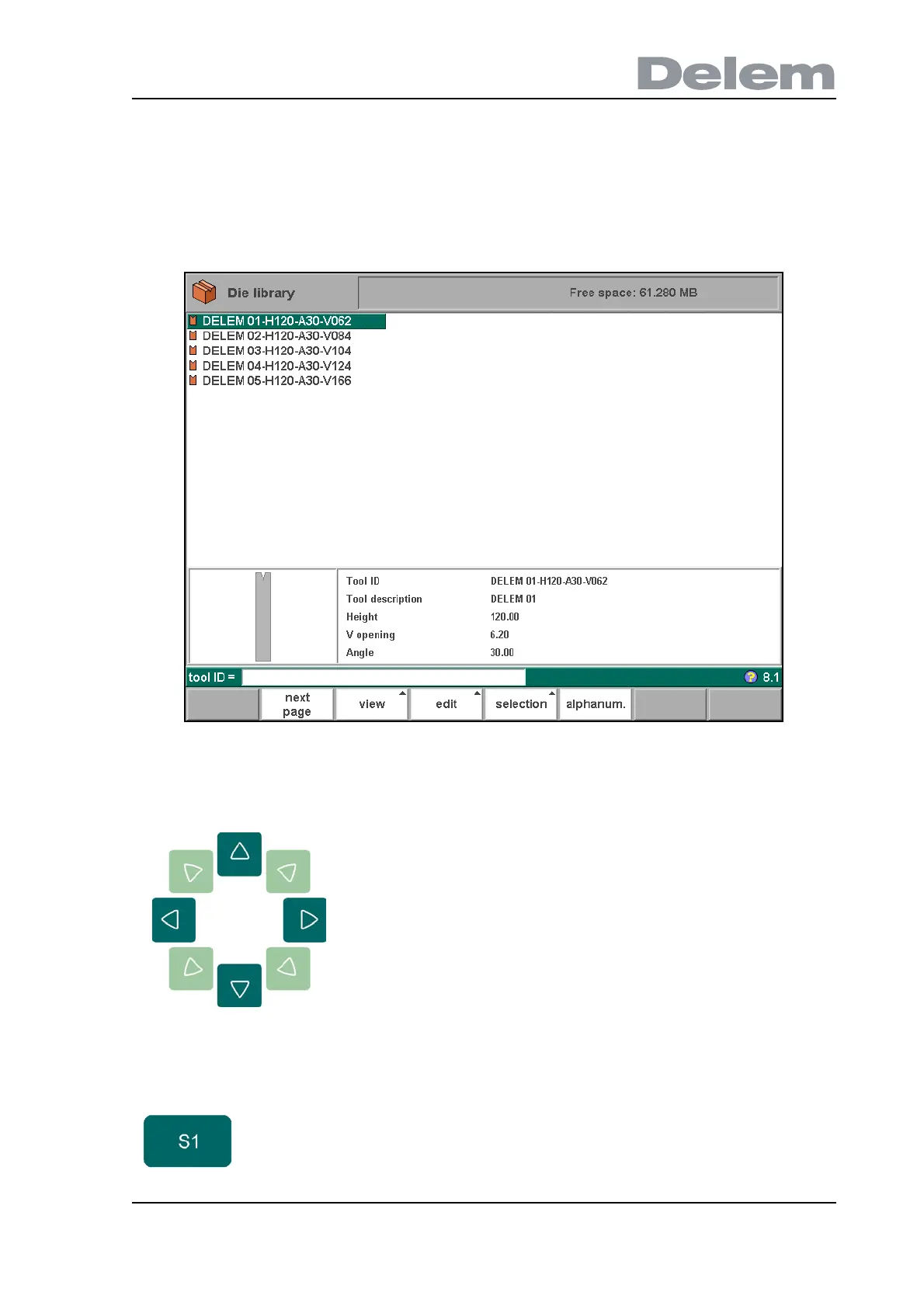
The programming of dies is started by choosing Die library in the main menu.
6.o
A list of the programmed dies is given.
Use the arrow keys to move the cursor bar to the
desired tool. Then press the ENTER key to edit this tool
or press the function key ‘edit’ to choose another
function.
Function keys:
previous
page
To select a previous page within the several pages of the
available dies in the library.



 To Next Page