V1108, 1.15
1.7.5. Typing alphanumeric characters
When necessary, it is possible to type alphanumeric characters on the control by means of the
front panel keys. There are two procedures available to enter characters.
1. The alphanum. key
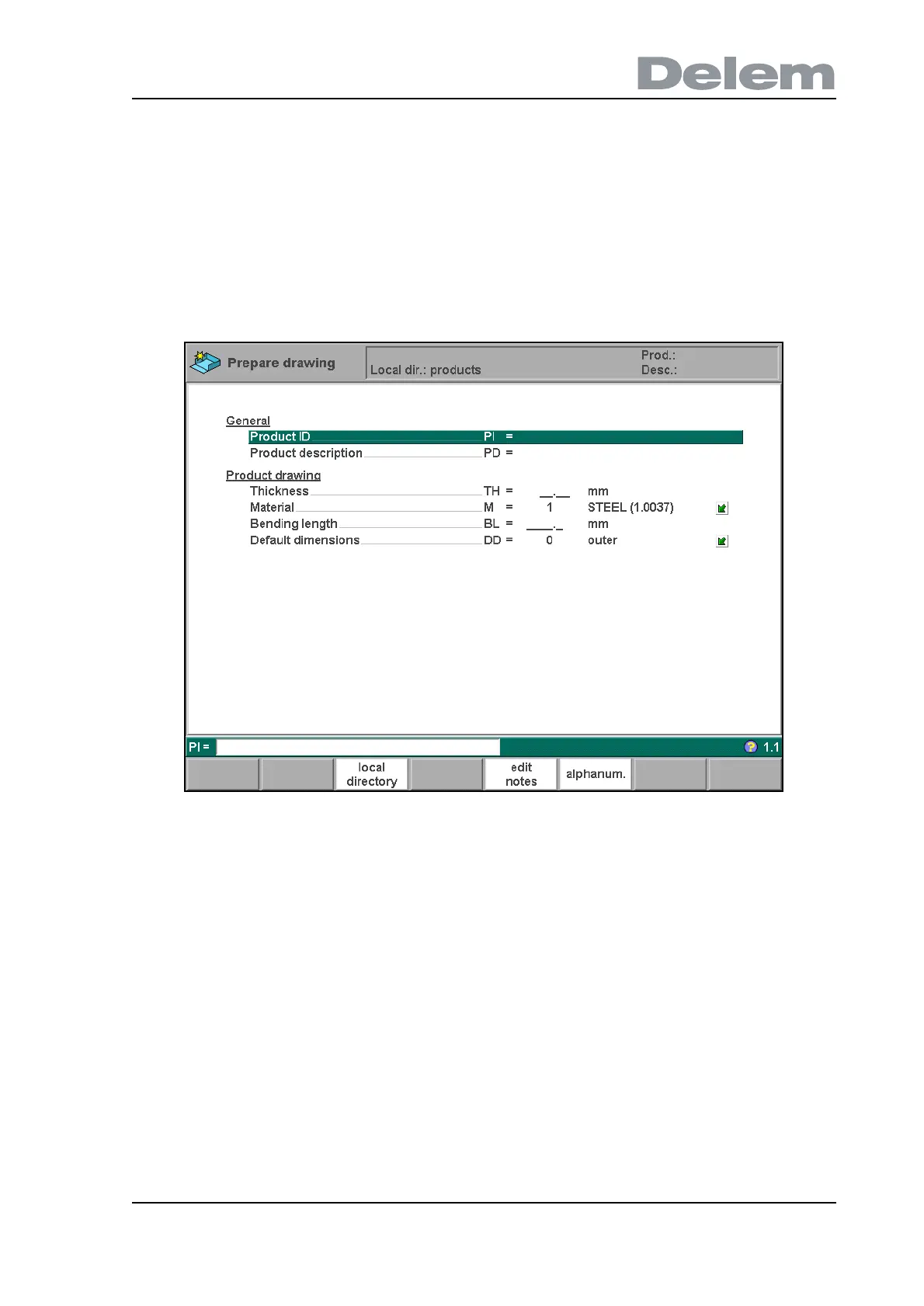
When the cursor is placed on a parameter that contains alphanumeric characters, the function
key ‘alphanum.’ appears in the function key bar at the bottom of the screen.
1.f
To type a character:
• press the key on the front panel that contains the character;
• press the function key ‘alphanum.’ and check the character that appears;
• if necessary, press ‘alphanum.’ again to select another character.
When the correct character has been selected, repeat this procedure to type another
character or press the ENTER key to confirm the entered string.
The available characters are displayed on the keys on the frontpanel. See also section 1.3 for
an overview of these keys.
2. Key repetition
A character can also be entered by pressing a key repeatedly:
• simply press the required key repeatedly until the desired character appears
• when the correct character is shown, wait for two seconds to keep the character.
Now repeat this procedure to type another character or press ENTER to confirm the entered
string.
This procedure is only possible if the parameter ‘multi-tap text entry’ is switched ON in the



 To Next Page