V1108, 3.26
3.ae
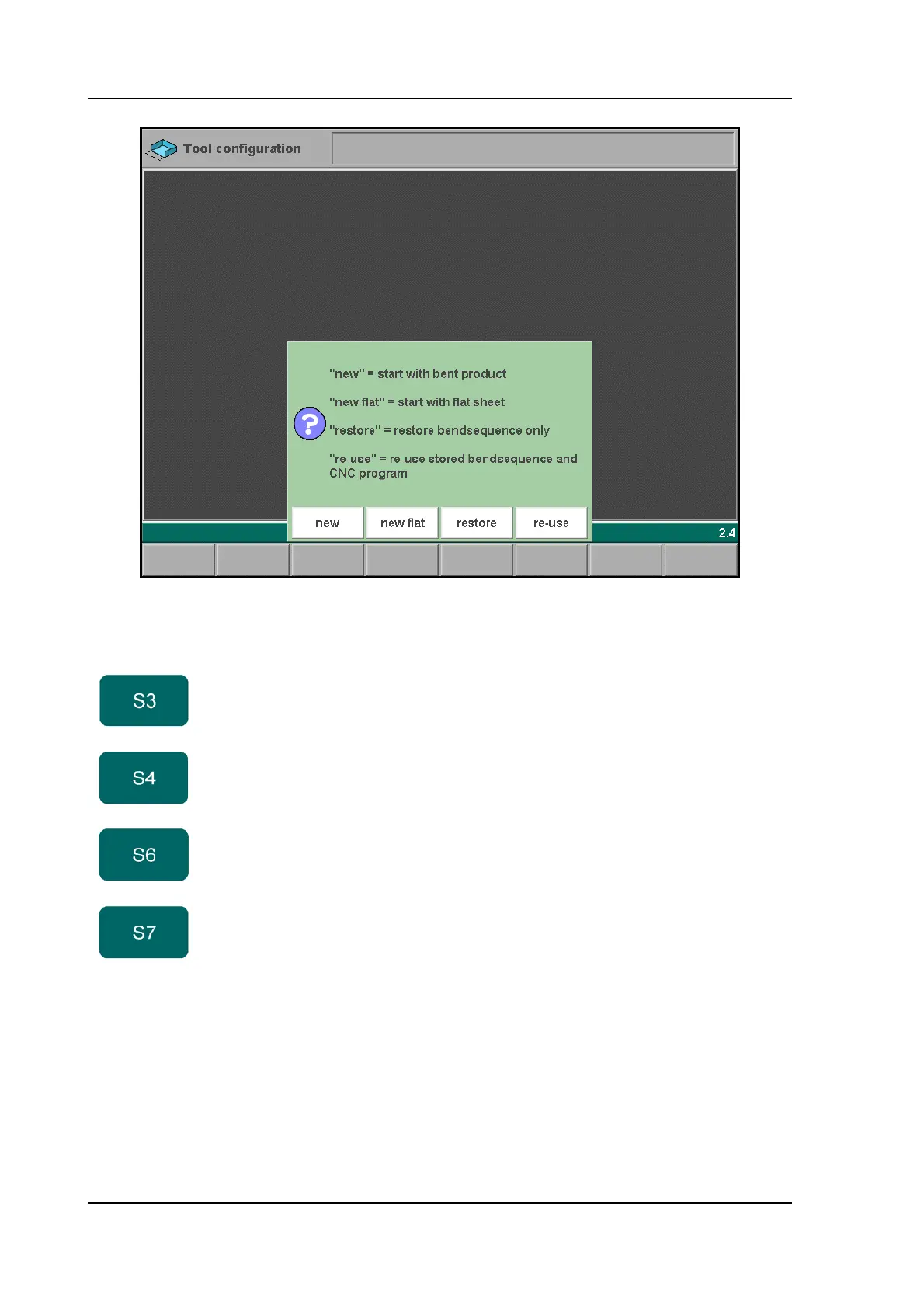
If a product with bendsequence information has just been loaded, the control will open this
window when the simulation is started. This would be the case if a product has just been
selected in menu 5 (Product selection) or when the control has been restarted.
3.5. The bend sequence in 2D
The bend sequence can be also be viewed and programmed in a 2D view. This may work
faster for simple 2D products. If a product has been drawn in 2D mode, the simulation screen
starts in 2D mode.
Function keys:
new Start a new bend sequence, any existing sequence is
removed.
new flat Start a new bend sequence from a flat sheet.
restore Restore an existing bend sequence from disk, but
disregard any related CNC program.
re-use Restore an existing bend sequence from disk, including
the related CNC program.



 To Next Page