V1108, 4.1
4. Product programming
4.1. Introduction
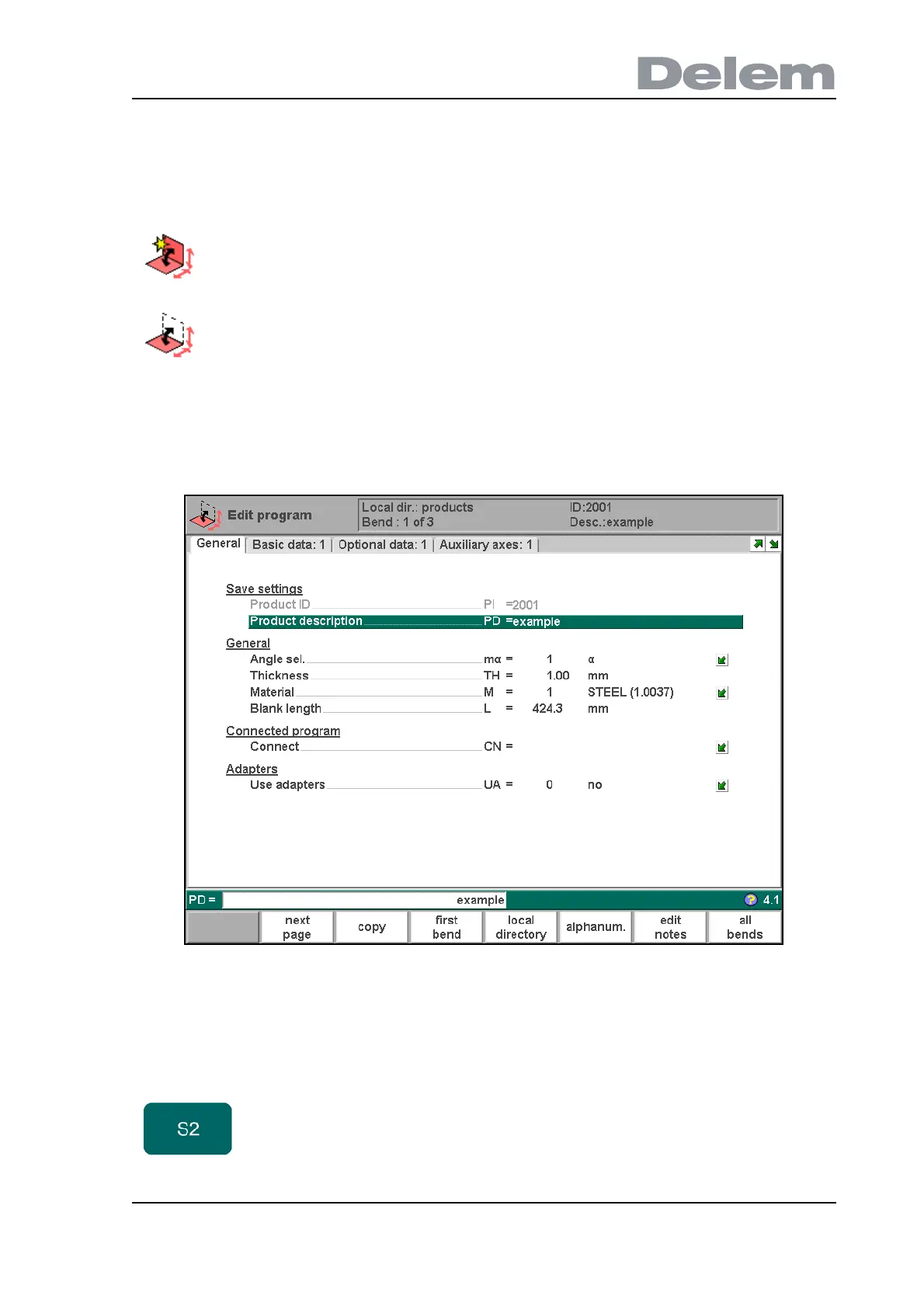
In both cases, a screen as shown below should appear. Programming and changing data is
done in the same way for both modes.
To edit a program that is not currently loaded, choose ‘Product library’ in the main menu. In the
offered list, you have to select the wanted program number.
4.a
This page gives all data which are the same for every bending of the program (main data of
program).
To create a new CNC program, choose prepare program in the
main menu.
To edit an existing CNC program, choose edit program in the main
menu.
Function keys:
next page Switch to the next page with bend information.



 To Next Page