V1108, 7.4
When a restore operation is started, the control checks whether the product is already present
on the control. If it is, you are asked whether to replace the existing product or to cancel the
restore operation.
7.3. Tool back-up
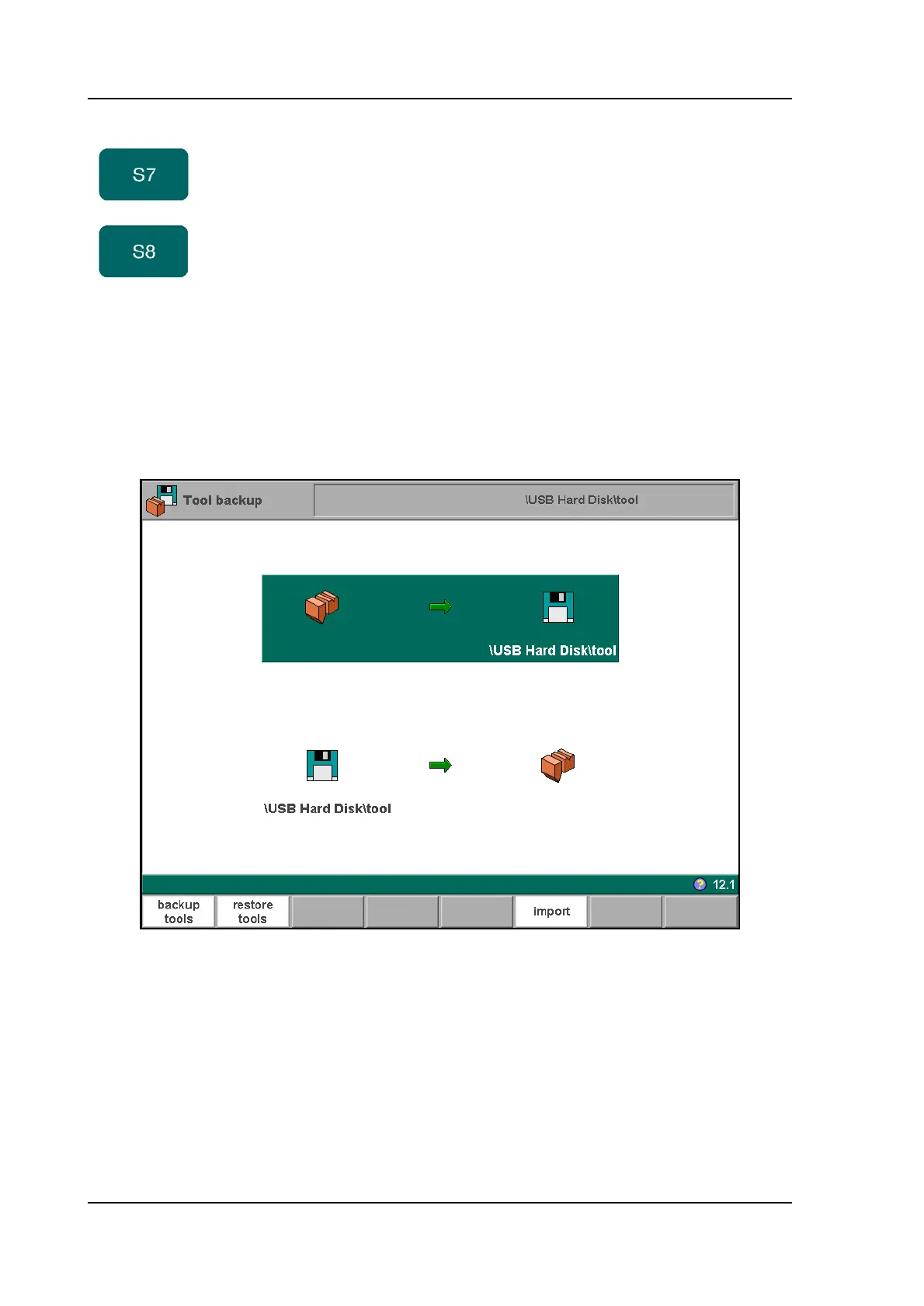
To make a back-up of tools to disk, choose ‘Tool backup’ in the main menu.
7.d
With this menu a back-up of tools on the control can be made: punches, dies or machine
shapes. The procedures for a tool back-up run similar to the procedures for a product back-
up.
7.4. Directory navigation
When the function key ‘backup directory’ is pressed, a new window appears with a list of
available back-up directories.
local
directory
get an overview of the manually created product
directory structure on the control disk.
all make a backup of all products
Function keys:



 To Next Page