V1108, 1.13
1.7.2. Listbox functionality
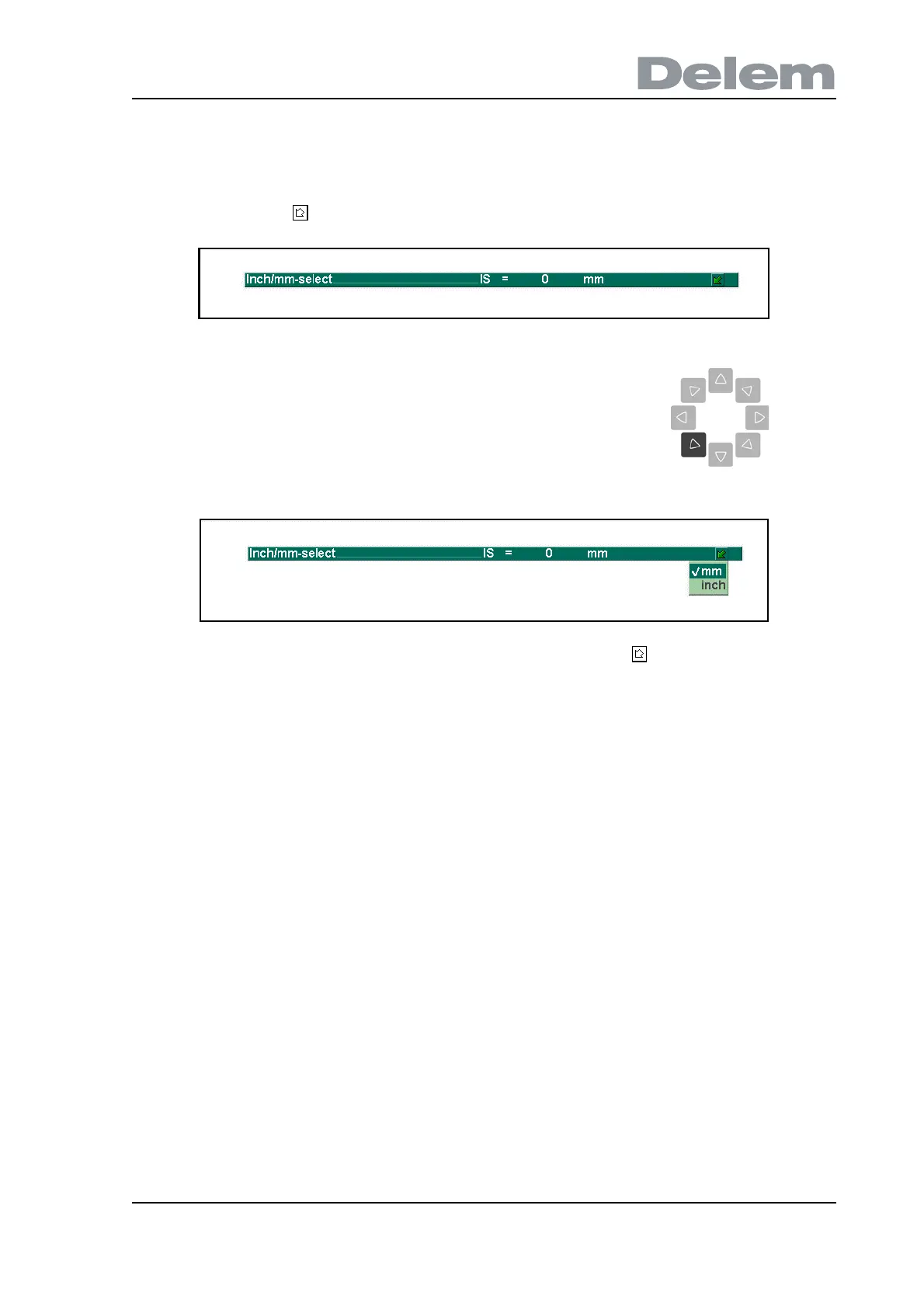
Several parameters on the control have a limited number of possible values. Beside such
parameters, the sign appears.
This listbox can also be opened by clicking with the mouse on the symbol.
When opened, use the arrow keys (up/down) to scroll to the desired value and press ENTER.
Press END to exit the listbox.
1.7.3. Live search
In some menus a list of entities (products, tools, etc.) is offered. An example of such a menu
is menu 5 (Product selection). To search a particular product or tool, type a part of the ID in the
enter field. Automatically, the list is limited to those items that contain the typed part.
This means that an arrow key (down left) can be pressed to get a
listbox with possible values of this parameter.
Example of a product list: type: shown list:
product123
product 456
exampleproduct01
exampleproduct02
1 product123
exampleproduct01
ex exampleproduct01
exampleproduct02
ex 1 exampleproduct01



 To Next Page