V1108, 5.3
The other function keys cannot be selected here, until one of these three function keys has
been chosen. The temporary bar will disappear again.
5.1.2. Selection
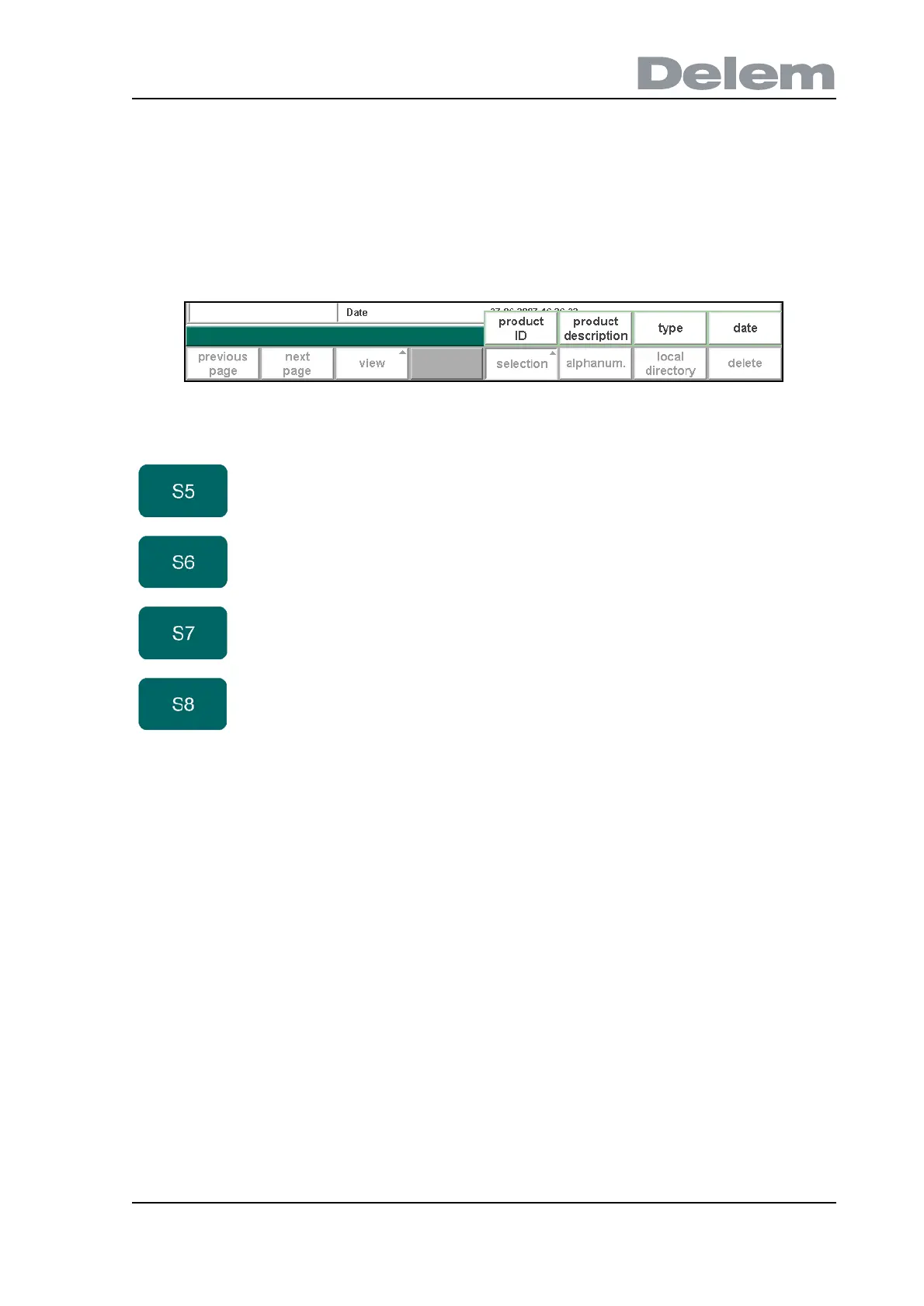
When the function key ‘selection’ has been pressed a new, temporary button bar appears with
additional function keys:
5.c
You can search for products with a certain number or name. At the bottom of the screen you
may enter a string the control will search for. You can either enter a complete name or number
or only a part of it.
If you enter part of a name and this part occurs in several product names, the control will show
all product names that contain that part. It is also possible to enter a combination of name and
number. See also section 1.7.3 about ‘live search’.
Function keys:
product ID Products are shown in columns with symbols and product
ID, they are sorted on product ID. This is the default view.
product
description
Products are shown in columns with product ID and
product description, they are sorted in the alphabetical
order of product description.
type Products are shown in columns with product ID and
product type, they are sorted on product type.
date Products are shown in columns with product ID and date,
they are sorted on date.



 To Next Page