V1108, 5.2
be loaded by scrolling to the correct ID and pressing enter or by typing the product ID in the
enter field.
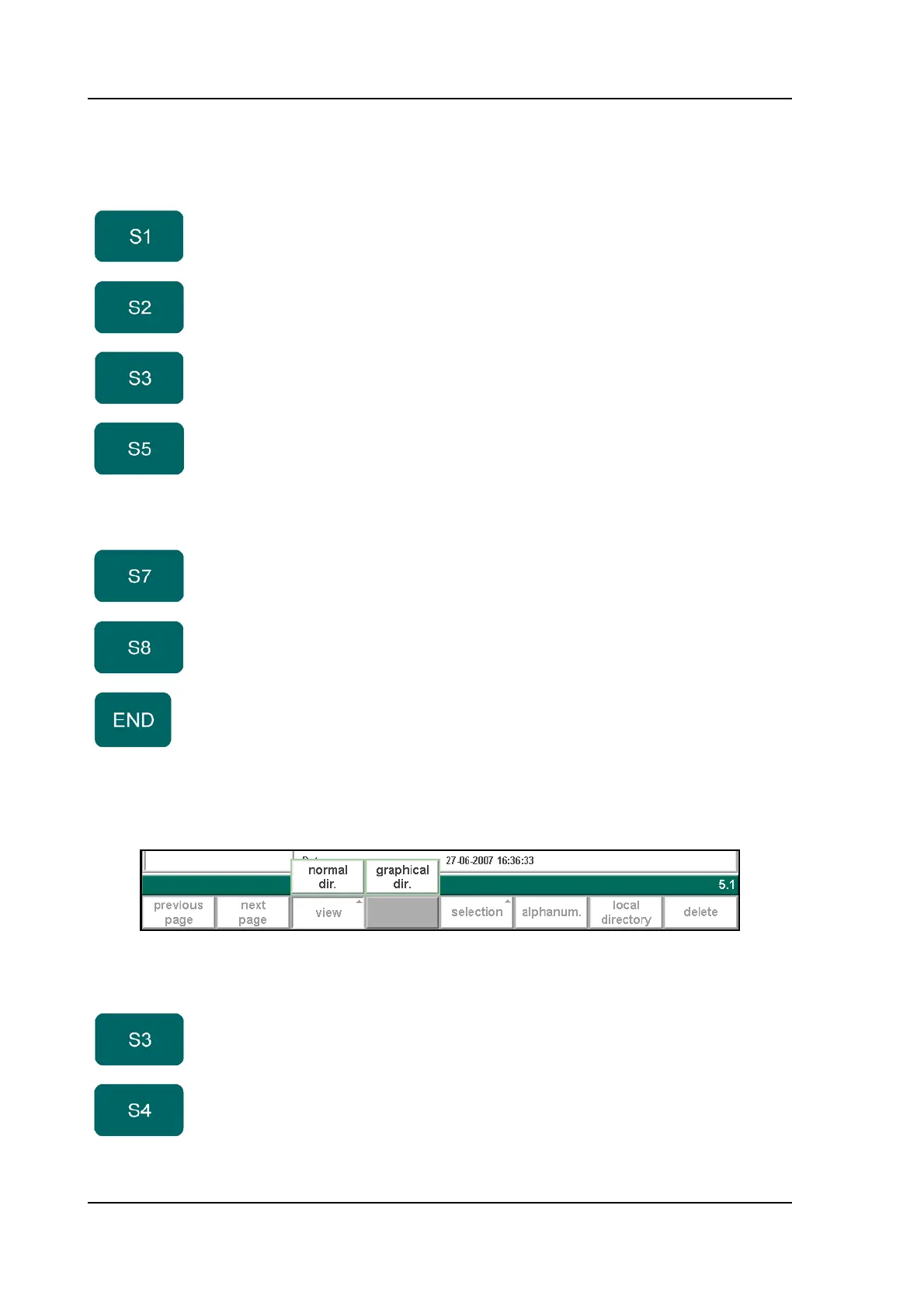
When the function key ‘View’ has been pressed a new, temporary button bar appears with
additional function keys:
5.b
Functions keys:
previous
page
Previous page with products overview
next page Next page with products overview
view Select one of the possible viewing modes:
- normal dir.
- graphical dir.
selection Function key to open a new button bar with extra function
keys for product selection functions:
- product ID
- product description
- type
- date
local
directory
Open an overview of the manually created product
directory structure.
delete Erase the selected program.
End the product selection.
Function keys:
normal dir. Select a normal view of the product collection. This is the
standard setting.
graphical
dir.
Select a graphical overview of the product collection.



 To Next Page