V1108, 2.2
The "±" key prompts a "-" character and the "." key prompts a "/" character in the product
description. Use the key “4” to obtain a space.
Thickness . . . . . . . . . . . . . . . . . . . . . . . . . . . . . . . . . . . . . . . . . . . . . . .TH
Thickness of the sheet.
Material . . . . . . . . . . . . . . . . . . . . . . . . . . . . . . . . . . . . . . . . . . . . . . . . .M
Selection of the material type of the sheet. The control contains 4 pre-programmed
materials. In total, 99 materials can be programmed on the control. See chapter 8 how
to program materials.
Press the key to select the required setting.
Bending length . . . . . . . . . . . . . . . . . . . . . . . . . . . . . . . . . . . . . . . . . . .BL
The Z-length of the sheet.
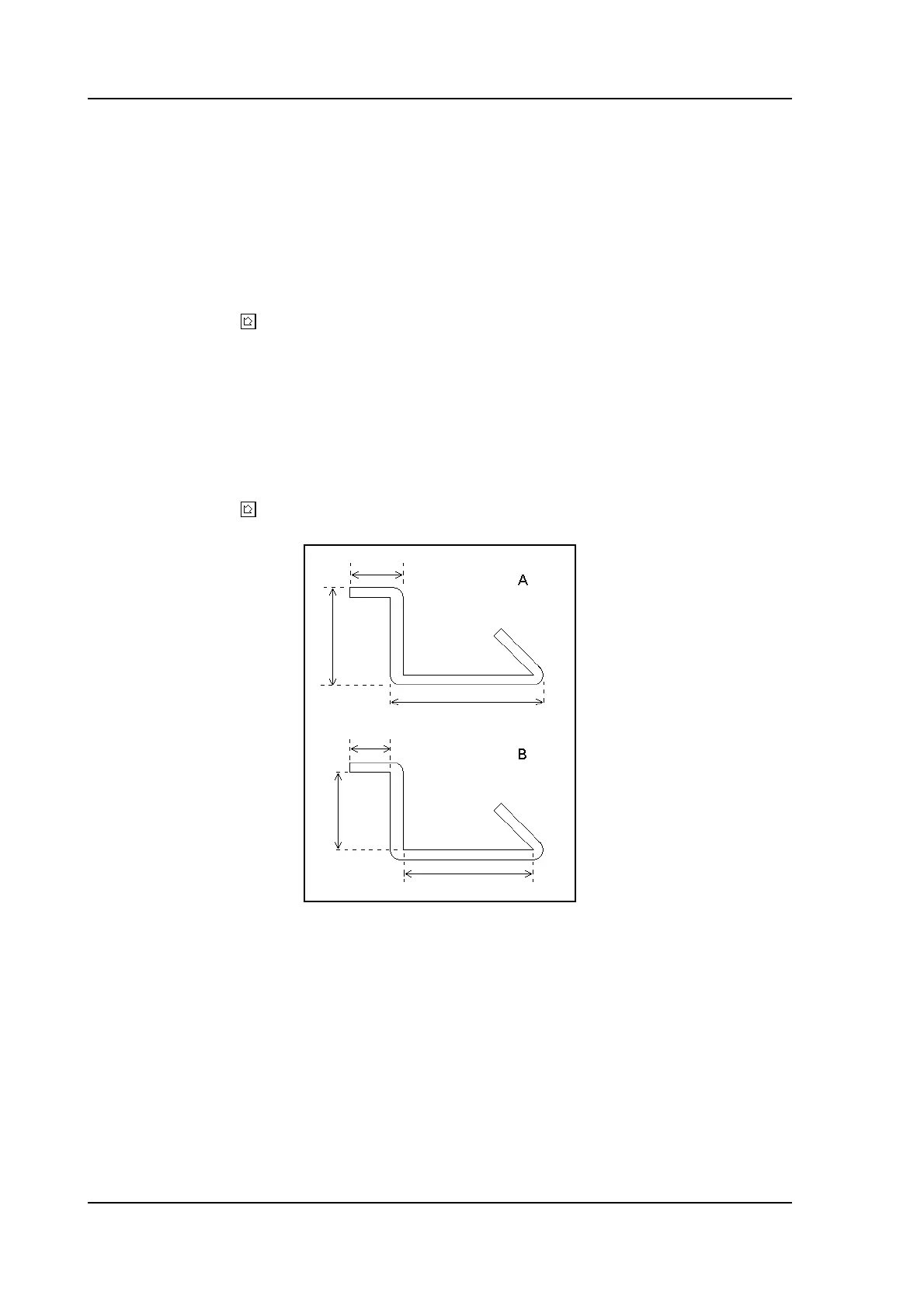
Default dimensions. . . . . . . . . . . . . . . . . . . . . . . . . . . . . . . . . . . . . . . .DD
Determine the use of the outside (A) or the inside (B) dimensions in the product drawing
when new sides or surfaces are added. Figure 2.b shows the definition of both the
dimensions.
Press the key to select the required setting.
2.b
If an existing drawing is opened with ‘edit drawing’ in the main menu, the same screen with
general product properties appears. At the bottom, more function keys are available.



 To Next Page