V1108, 2.3
2.c
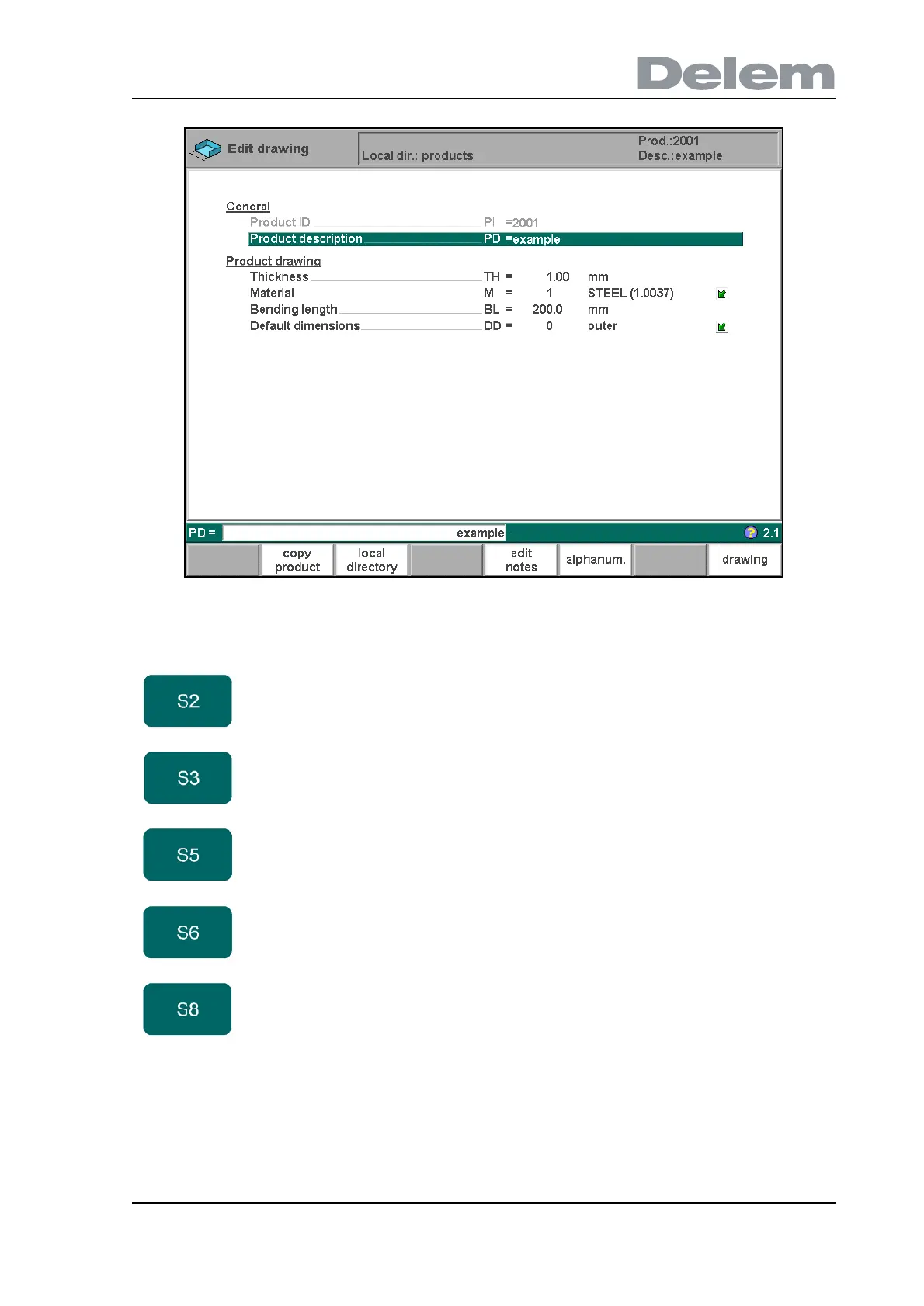
When the function key ‘edit notes’ has been pressed, a new window appears in which you can
edit the text about the current product. See the chapter ‘Product programming’ for more
information about product notes.
Function keys
copy
product
Copy the current product. When pressed, you must
enter a new product ID for the new copy.
local
directory
Change the active directory on the control disk. The
current product is automatically copied to the new
directory.
edit notes Open a window with notes about the current product.
alphanum. Select an alphanumeric character after typing. The
possible characters are displayed on the frontpanel key.
Only possible at relevant parameters.
drawing Switch to the product drawing.



 To Next Page