V1108, 4.9
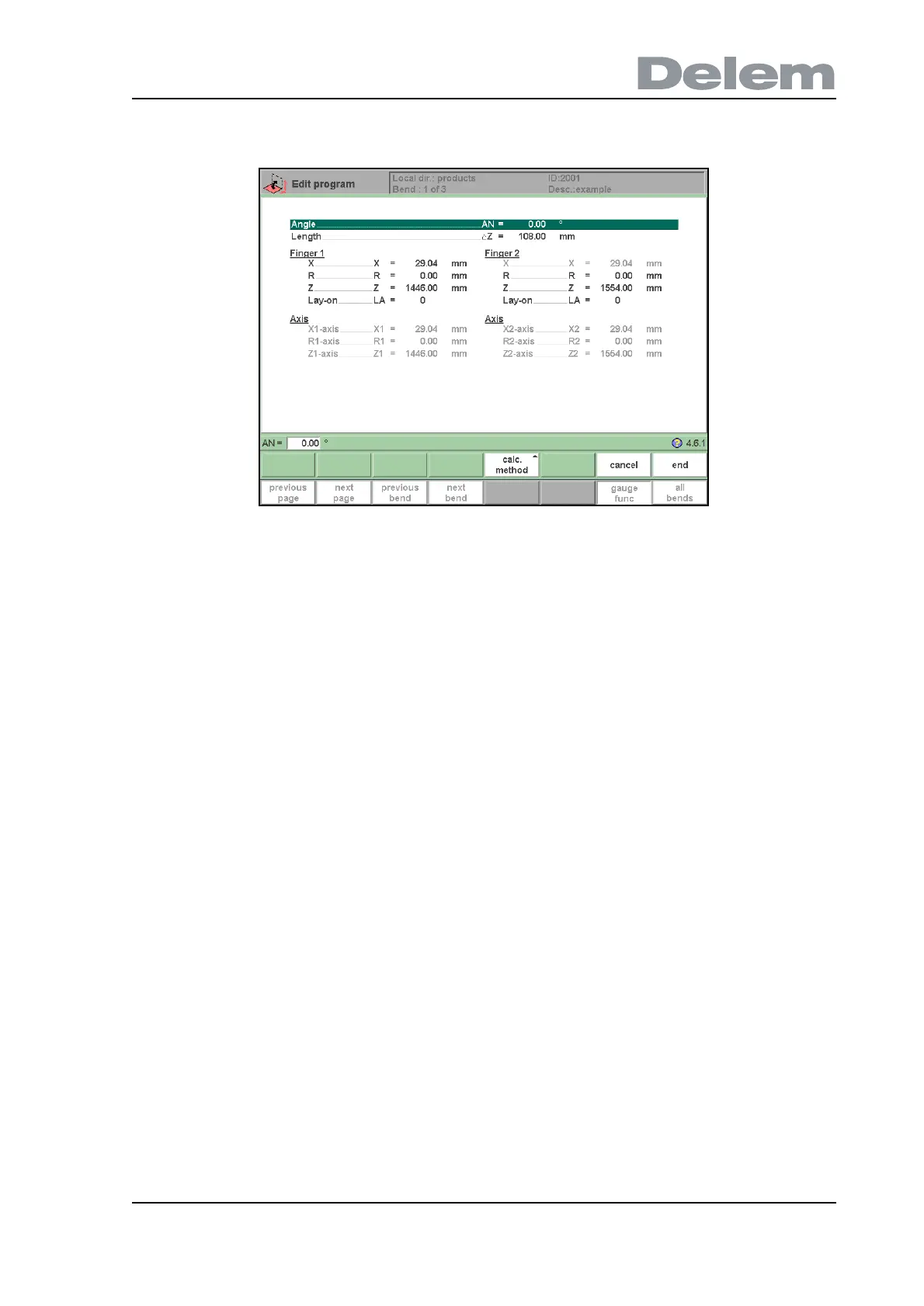
axis positions that are necessary for this bend are calculated from the programmed finger
positions.
4.e
X . . . . . . . . . . . . . . . . . . . . . . . . . . . . . . . . . . . . . . . . . . . . . . . . . . . . . ..X
The value in X-direction of the finger position for the sheet. This value can manually be
adjusted in this window, if required.
R . . . . . . . . . . . . . . . . . . . . . . . . . . . . . . . . . . . . . . . . . . . . . . . . . . . . . ..R
The height (R-direction) of the gauge position of the sheet. This value can manually be
adjusted in this window, if required.
Lay-on. . . . . . . . . . . . . . . . . . . . . . . . . . . . . . . . . . . . . . . . . . . . . . . . . .GP
With this parameter you can program another finger position for this specific bend. The
finger position you can program depends on the back gauge possibilities. Back gauge
dimensions are programmed in the menu ‘program constants’.
Lay-on = 0: no lay on (default)
Other possibilities are:
Lay-on = 1: lay on first level
Lay-on = 2: lay on second level
Lay-on = 3: lay on third level
When you program another ‘Lay-on’ the axis positions change, but the gauge position for the
sheet does not change. This means that the previous two parameters ‘R’ and ‘X’ remain the
same. See also example below.



 To Next Page