V1108, 6.13
6.q
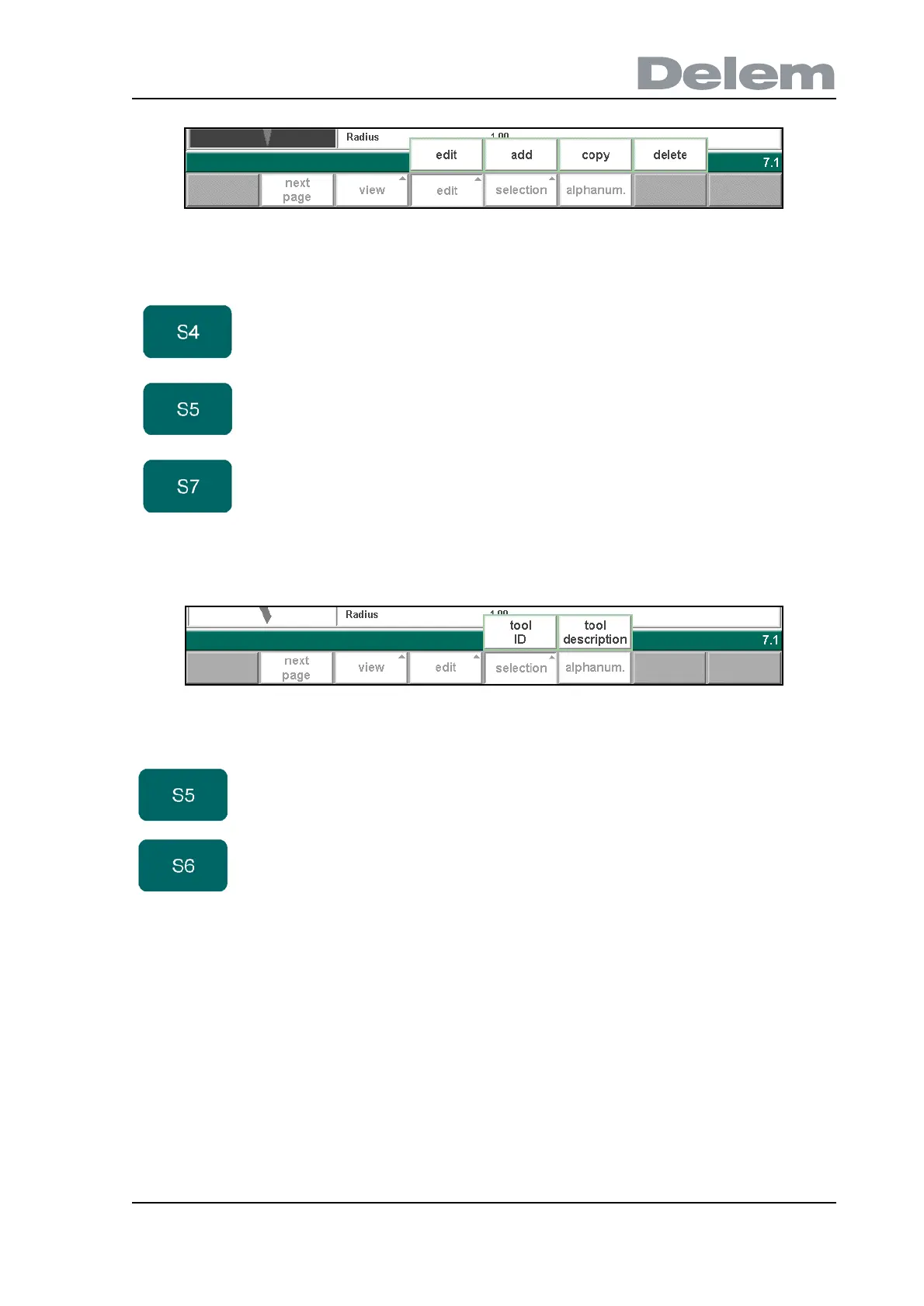
When the function key ‘selection’ has been pressed a new, temporary button bar appears with
additional function keys:
6.r
Function keys:
edit Modify the currently selected tool.
add Create a new tool and add it to the tool collection.
delete Delete the currently selected tool.
Function keys:
tool ID Tools are shown in columns with symbols and tool ID, they
are sorted on tool ID. This is the default view.
tool
description
Tools are shown in columns with tool ID and tool
description, they are sorted on the alphabetical order of
tool description.



 To Next Page