V1108, 8.3
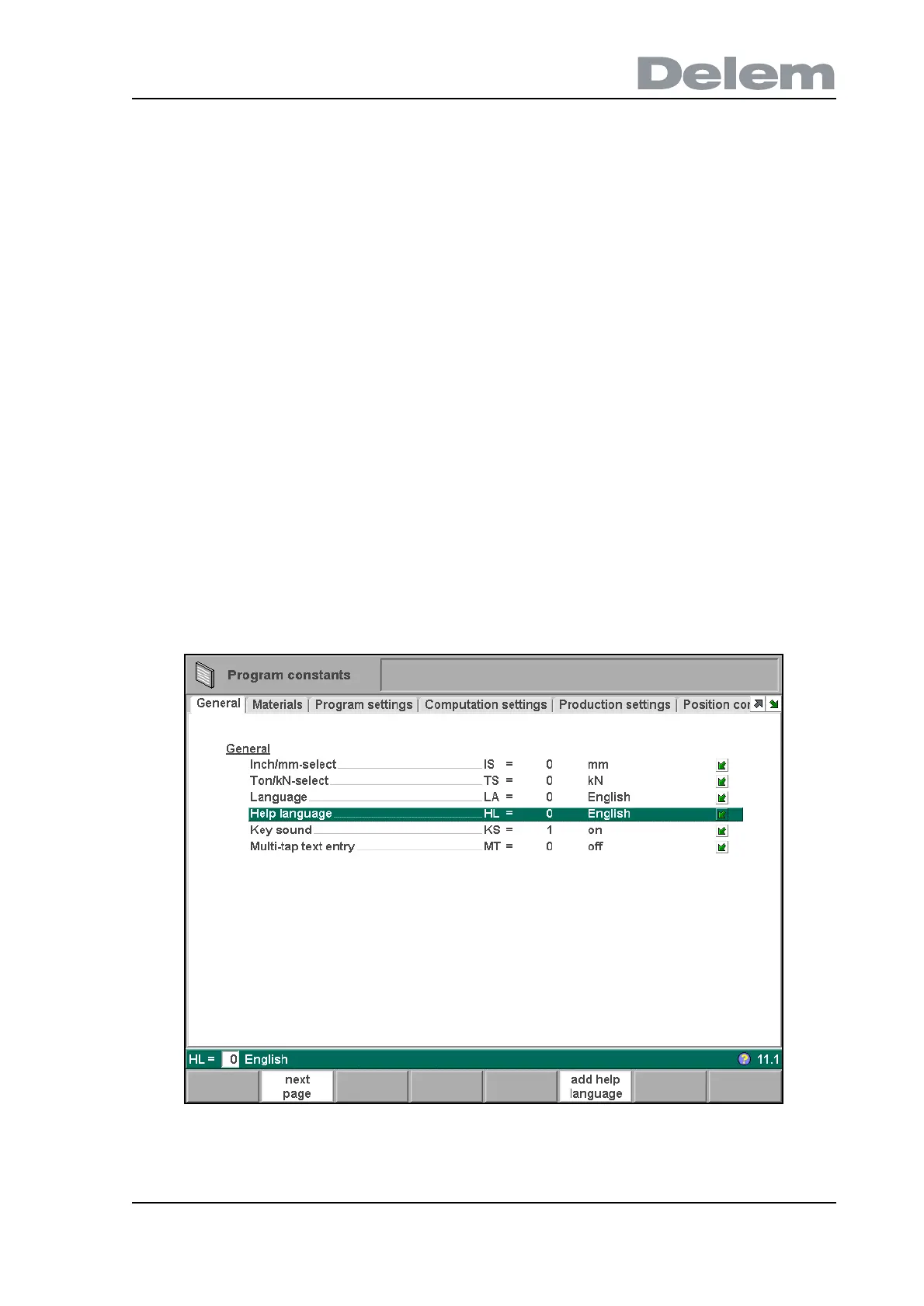
Help language . . . . . . . . . . . . . . . . . . . . . . . . . . . . . . . . . . . . . . . . . . ..HL
Select the language for the on-line Help function. By default, the Help language is set to
the same language as the user interface. If that language is not available as on-line
Help, English is chosen.
The Help function is available in the following languages:
0 = English
1 = German
2 = Danish
3 = French
4 = Italian
5 = Dutch
6 = Swedish
7 = Czech
8 = Spanish
9 = Finnish
11 = Polish
14= Turkish
17= Hungarian
18 = Romanian
21 = Chinese
When the cursor is on the parameter 'Help language', the function key 'add help language'
appears. With this function key you can install a new help language on the control. Make sure
the required help file is present on the control disk or another accessible location (network,
USB disc).
8.c



 To Next Page