V1108, 2.11
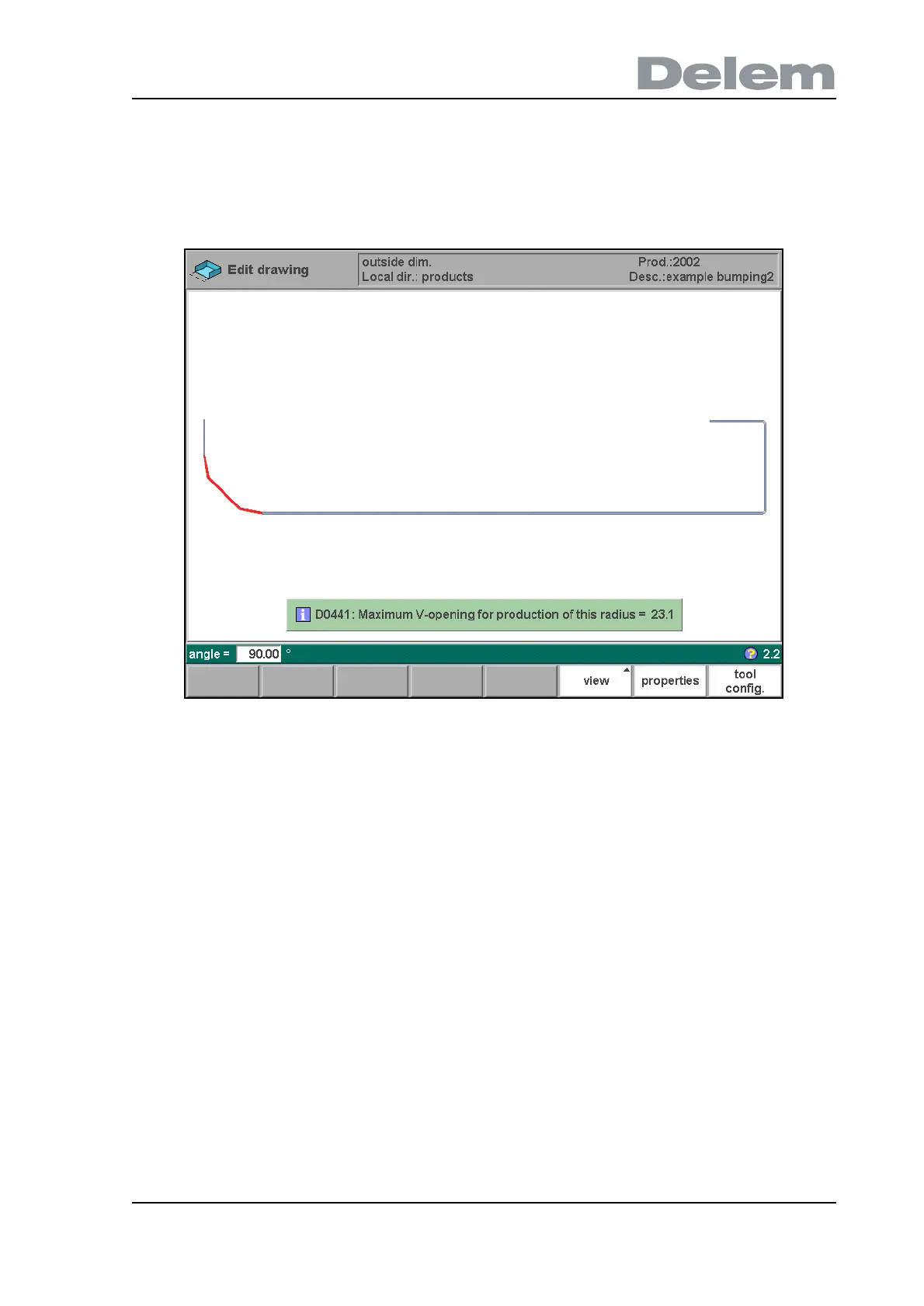
When you must program such a bend, first program a standard angle with adjacent sides.
Then put the cursor back on the angle, press the function key ‘properties’ and set the
parameter ‘Enable bumping’ to enabled. You will be prompted to program the radius and the
number of segments. After programming these parameters the radius is drawn in the product
and the maximal V-opening which can be used is displayed on the screen. This is shown in
figure 2.l.
2.l
Specification items:
Radius input:
min. value = 0.1 mm
max. value = 2500.0 mm



 To Next Page