V1108, 3.3
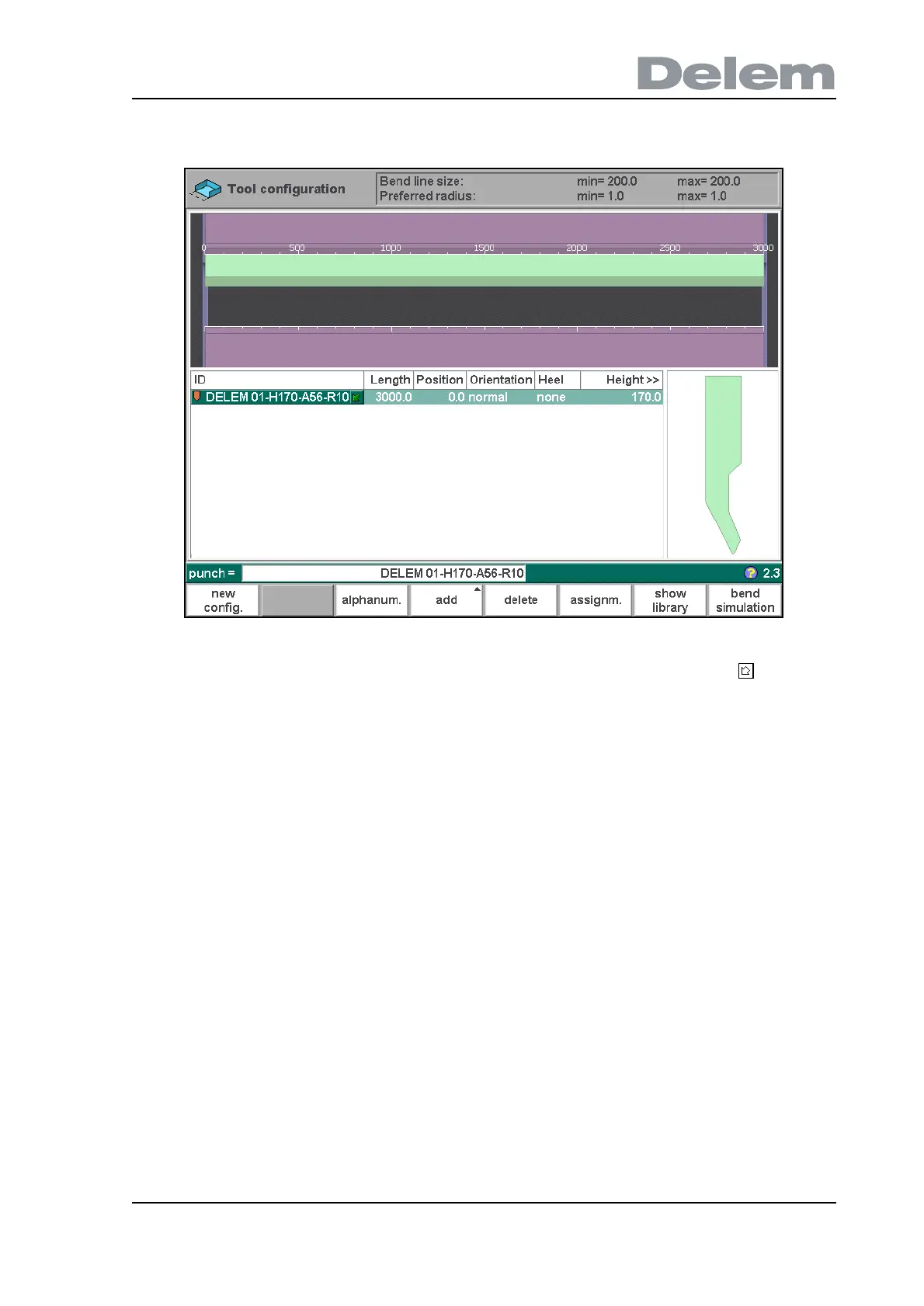
When a tool has been chosen (e.g. a punch), it is placed in the machine with maximum
available length.
3.d
After a tool is placed, the tool ID can be changed by typing an ID, by pressing the key to get
a short list of tools or by pressing the function key ‘show library’ to get an overview of available
tools. If only a part of the tool ID is typed, the control automatically offers a list of tools with the
typed characters.
To change length and position of a tool, move the cursor to the appropriate field, type a new
value and press ENTER. When the length and position are changed, the tool is ready.



 To Next Page