V1108, 3.14
3.t
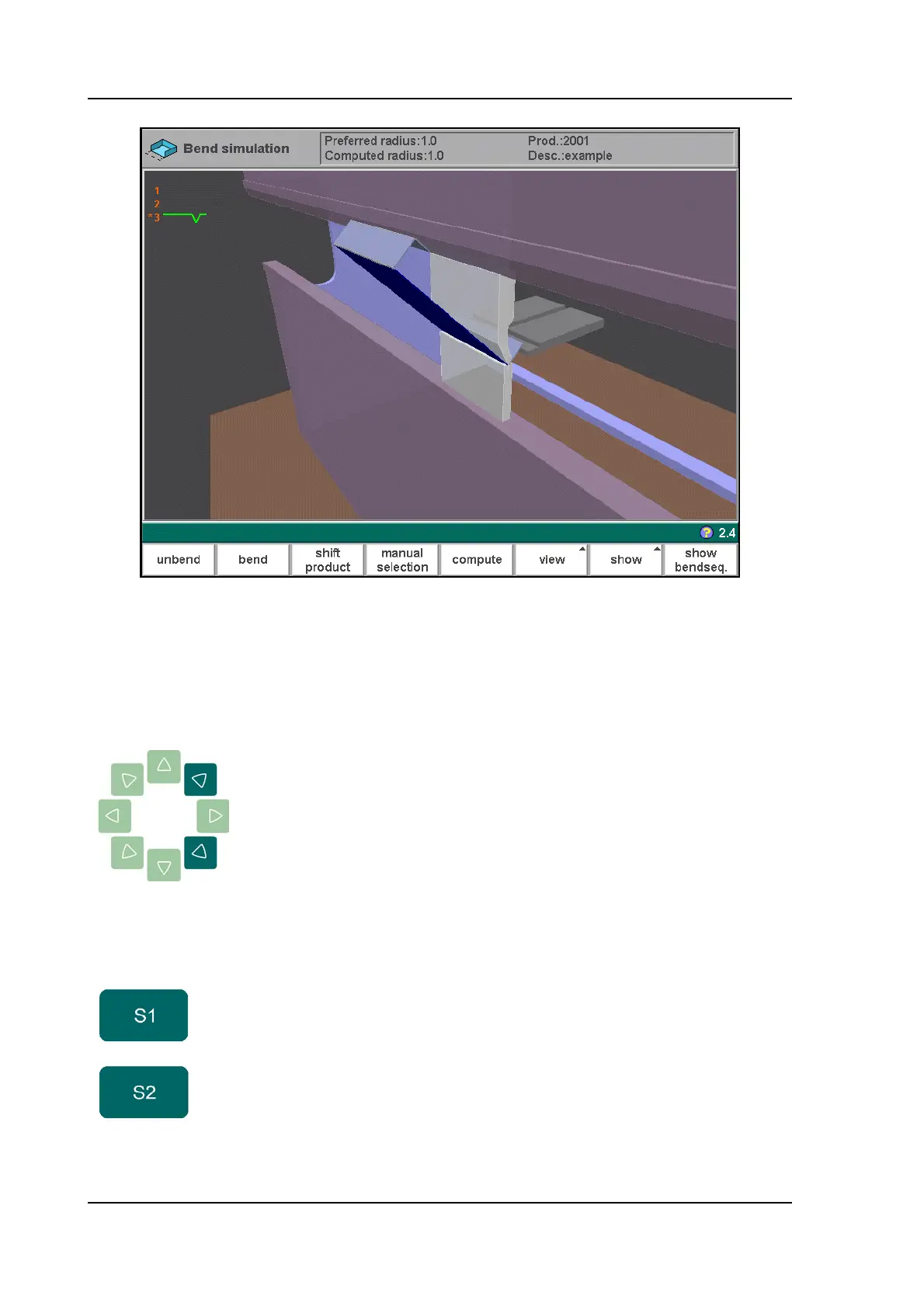
On this screen the product appears between the tools in a possible last bend position.
When starting the simulation, the product is shown in its final state. In order to obtain a bend
sequence, the product must be unfolded from the last bend to the first. This can be done with
the available function keys.
The product can be zoomed in or out with the cursor
keys.
Function keys:
unbend Unbend the currently shown bend or start searching for
the next feasible bend to unfold.
bend Bend the product in the simulation screen or switch to
the next bend step.



 To Next Page