V1108, 6.2
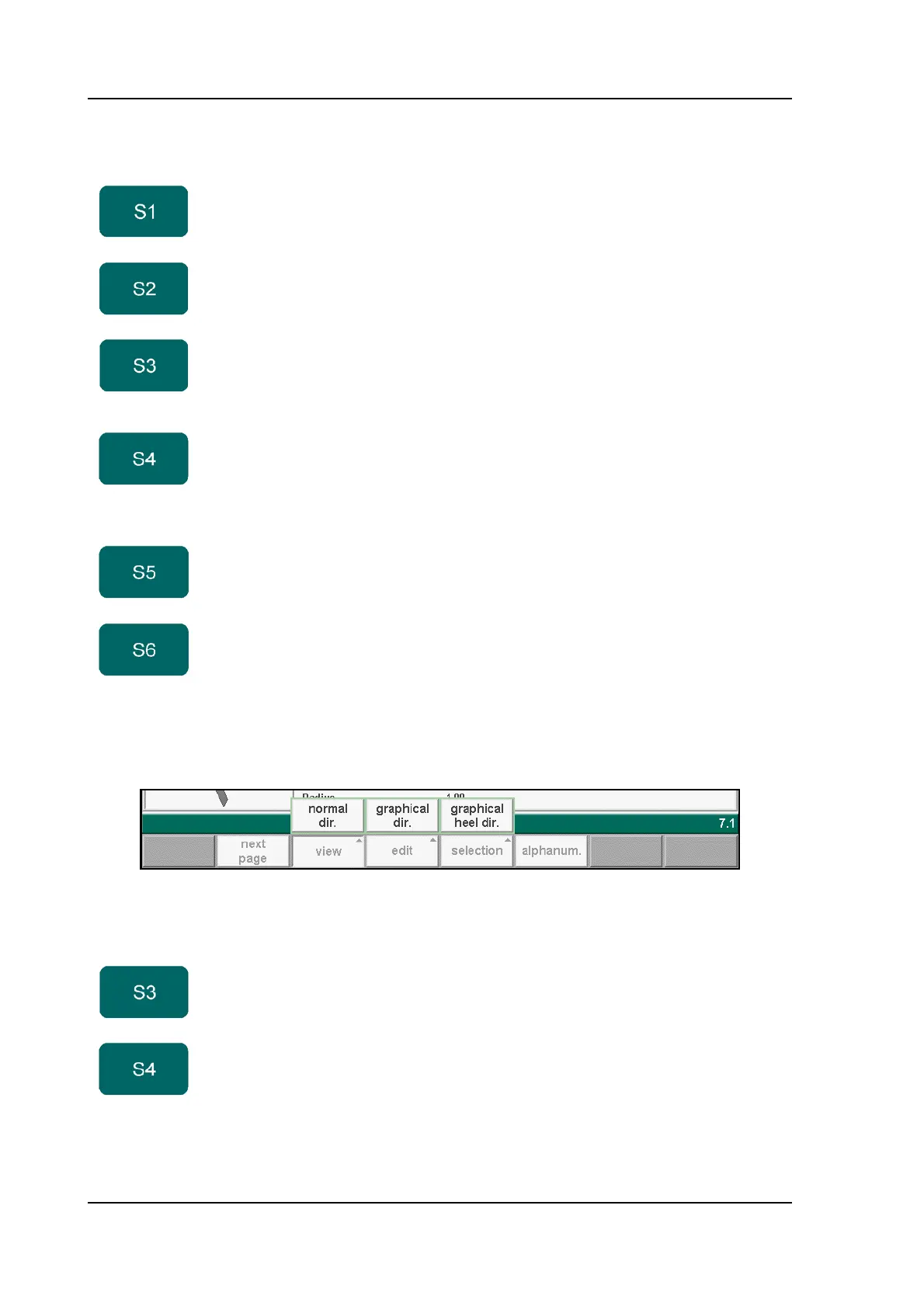
When the function key ‘View’ has been pressed a new, temporary button bar appears with
additional function keys:
6.b
The other function keys cannot be selected here, until one of these three function keys has
been chosen. The temporary bar will disappear again.
Function keys:
previous
page
To select a previous page within the several pages of the
punch library.
next page To select the next page within the several pages of the
punch library
view Select one of the possible viewing modes:
- normal dir.
- graphical dir.
- graphical heel dir.
edit Edit the tool library with one of the following commands:
- edit
- add
- copy
- delete.
selection Button to select one of the possible viewing modes:
- tool ID
- tool description
alphanum. Select an alphanumeric character after typing. The
possible characters are displayed on the front panel key.
Only possible at relevant parameters.
Function keys:
normal dir. Select the normal view of the tool collection. This is the
standard setting.
graphical
dir.
To get a graphical overview of the tools as available in
the library including main dimensions of the tool.



 To Next Page