Setting the Engraving Parameters
Procedure
A
Start Dr. Engrave Plus.
If engraving data is already opened, proceed to step
E
.
B
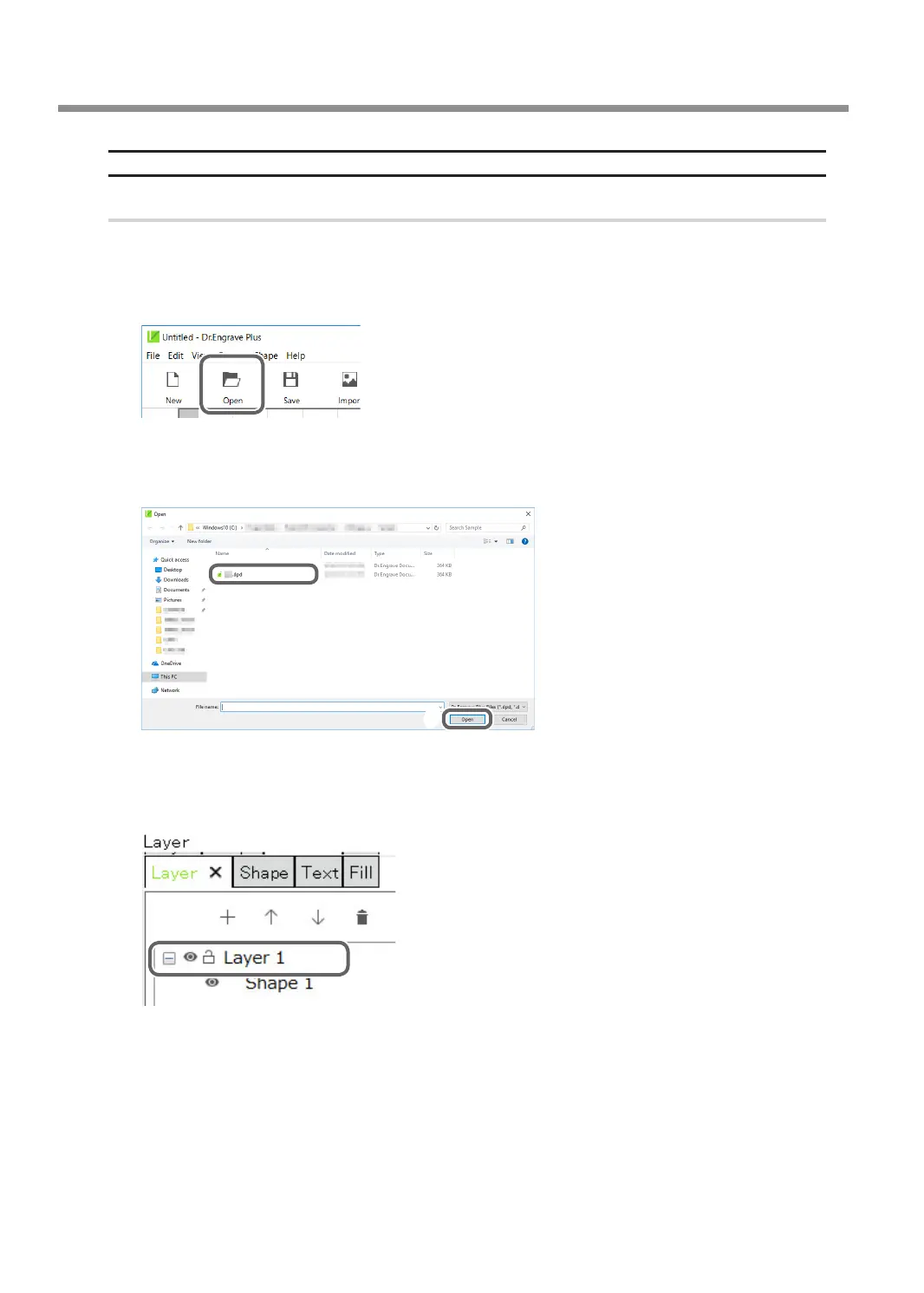
Click [Open].
C
Select the data to engrave.
D
Click [Open].
C
D
E
Click the shape you are going to engrave.
F
Double-click the layer on which the shape to engrave is drawn on the [Layer] panel.
Using Various Tools
102
Chapter 5 Various Engraving Methods



 To Next Page