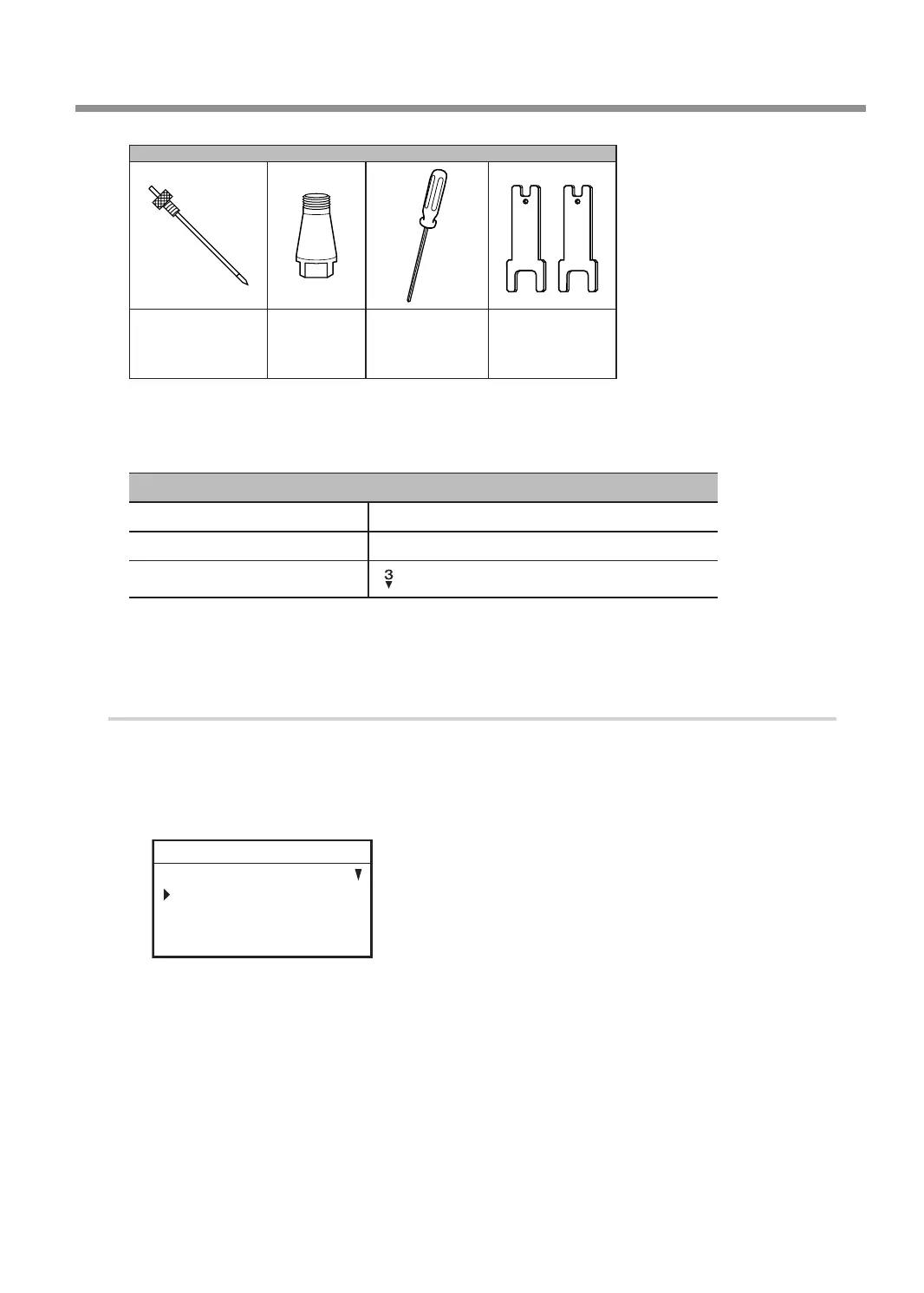
Items used in this procedure
Character cutter
or
parallel cutter*
Solid collet*
Hexagonal
screwdriver
Wrenches (2)
* Optional item
** There are two types of solid collets. Use a solid collet that ts the diameter of the cutter that will be used. The
collet for ø4.36 cutters is an optional item.
Settings for this machine
Automatic Z control OFF
Spindle rotation ON
Lock lever position
Before performing the procedure in this section, complete the following operations.
" P. 38 "Setting the Workpiece"
" P. 39 "Step 2: Setting the XY Origin"
1.
Make the settings for Z-axis control.
A
If the front cover is open, close it.
B
Press [ENTER/PAUSE].
C
Press [MENU] several times to display the following screen.
SETTINGS
OPERATING MODE
SPINDLE REVOLUTION ON
AUTO Z CONTROL OFF
012345678901234567 READY
D
Turn the [Dial] and select [AUTO Z CONTROL].
Using Various Tools
105
Chapter 5 Various Engraving Methods



 To Next Page