MightyMo/MiniMo User’s Guide 2-11
Part # 400030-C
Battery Information and Care Chapter 2: Hardware
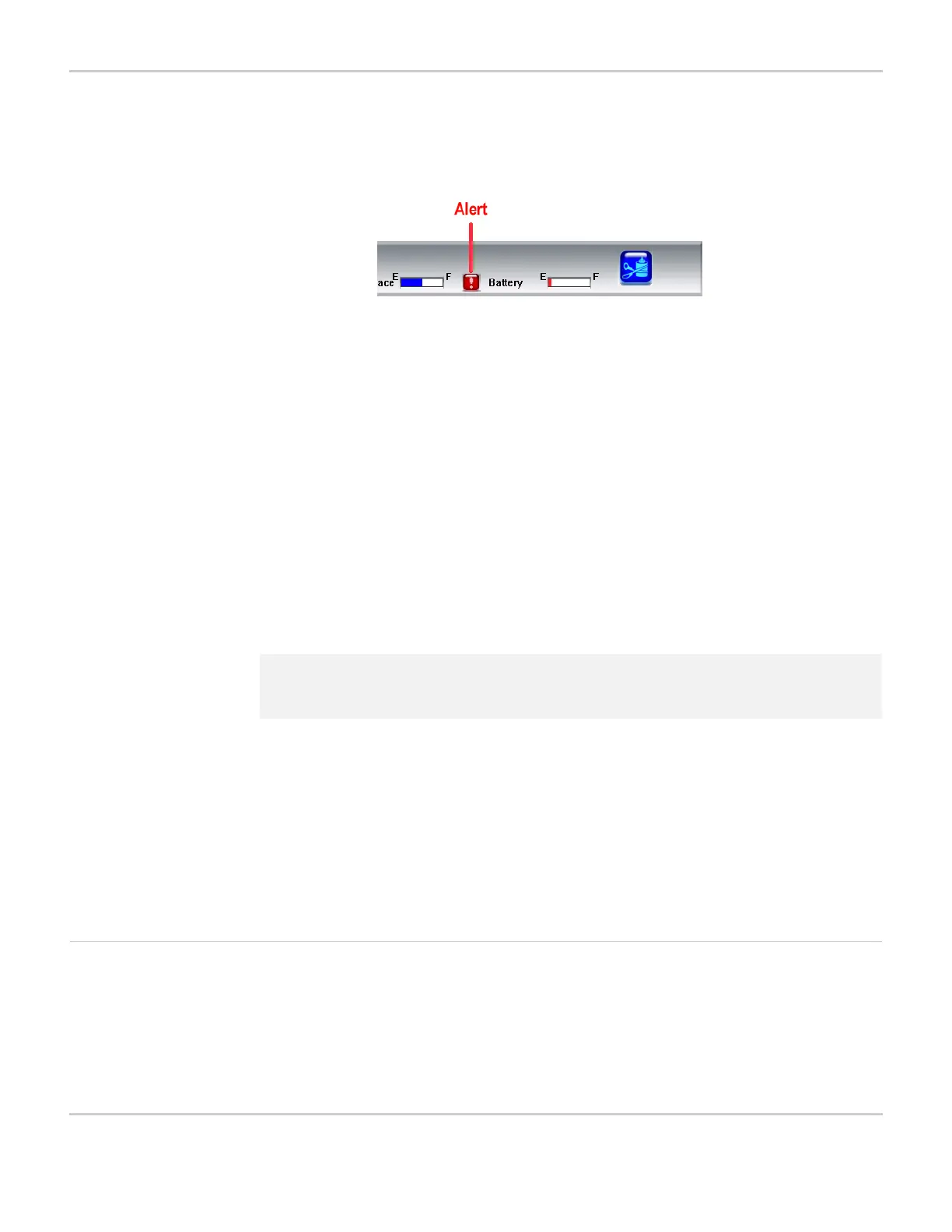
recharge the battery as soon as possible. The alert will remain until
the battery is recharged.
LOW BATTERY ALERT IN TITLE BAR
When the battery runs out of power, the device will automatically shut
down without any warning. Your MightyMo/MiniMo device will attempt
to save your most recent programming before automatically shutting
down. However, this process is not guaranteed. It is recommended
that you charge the battery as soon as the low battery alert is
displayed in the title bar to avoid losing any programming.
To charge the device’s battery, follow these steps:
1. Connect the two pieces of the DC adapter/charger.
2. Plug the adapter into an electrical outlet.
3. Shut down your device.
4. Plug the charger jack into the charger port on the right side of your
device.
The amber LED to the right of the touch screen will light up while the
device is charging. You can turn the device back on while it is
charging. The light will go out when the battery is fully charged. It will
take approximately nine hours for the MightyMo battery to fully
charge. The MiniMo battery can be fully charged in about six hours.
When the battery is completely charged, the LED will go out.
Calibrate the Battery The battery gauge in the Battery Info menu may occasionally lose
accuracy and be mismatched with the actual power remaining in the
battery. If it appears that the battery gauge is not accurately reflecting
the actual amount of available battery power, it may need to be
calibrated.
2 Note: It is the recommended practice to charge your device overnight.
Doing so will not damage the charger or the device.



 To Next Page