MightyMo/MiniMo User’s Guide 2-19
Part # 400030-C
USB Storage Devices Chapter 2: Hardware
USB STORAGE DEVICES
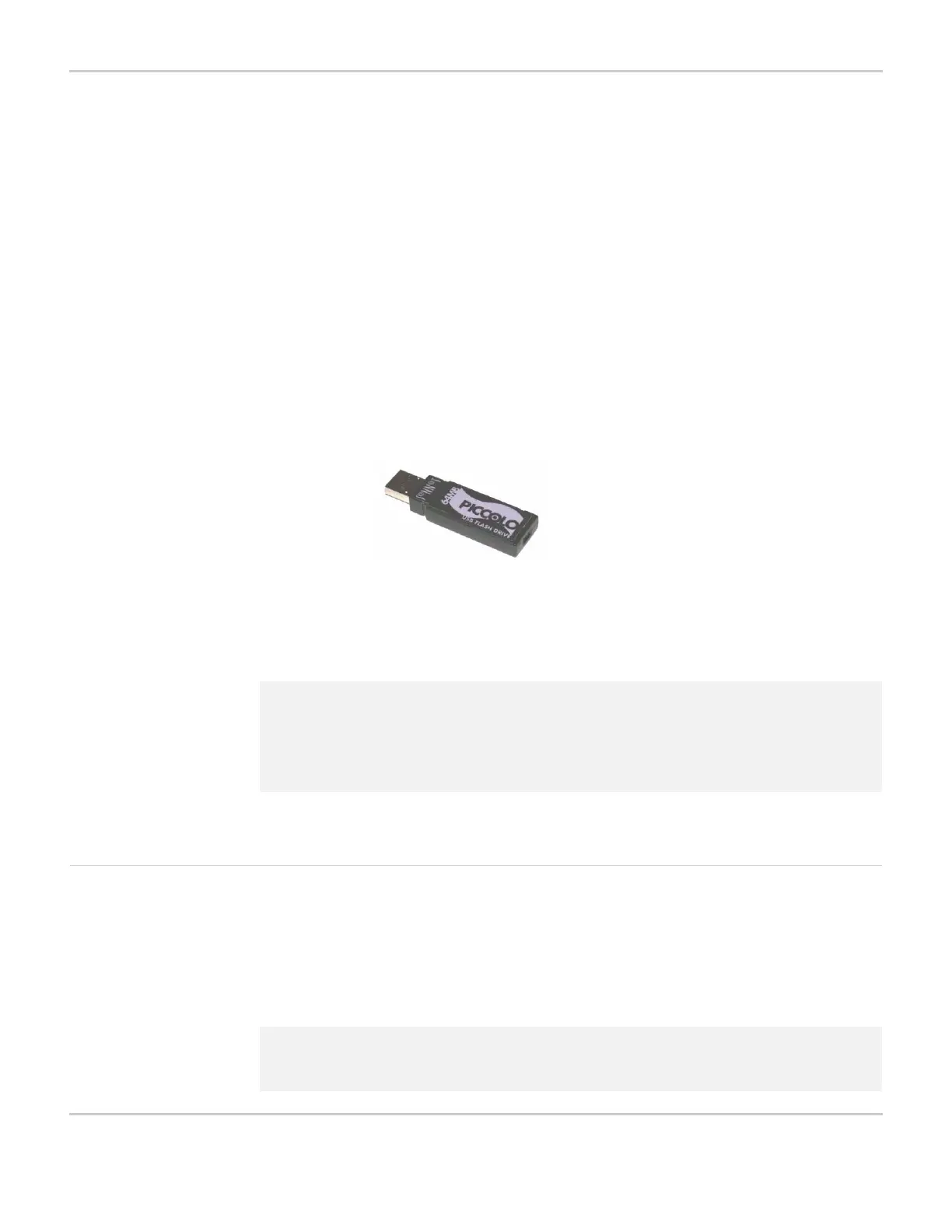
All MightyMo/MiniMo devices are shipped with a removable USB
storage device, also known as a “flash drive” or “USB drive.” You can
use the USB storage device for the following file-sharing activities:
• Sharing files between a computer and your MightyMo/MiniMo
device, or between two MightyMo/MiniMo devices (see Chapter
11: Sharing Pages & Packages)
• Storing backup copies of your MightyMo/MiniMo device system
files, and restoring your device using backup files (see Chapter
12: Backing Up, Restoring & Upgrading)
• Upgrading the software your MightyMo/MiniMo device (see
Upgrading Using a USB Storage Device on page 12-11)
USB STORAGE DEVICE
The right side of your MightyMo/MiniMo device provides two ports for
connecting USB storage devices (see Right Side of Device - Port
Locations on page 2-5).
Format a USB Storage
Device
The USB storage device that you received from DynaVox has already
been properly formatted to work with your MightyMo/MiniMo device.
You may purchase an additional USB storage device (also called a
“flash drive” or “USB drive”) at most computer electronic retail stores.
2 Note: When connected to your device, a USB storage device will appear
as UMS_FOLDER in the left viewport when you are sharing files.
Refer to Chapter 11: Sharing Pages & Packages or Chapter 12:
Backing Up, Restoring & Upgrading for instructions that show
this naming convention.
2 Note: DynaVox MightyMo/MiniMo devices will not work with USB storage
devices that are larger than 256 MB.



 To Next Page