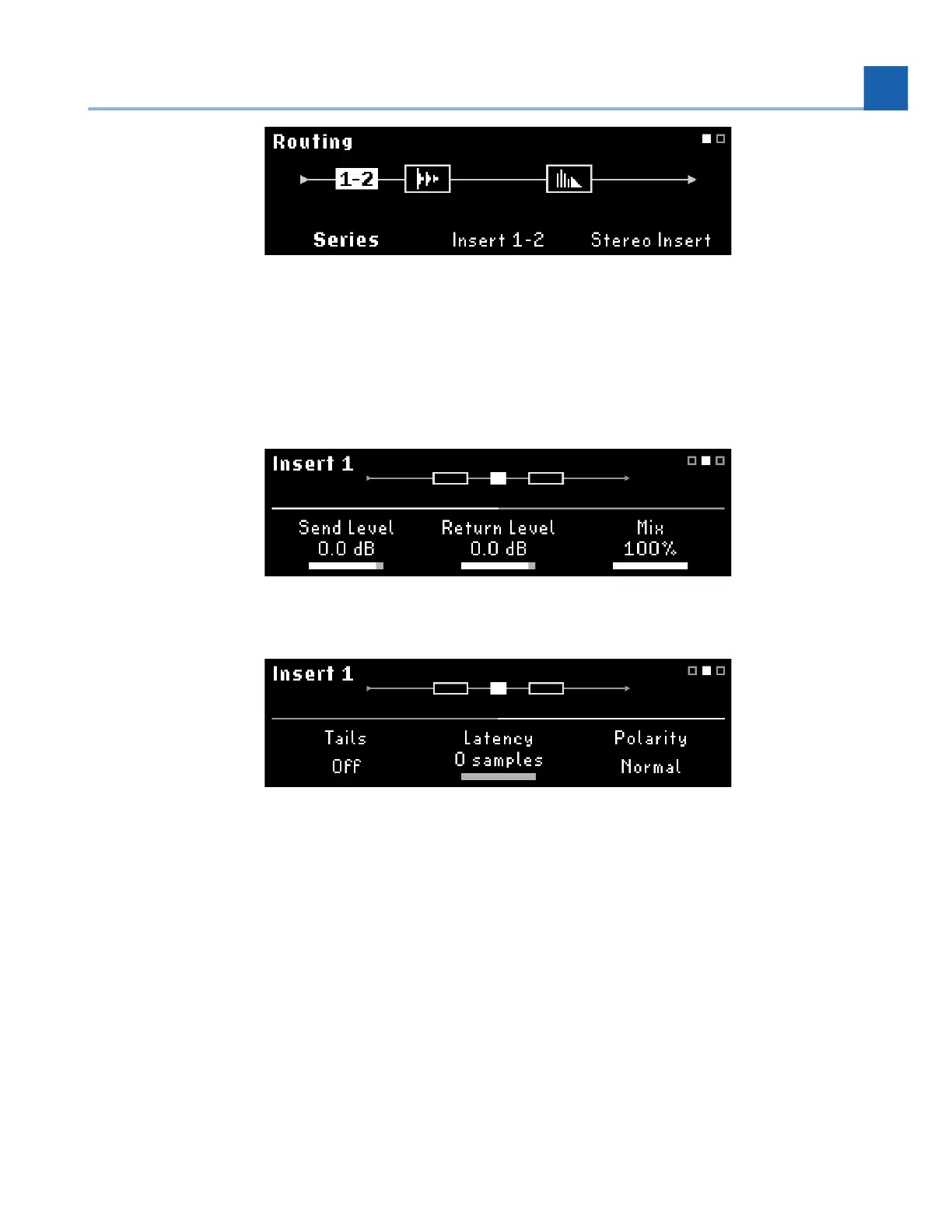
Fig. 6.12 Insert routing in Series with one stereo Insert
Each Insert has its own set of parameters: Send Level, Return Level, Mix %, Tails, Latency (from 0 samples
to 512 samples), and Polarity (Normal/Inverted). Press the Routing Button or turn the Select Knob to
scroll through the parameters.
Fig. 6.13 Page 1 of the Insert parameters
Fig. 6.14 Page 2 of the Insert parameters
Turn Tails on to allow the inserted device’s effects to trail off naturally when bypassed. Turn Tails off to
mute the insert immediately when bypassed.
6. EDIT MODES














 To Next Page