FT-111, User Manual Rev. 2.0.0, June 2022 Page 121 of 137
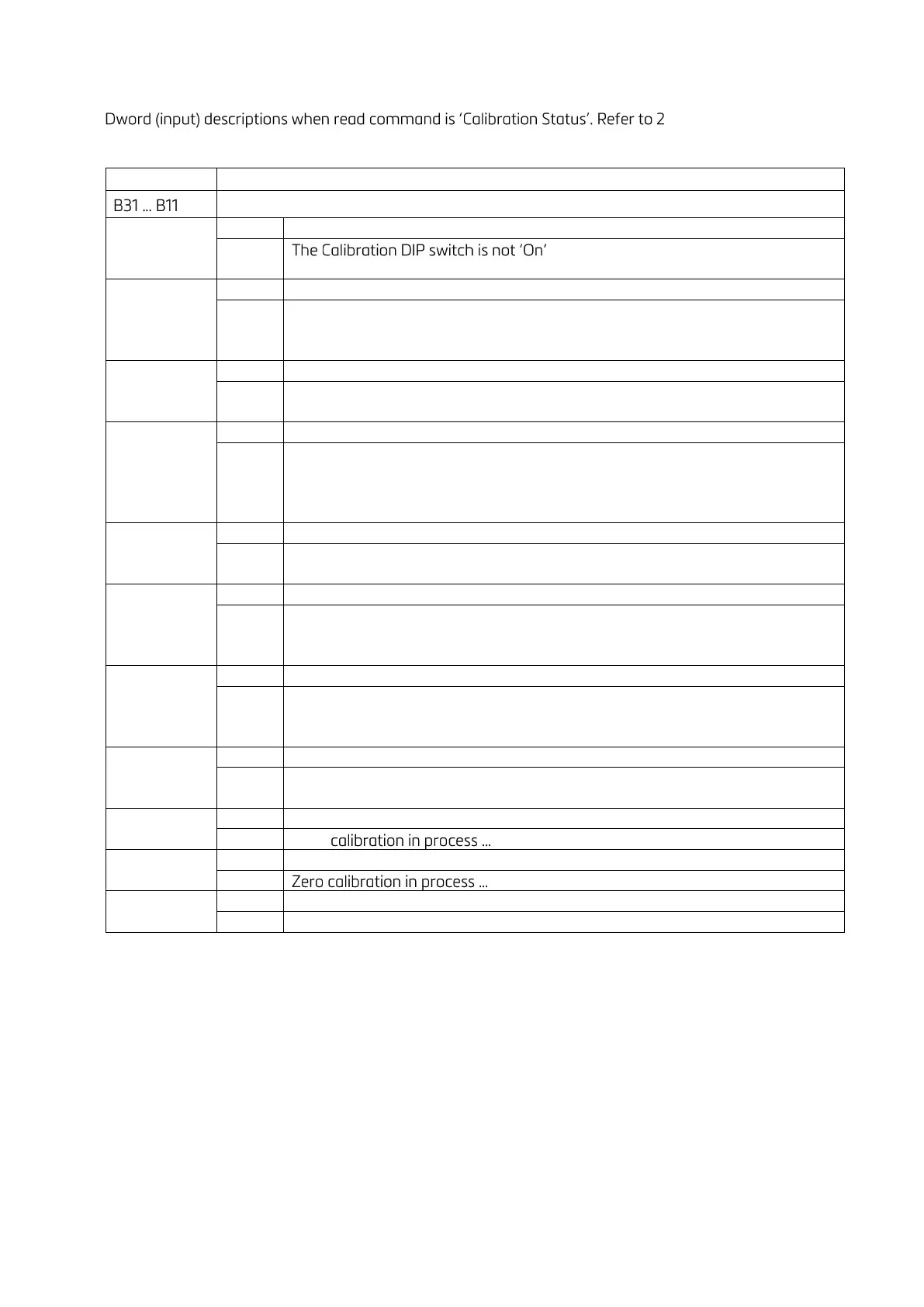
Calibration Status (always 32 bit integer)
1
st
nd
Dword of PLC Output to
FT-111 Input
1st Dword (input) Description
position.
- Check the calibration DIP switch.
Scale unstable
- Wait until scale become stable
- Check grounding wiring
Calibration load value entry Error
- Test weight is too small. Increase the weight
Calibration Error
- Calibration loading is not enough
- Check test weight loading
- Check load cell connections
Instrument cannot be calibrating
- Load cell signal is very low or too high
Instrument cannot be calibrating
- Check load cell cable
- Re-energize the instrument
ADC Error
- Re-energize the instrument
- If seen again, change the board.
Calibration Timeout
- Restart calibration
Not ready for calibration
Table 12-3 - Calibration status



 To Next Page