▶
Remove the two screws (see circles).
Figure 236: Removing the COP (B)
▶
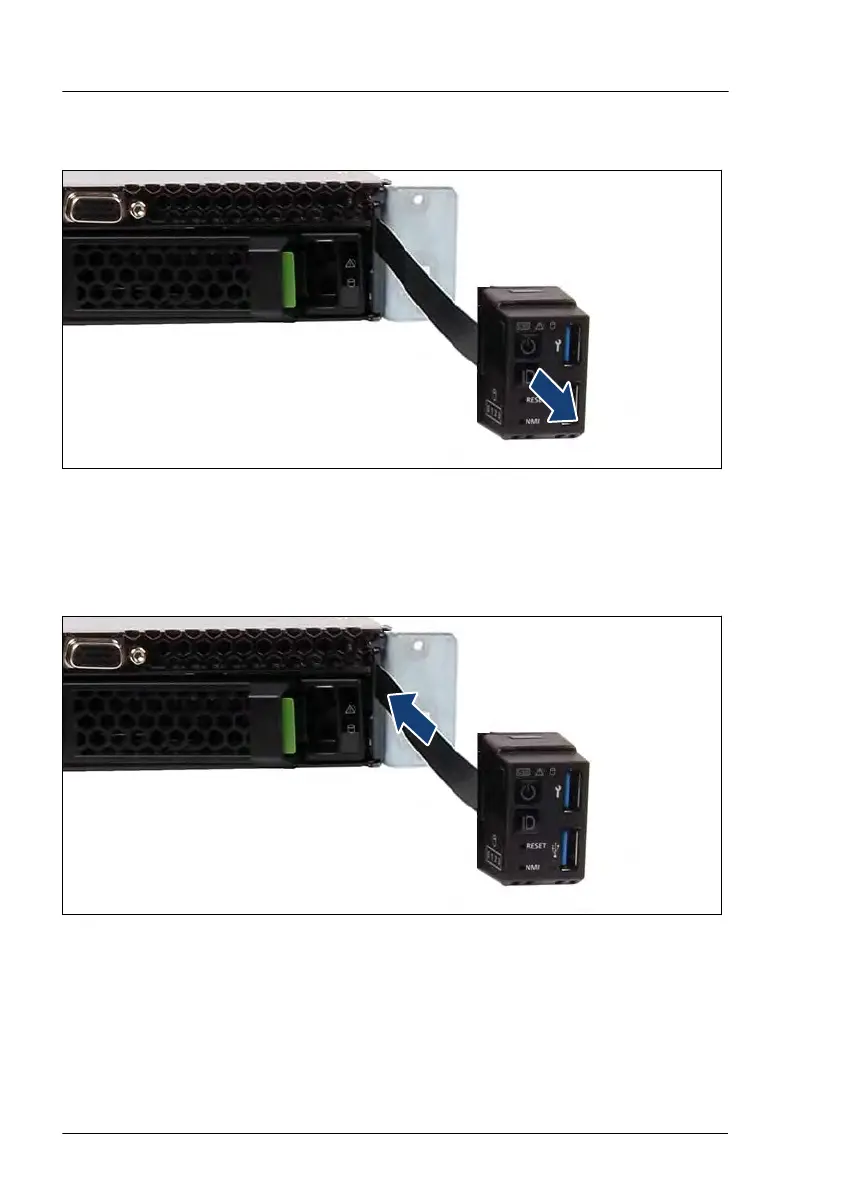
Pull the COP together with the front panel cable out of the opening.
Installing the COP
Figure 237: Installing the COP (A)
▶
Thread the front panel cable through the opening.
▶
Position the COP on the ear
.
Front panel
328 Upgrade and Maintenance Manual RX2530 M6


 To Next Page
 Loading...