Chapter 7 Device Configuring Using EMS Multiplex & Decoding Outputs
© 2012 Harmonic Inc. 119 ProView 7000 v.2.6, Rev. E
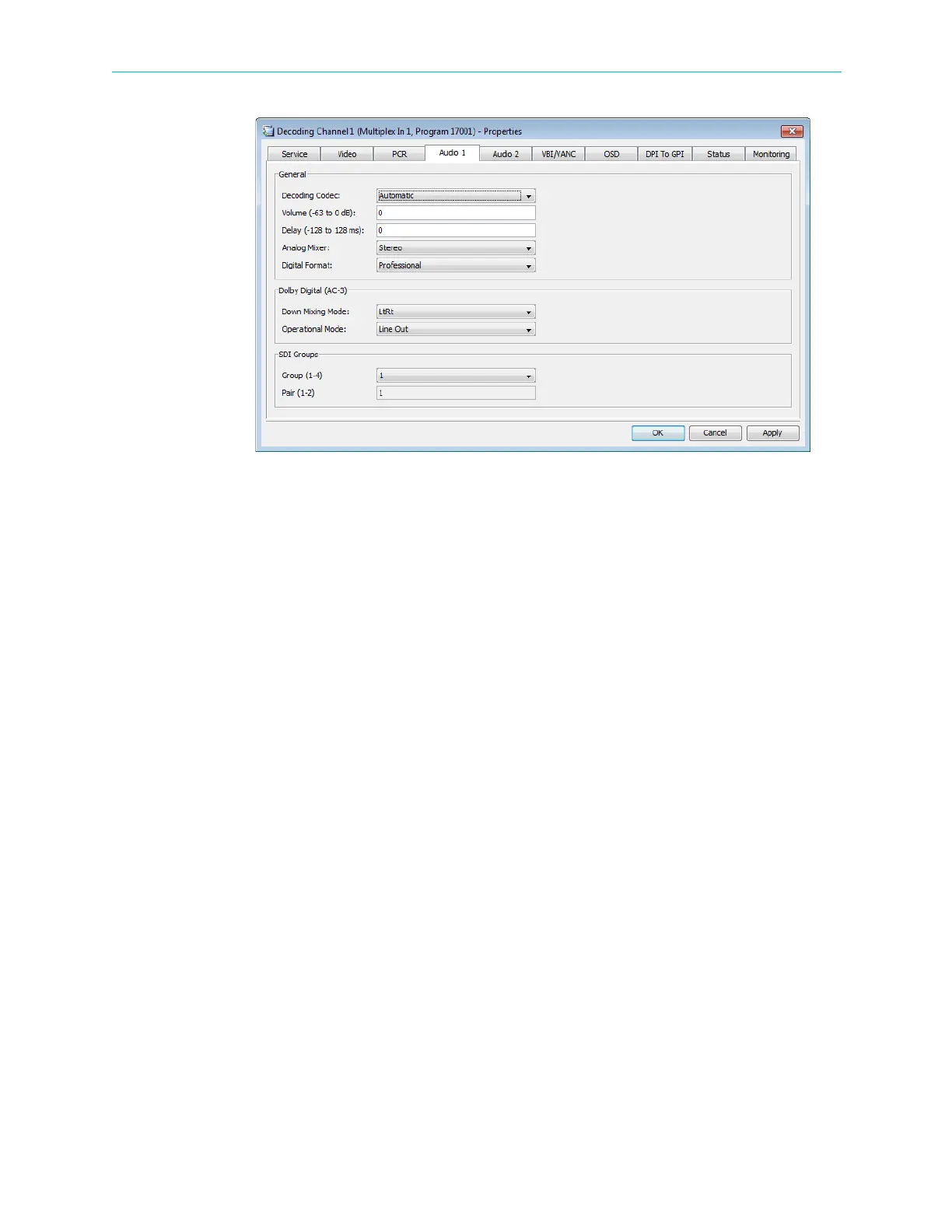
Figure 7–18: Decoding Channel Properties – Audio tab
Dolby Digital (AC-3) processing parameters:
■ Down Mixing Mode – selects the mixing mode for the output.
Options:
❑ LoRo
❑ LtRt
■ Operational Mode – selects the mode of operation for Dolby Digital processing.
Options:
❑ Custom 0
❑ Custom 1
❑ Line Out
❑ RF Remod
SDI Groups – Audio 1 is always the first pair of channels in a group and Audio 2 is always the
second pair of channels in a group:
❑ Group – There are four groups to choose from. The default is group 1.
❑ Pair – Cannot be changed.



 To Next Page