9
Operation (via the HERMA 400 control) Operating instructions HERMA 400
102/154 3.28 US (130519)
9.4 Overview display structure HERMA 400
Standby / Ready
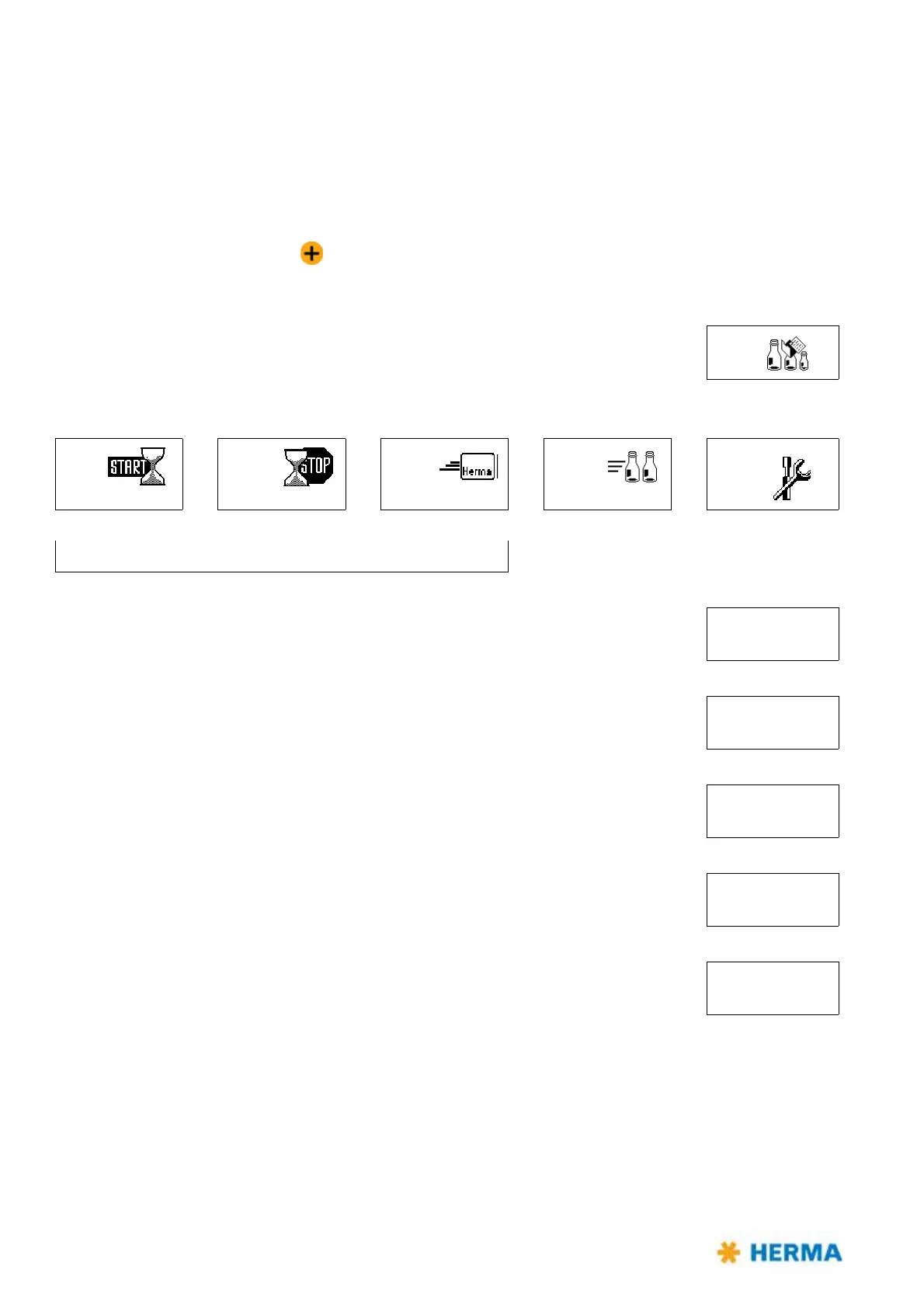
Quick menu:
Format loading
...optional,
i
f activated...
004
Start delay
Stop delay
Label speed Product speed Configuration
010
020
030
035
090
previously: potentiometers Password
...printer, master encoder...
100 Basic data
...pivot beak, moving beak...
200 Transfer data
...Format administration...
400 Format
...Using a batch counter...
500 Batch
...rotate display, language...
900 System



 To Next Page