9
Operation (via the HERMA 400 control) Operating instructions HERMA 400
98/154 3.28 US (130519)
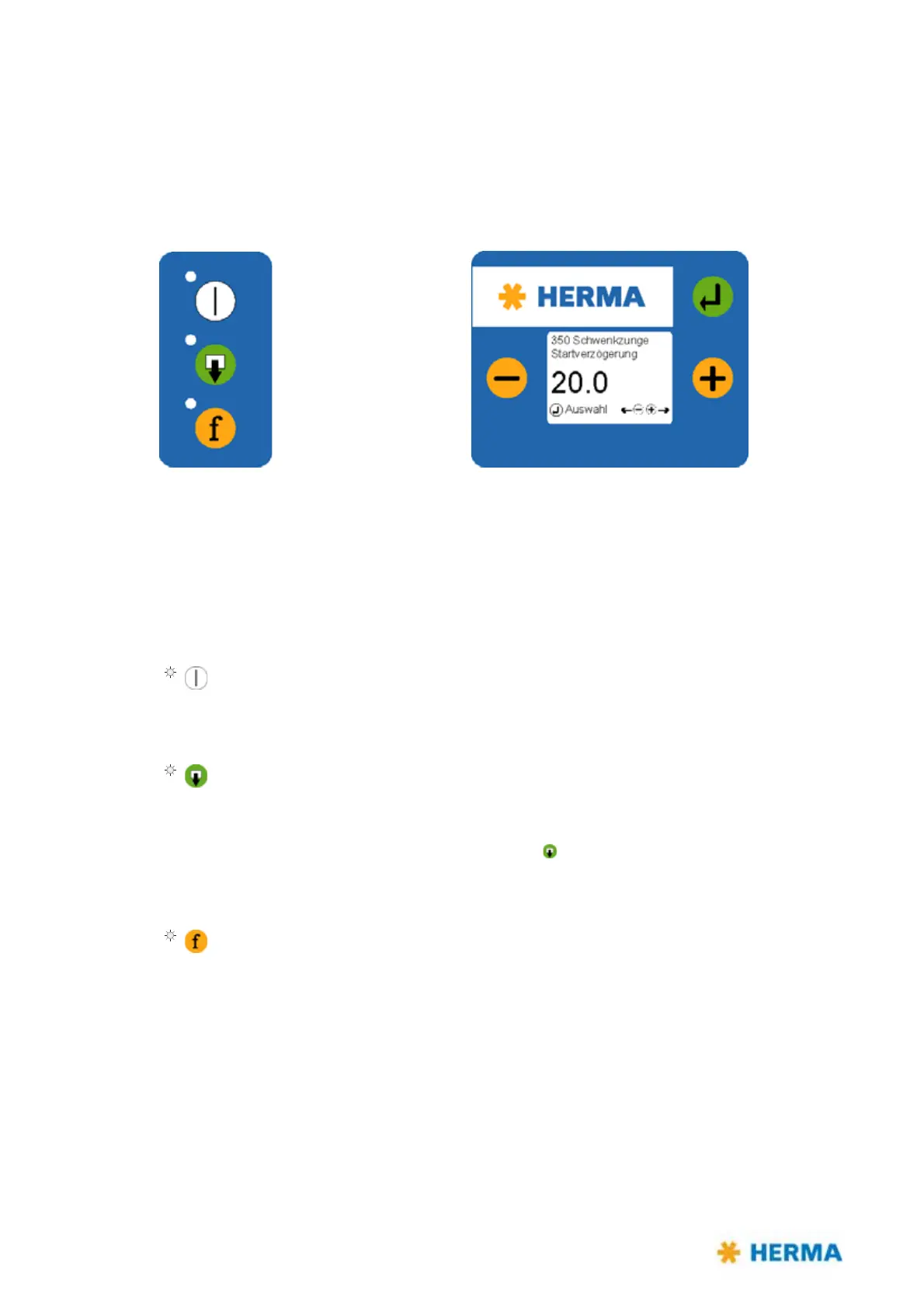
9.1 Design (keypad and display)
Applicators HERMA 400 are operated via the keys of the key pad and the display. The display allows
entry and adjustment of applicator parameters. Basic values, such as e.g. the start delay of the
applicator, may be set either here or as well via optional potentiometers (in an external housing or in
the control box).
Key pad
Keys of the key pad have the following function (provided the applictor is not connected to a PLC; in
that case the functions of the keys may be disabled. See the respective remark.):
Applicator ON/OFF
The LED of the key is on if the drive is ON.
(Function available if not jumper „Remote“ is set on X27. In that case switching on/off would
be effected via pin X10.6)
Manual feeding
You can manually feed a label by pressing th
is key.
Important: When in
serting a new label reel always dispense at least two
labels manually with the help of the key
!
(Function available if jumper „Feed“ is set on X27. If the jumper is not set feeding can be
effected via external signal only)
Function key
There are several functions for this key (see following table).



 To Next Page