11
Troubleshooting Operating instructions HERMA 400
150/154 3.28 US (130519)
11.6.2 Ship the drive unit
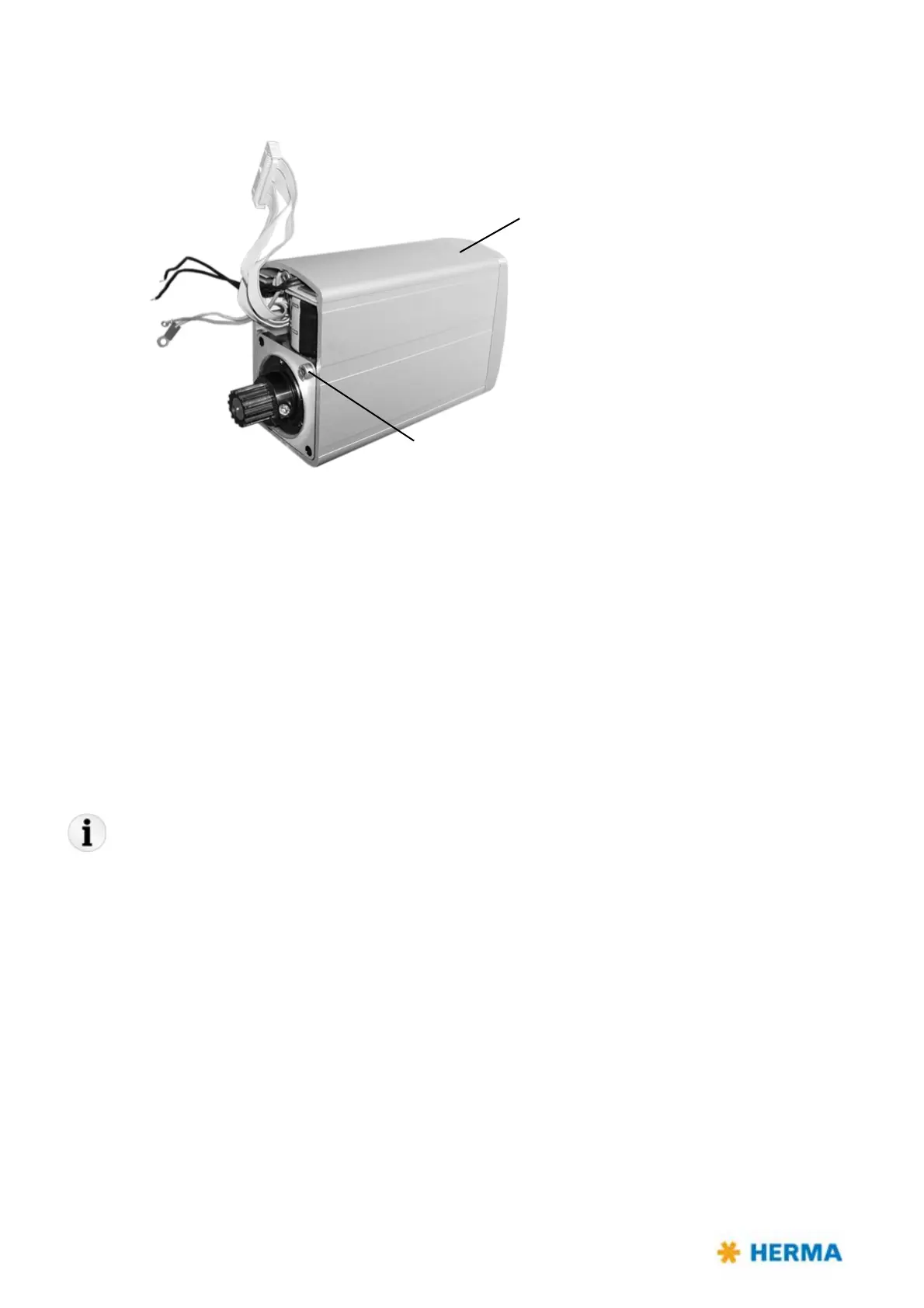
> Secure the motor with the help of at least one screw (M4) in the housing of the drive unit.
> Make sure to pack the drive unit such that it is non-slip and well padded.
> Send the drive unit to be replaced to the Technical Service of HERMA GmbH with giving the reason
fo
r return.
The address you will find in section 11.7.
11.6.3 Mount the drive unit
As the case may be, firstly remove the transport lock of the drive unit.
For mounting the drive unit fasten all components that were loosened, as described in section „11.6.1
Remove the drive unit“ , with proceeding in reverse order.
You can call up an animation in our service portal herma.com/machines , item "Startup/How to?", that
illustrates this procedure.
Also the required firmware update will be explained i
n the service portal by an animation, this being
the case for the applicator as well as for the winder units.
11.7 Technical Service
Central office
Technical Service
HERMA GmbH
D-70791 Filderstadt
Telephone +49 (0)711 7702 551 / +49 (0)711 7702 777
service-machines@herma.com
service-maschinen@herma.com
Drive unit
Transport lock!



 To Next Page