9
Operating instructions HERMA 400 O
PERATION (VIA THE HERMA 400 CONTROL)
3.28 US (130519) 103/154
9.5 The display’s Quick Menu
As soon as the key is pressed while the basic display image is shown all parameters and submenus
of the so-called Quick Menu are shown. In this Quick Menu you will find the basic values for the
applicator’s start delay, the labels’ stop delay, the applicator’s speed, as the case may be the
product’s speed, and the configuration menu with further parameters.
Navigation
The last line of a (standard) parameter entry is made up as follows:
Select
Change between parameters with the keys and , in both directions (i.e. from the last entry with
to the first one, or with from the first entry to the last one).
The key calls up the edit mode (for modifying values).
Edit mode
After pressing the enter key (calling up the edit mode) the last line changes as follows:
Edit OK
In the edit mode values are increased or decreased with the help of the keys and . With Quick Menu
parameters changes are effected immediately so that the effect of the change can be checked for
without any delay. If no key is pressed for two minutes the basic display image (see above) is shown
and the value that was used last is kept set. With all other parameters changes are discarded if no key
is pressed for two minutes.
Before two minutes have passed without any keypress the key saves the (modified) value and
shows the original parameter entry. Normal navigation is active.
Modification of a value after pressing the enter key is symbolized by showing a graphical OK symbol
(light tick in black circle) for a short moment.
Pressing the function key (several times) will leave the parameter entry or the edit mode (with any
changes discarded) and the basic display image (see above) is shown.
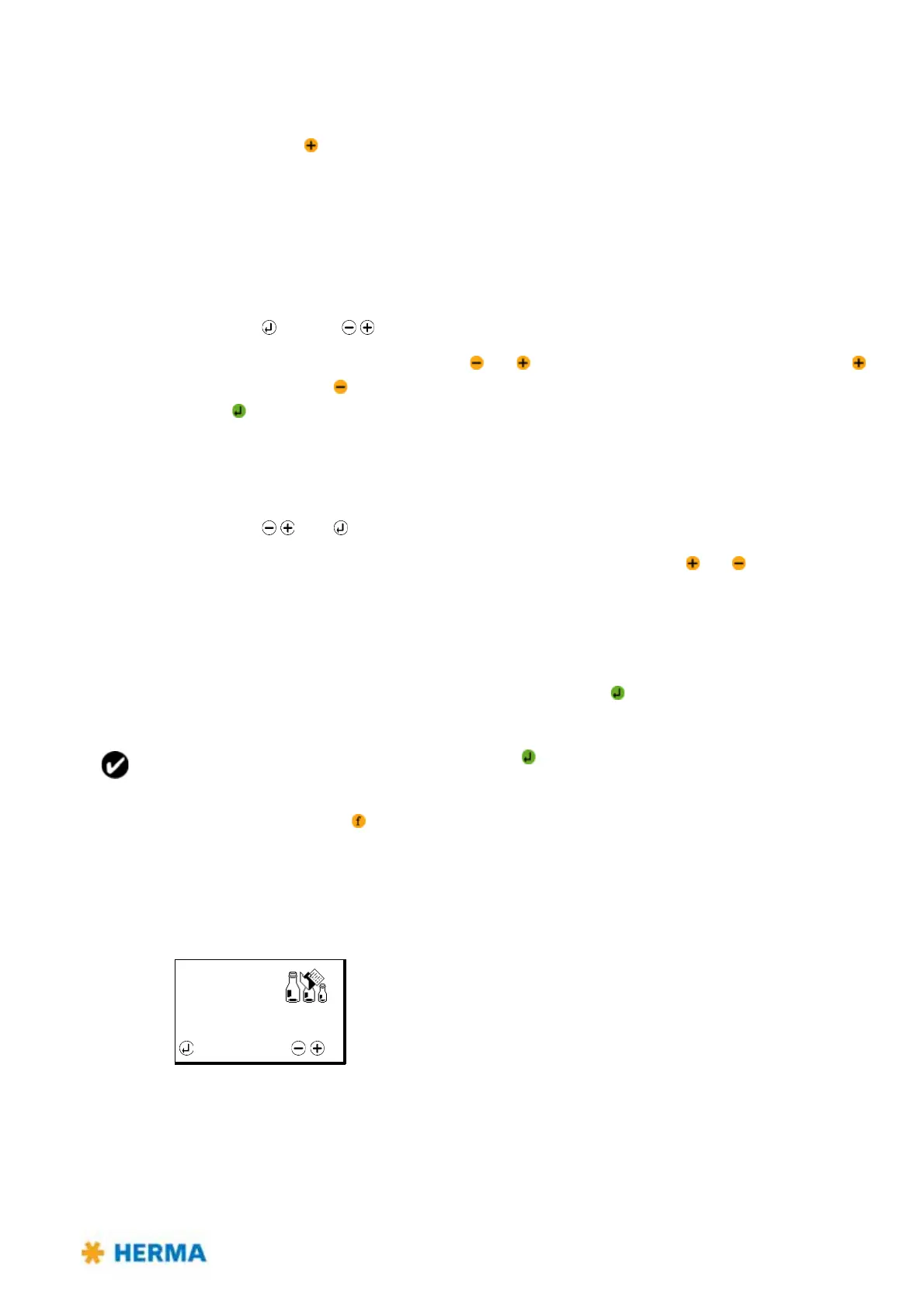
9.5.1 Format selection (Quick Menu parameter, optional)
Range: 01–30
After a format is loaded and thus format administation is activated you can here easily and quickly
se
lect another format. Select „No formats“ to deactivate format administation. This quick menu
parameter will be deactivated as well. Formats created before, however, will remain saved and can of
course be called up and loaded at any time. See section 9.10.1 on page 120.



 To Next Page