9
Operation (via the HERMA 400 control) Operating instructions HERMA 400
106/154 3.28 US (130519)
9.6 Potentiometers
Basic values of the applicator may optionally be adjusted via potentiometers as well (analog input). In
that case this will be shown in the display:
Analog
instead of Select
The corresponding value can be read at the display but it cannot be modified via the display.
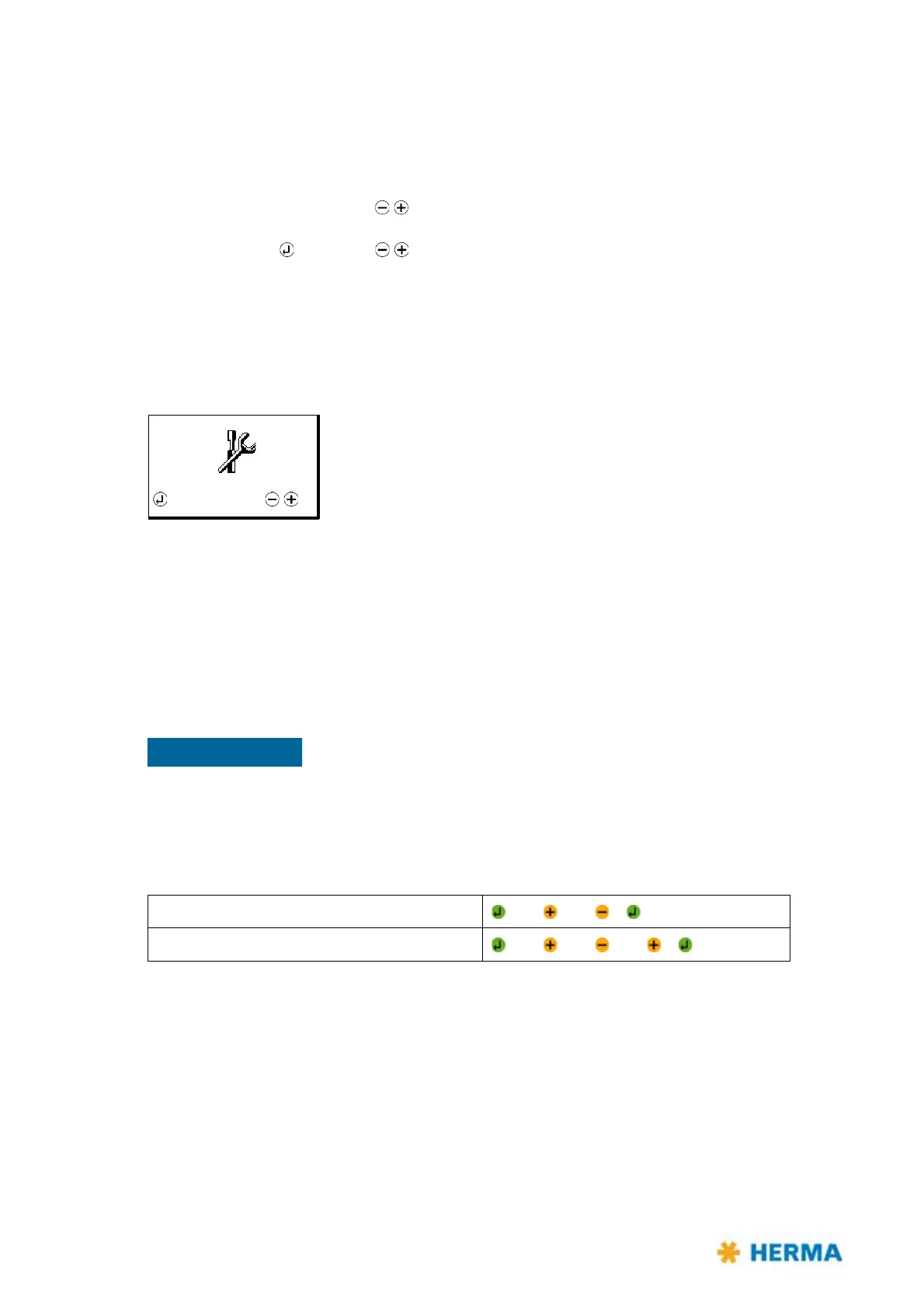
9.7 The display’s configuration menu
In order to avoid incorrect entries the configuration menu can be called up only after entering a special
key combination. There is a differentiation between access priorities, i.e. simple parameters can be
displayed and modified with the key combination for operators, more sensitive parameters only with
the key combintion for technicians.
Above that there are parameters that are factory set and can only be changed by the Technical
Service. Depending on such parameters some of the following parameters will be / will not be shown.
There are hints in the corresponding parameter descriptions.
Make these key combinations available only to authorized personnel.
Careless handling of the configuration menu parameters could severely
impair the applicator’s function.
Calling up
Operator (password level 1 (PWL1)
+ 3x + 2x +
Technician (password level 2 (PWL2)
+ 3x + 3x + 1x +
Design
The configuration menu is divided up into several submenus:
Basic data
Transfer data
Format
Batch
System



 To Next Page