9
Operating instructions
HERMA 400 OPERATION (VIA THE HERMA 400 CONTROL)
3.28 US (130519) 121/154
9.11 Menu 500 Batch
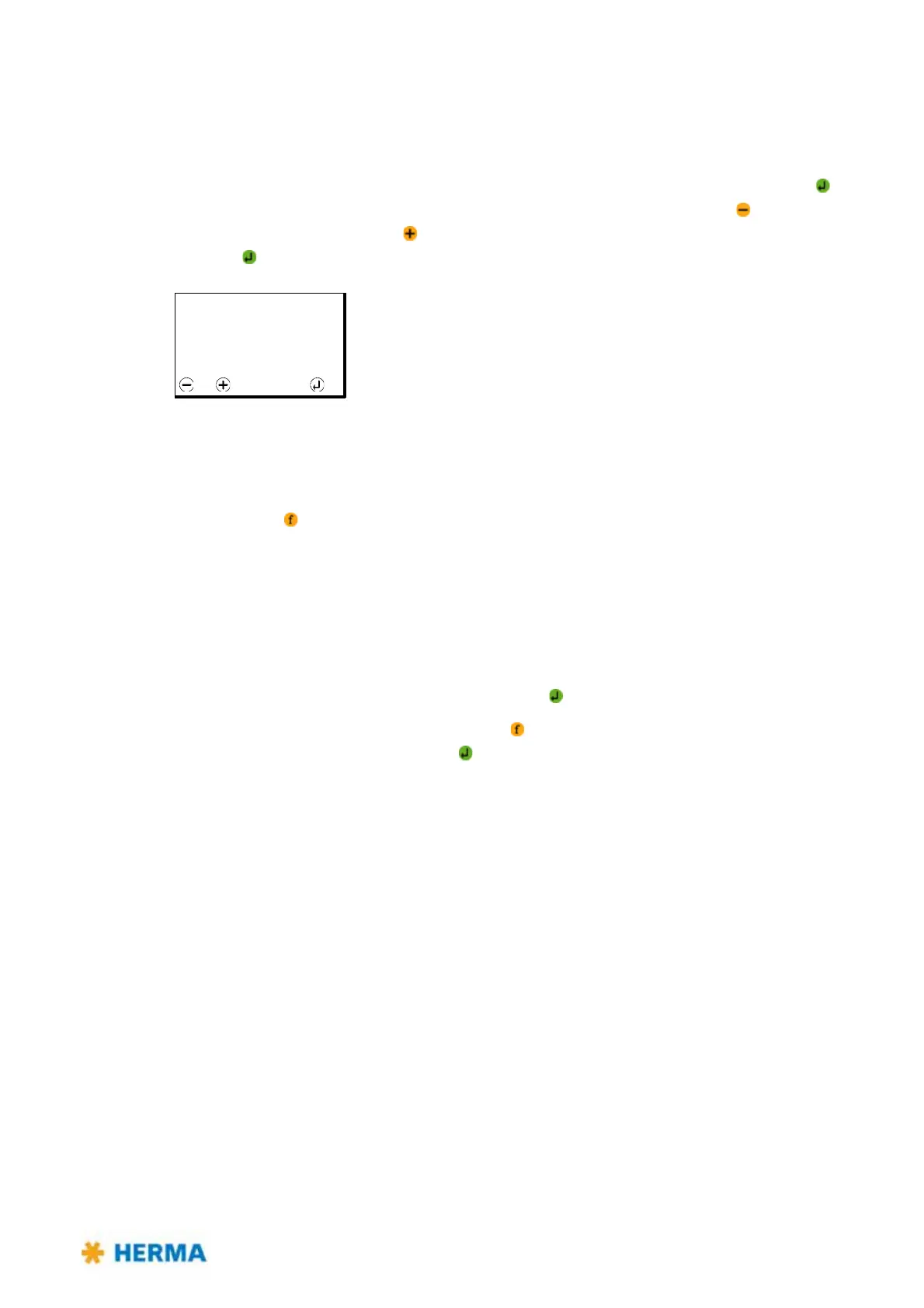
9.11.1 510 Batch size
If required activate a batch counter here. To do so enter a value higher than 0. After pressing an
arrow directing downwards appears above the digits of the batch counter. Use the key to select the
digit of the counter and press the key to change the value for this digit. After completing the entries
press the key to accept the value.
This value or what is left of the batch will then be used in the various Ready screens (see section 9.12.3
on page 122).
In order to deactivte the batch counter enter a batch size of ’0000000’. This resetting to 0 will be done
by pressing the key while entering the batch.
After completing a batch the message SM154 Batch finished! will appear.
The batch counter with the value used before will be shown anew and you can then do one of the
following:
> Enter a new batch size, as described above.
> Accept the current batch size and simply press the key.
> Deactivate the batch counter by pressing the key and so resetting it to 0 an confirm the new
setting, in this case deactivation, with .
510 Batch size
0000000 pcs
Select OK



 To Next Page