4
Applicator description
Operating instructions HERMA 400
34/154 3.28 US (130519)
4.1.3 Motorized loop-type unwinder – Slim line version
Inserting the label web
> Insert the label reel such that the labels reach the dispensing beak in the correct position.
> Insert the web according to the schemes shown in section 6.5.9. Turn the unit on/off with switch /
illuminated button a.
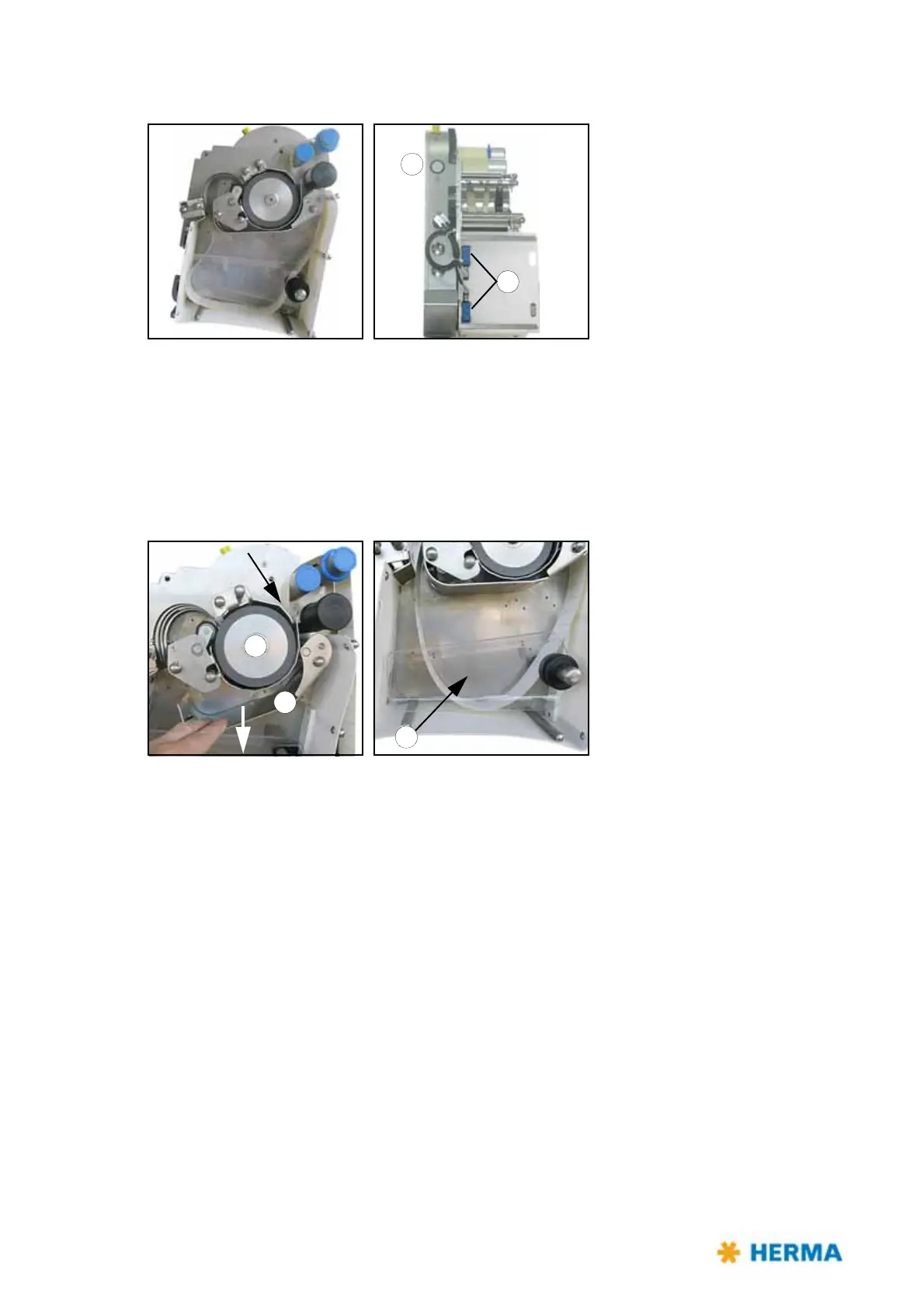
> In order to thread the web with motor support (recommended) proceed as follows (the loop unit is
switched off):
> Guide the web up to the drive roller b.
Make sure the two sensors c of the loop control are unconvered.
Press the illuminated button a. this will flash in quick order.
Press metal part d down, which will press the web against the drive roller and transport it into the
loop unit. Keep the metal part pressed down until sufficient web is transported to be able to guide
it out of the unit.
Close metal part d (press upwards until it engages) and press illuminated button a once more. This
will now light up permanently.
If required (vertically placed version) install counter holder e.
Continue threading the web into the machine.



 To Next Page