9
Operation (via the HERMA 400 control) Operating instructions HERMA 400
120/154 3.28 US (130519)
9.10 Menu 400 Format
Parameters that are set in the applicator can be named and saved in this menu, several parameter
sets/configurations (up to 30) for different applications can be created, and these parameter sets/
configurations, called „formats“ here, can be retrieved at any time. If formats were created the active
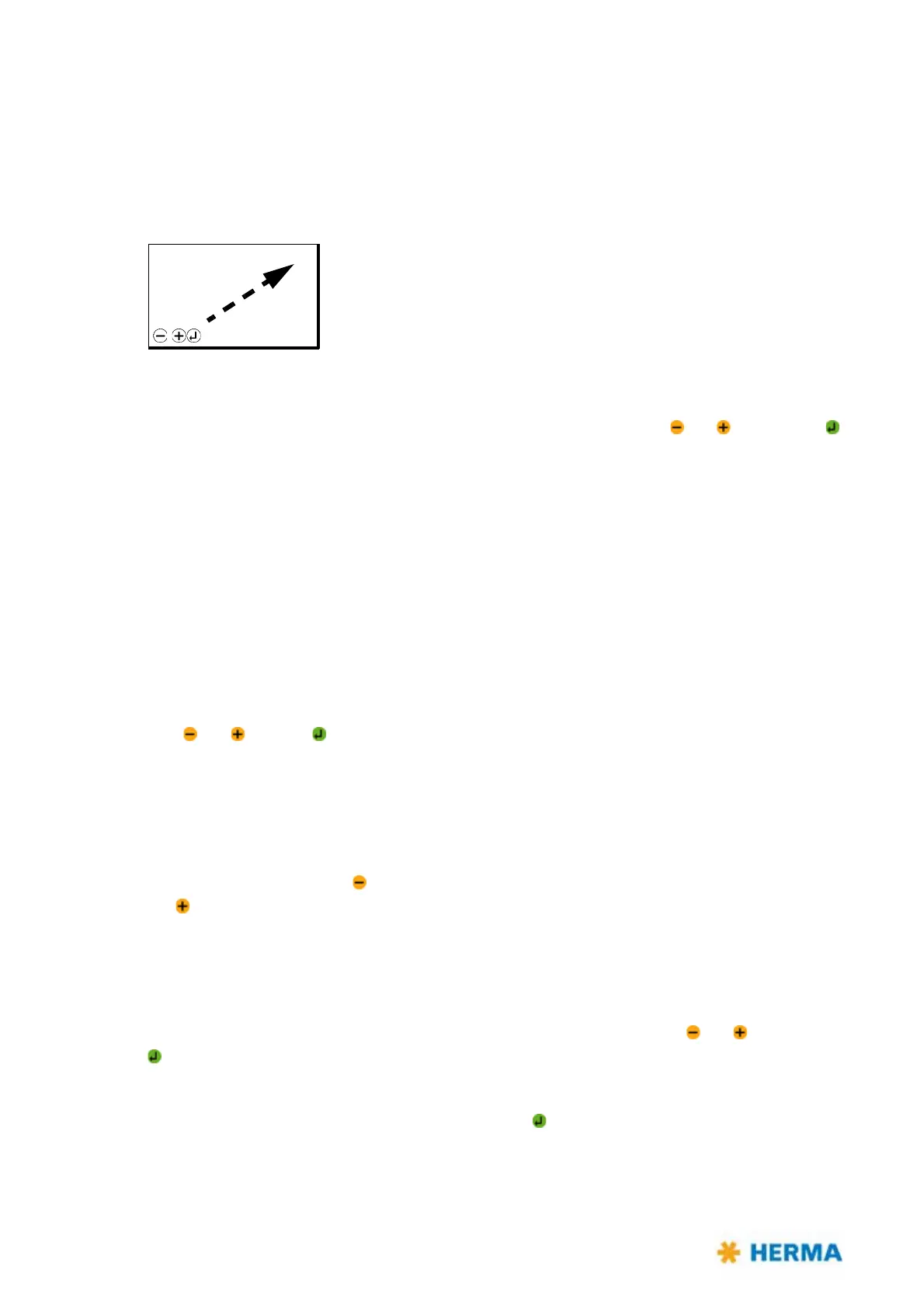
format is indicated in the right upper corner of the basic display image:
9.10.1 410 Format load
Load an existing format by leafing through the list in this menu with the keys and and pressing
as soon as the format wanted is shown.
After a format is loaded the menu 004 is offered i
n the Quick Menu, where you can then more easily
and quickly select another format.
Select „No formats“ to deactivate format administation.
The quick menu option 004 will be
deactivated as well. Formats created before, however, will remain saved and can of course be called up
and loaded at any time.
If you do not need a format any longer you can delete it u
nder parameter 430.
9.10.2 420 Format save
With PWL2 only.
Save the parameter values currently set in a format by leafing through the list in this menu with the
keys and pressing as soon as the number wanted is shown. Consequently you may name the
format (with up to 16 characters). See parameter 422.
9.10.3 422 Format save Enter name
With PWL2 only.
Name a format after saving it with up to 16 digits/characters by selecting the desired place of the
name with the help of the key and selecting the desired character for this place with the help of the
key . Available are capital and lower case characters, numbers and special characters.
Place and character can be selected in one direction only.
9.10.4 430 Format delete
With PWL2 only.
Delete an existing format by leafing through the list in this menu with the keys
and and pressing
as soon as the format wanted is shown.
Attention: A
format deleted cannot be restored!
To prevent a format from being deleted by pressing the key too quickly or unintentionally the first
format offered is no. 31 which, however, cannot be used for saving before.
READY F05
Capacity: 000 p/min
Actual: 000 pcs
Left: 000 pcs
Batch: 000 pcs
Menu



 To Next Page