9
Operation (via the HERMA 400 control) Operating instructions HERMA 400
122/154 3.28 US (130519)
9.12 Menu 900 System
9.12.1 910 Rotate display drehen
Rotate the display by 180° if required.
9.12.2 912 Sprache / Language
Set the display’s language to one of the languages available.
9.12.3 915 Ready screen
With PWL2 only.
You can select from the following screens the one to be used for the basic display image with the key
being on (see section „Display“ on page 100):
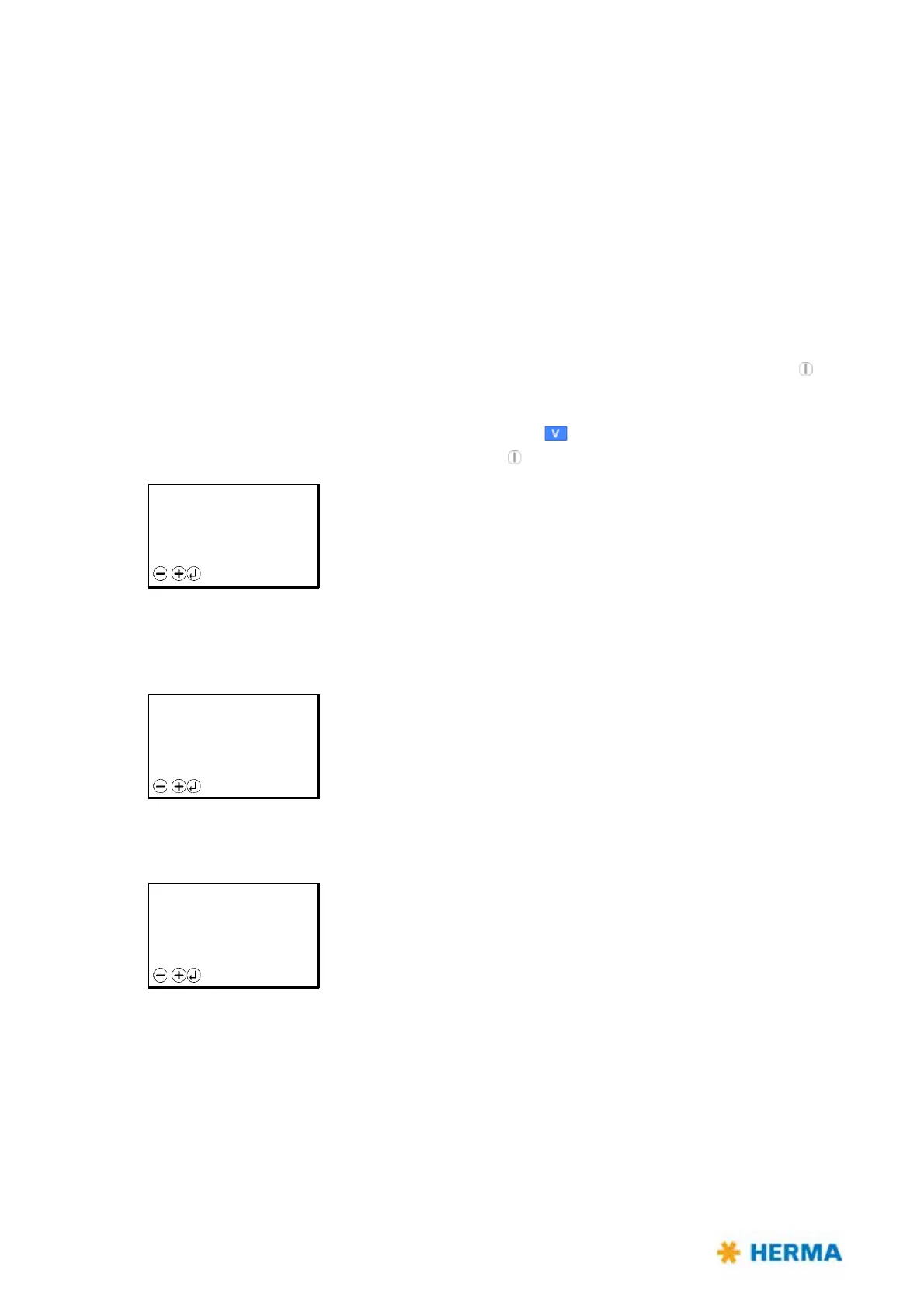
00 Model, Firmware: Display of applicator type (here e.g.
Vario) and the firmware number. This
screen corresponds to the screen in Standby mode (
key is off).
01 Capacity, Actual, Batch: This option is the default setting. Display of current capacity, the actual
number of produced products
(„Actual“) and any batch data, if the batch counter was activated. See
section 9.11 on page 121.
02 Capacity (large), Actual: Display of current capacity in large letters and the actual number of
produced produ
cts („Actual“).
READY F05
H400 V
Vz.xx.yy
Menu
READY F05
Capacity: 000 p/min
Actual: 000 pcs
Left: 000 pcs
Batch: 000 pcs
Menu
READY F05
Capacity:
000 p/min
Ist: 000 pcs
Menu



 To Next Page