11
Operating instructions HERMA 400 T
ROUBLESHOOTING
3.28 US (130519) 149/154
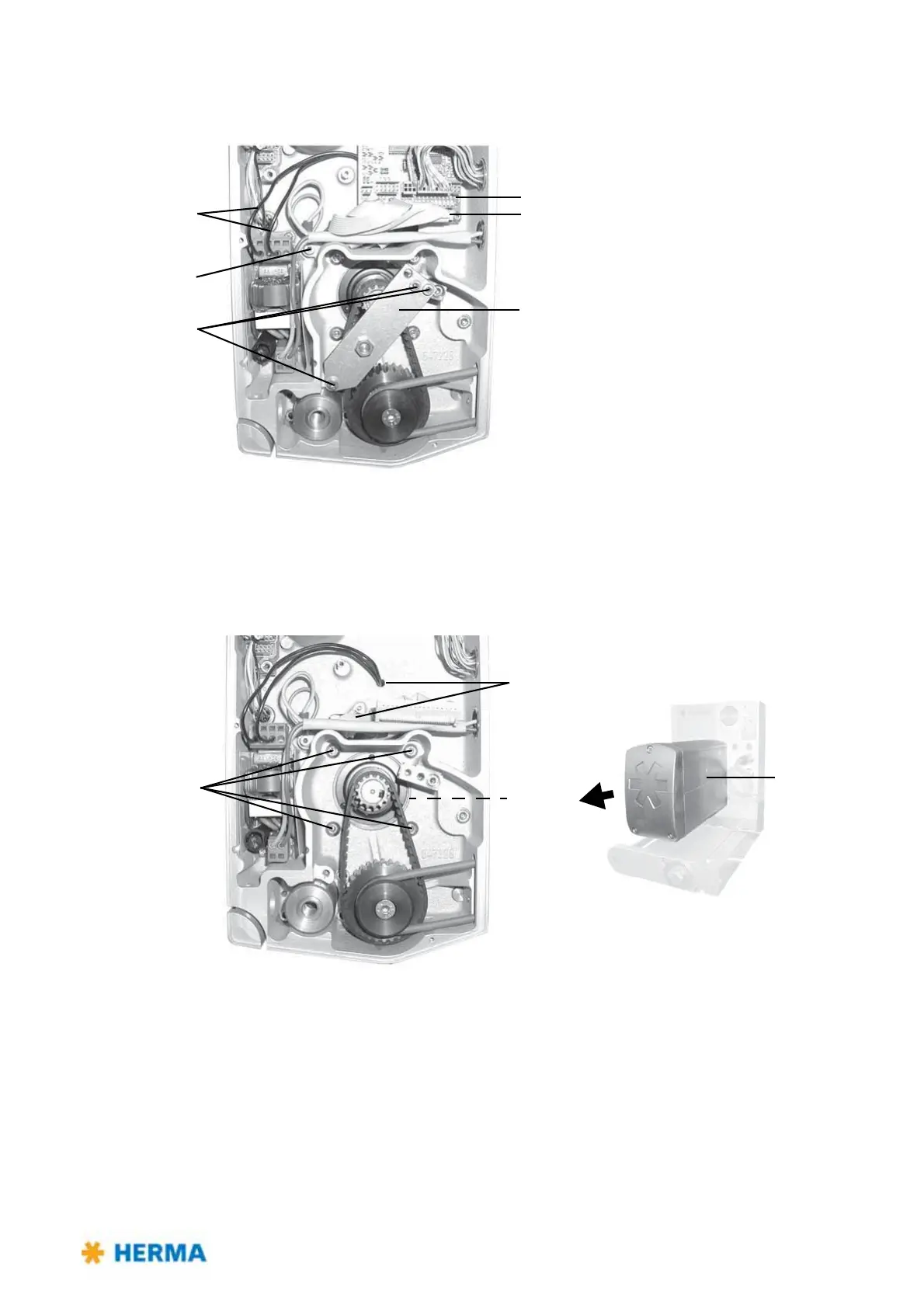
Back of the applicator housing
> Loosen the motor cables (mains plug (pin1+3) 1, protective earth conductor 2 and 34channel
control cable 3).
> Remove the I/O circuit board 4.
> Loosen three screws 5
and remove the toothed-belt tensioner 6.
> Loosen four motor screws 7
and remove the drive unit 8. Carefully guide the cables through the
cable feed-throughs 9.



 To Next Page