(2x)
Printer ON/OFF
An optional printer can be switched on and
off with the function key,
pressing it quickly two times („double tip“).
If the printer is ON the function „compensate for missing labels“ is
a
ctive at the same time. That means, missing labels on the web will be
detected automatically and the web always stopped in correct position
such that imprint and, as the case may be, control cycles will be effected
on every label.
The LED of the key is on if the printer is on.
+
Switch on the drive‘s permanent run mode
This operating mode is required, e.g., to determine the applicator‘s
speed.
IMPORTANT:
Open lever first (nip roller)!
The current speed is indicated and may be adjusted as required via the
di
splay parameter for the speed (see below in section 9.5.5, page 105).
In order to stop the permanent run mode press
one of the keys or .
The permanent run mode is also stopped if the label sensor can notice a
change (la
bel transport).
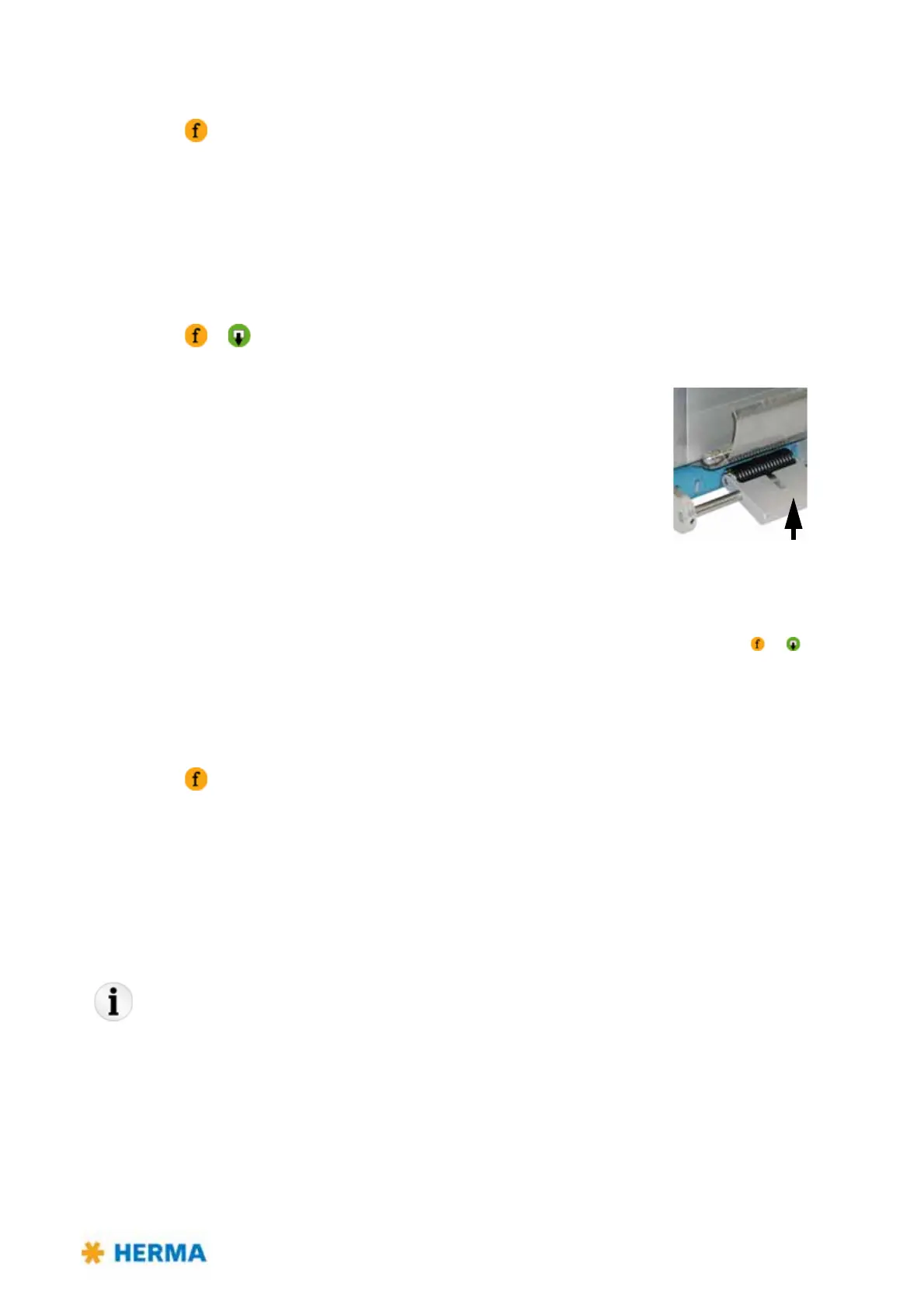
Do not forget to close the lever (see picture above) when you are
finished.
Escape function in display menus
Pressing this key in a display menu will get you back to the next higher
lev
el, as far as to the basic display image (see section 9.1, page 100). In
the Edit mode (see section 9.5) any changes will be discarded.
Make sure to press the key only once sin
ce otherwise the status of the
printer and the function „compensate for missing labels“ will be
changed!
9
Operating instructions HERMA 400 O
PERATION (VIA THE HERMA 400 CONTROL)
3.28 US (130519) 99/154
When using the applicator in a machine with superordinate control which has its own user interface
(e.g. a touch panel) the Technical Service can deactivate the functionality of the display.



 To Next Page