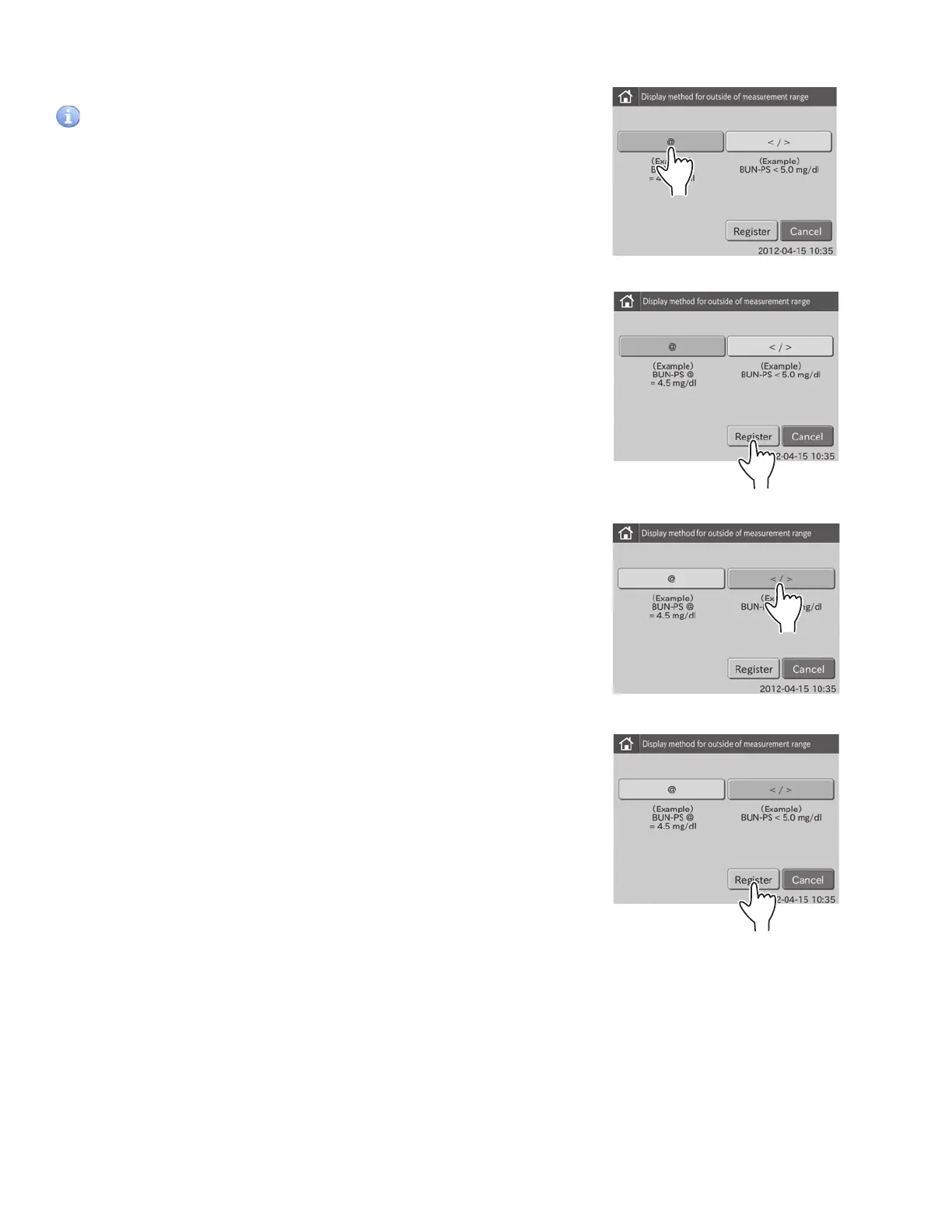
3. To display a numeric value with “@” mark for the value outside of the measurement range
a. Touch .
IMPORTANT
Measured values with a “@” mark may NOT be accurate. Rerun
the tests.
b. Touch REGISTER.
The set @ is registered, and then the display returns to the
DISPLAY SETTINGS menu dialogue.
NOTE: To cancel setting, touch CANCEL.
4. To print out the value outside of the measurement range
using the “<” or “>” mark
a. Touch </>.
b. Touch REGISTER.
The set </> is registered, and then the display returns to
the DISPLAY SETTINGS menu dialogue.
NOTE: To cancel setting, touch CANCEL.
96



 To Next Page