IMPORTANT
Measured values with a “@” mark may NOT be accurate. Rerun the tests.
6.10.2 Lot Compensation Coefficients
This mode is used to input the values (c, d, e) printed on the QC cards included with slides. This mode is needed if it is not
possible to read in the data directly from a QC card that was lost or damaged.
IMPORTANT
Incorrect inputs for (c, d, e) will cause incorrect test results.
Make sure that the inputs for (c, d, e) are correct using this mode.
IMPORTANT
In this mode, it is possible to input values for (c, d, e) only for the slide lots which Slide Type Number’s standard curve
information has already been memorized in the analyzer. It is necessary to read in the QC card for the slide lots which
have a new Slide Type Number.
NOTE: The Slide Type Number is the most significant digit of a lot No.
(Example) The Slide Type Number of “Lot No. 123456” is 1.
1. Touch COEFFICIENTS/TEST SETTINGS in the ADMINISTRATOR
MODE FUNCTION menu dialogue.
The COEFFICIENTS/TEST SETTINGS menu dialogue is displayed.
NOTE: For information about how to display the ADMINISTRATOR
MODE FUNCTION menu dialogue, refer to Section 6.1.2.
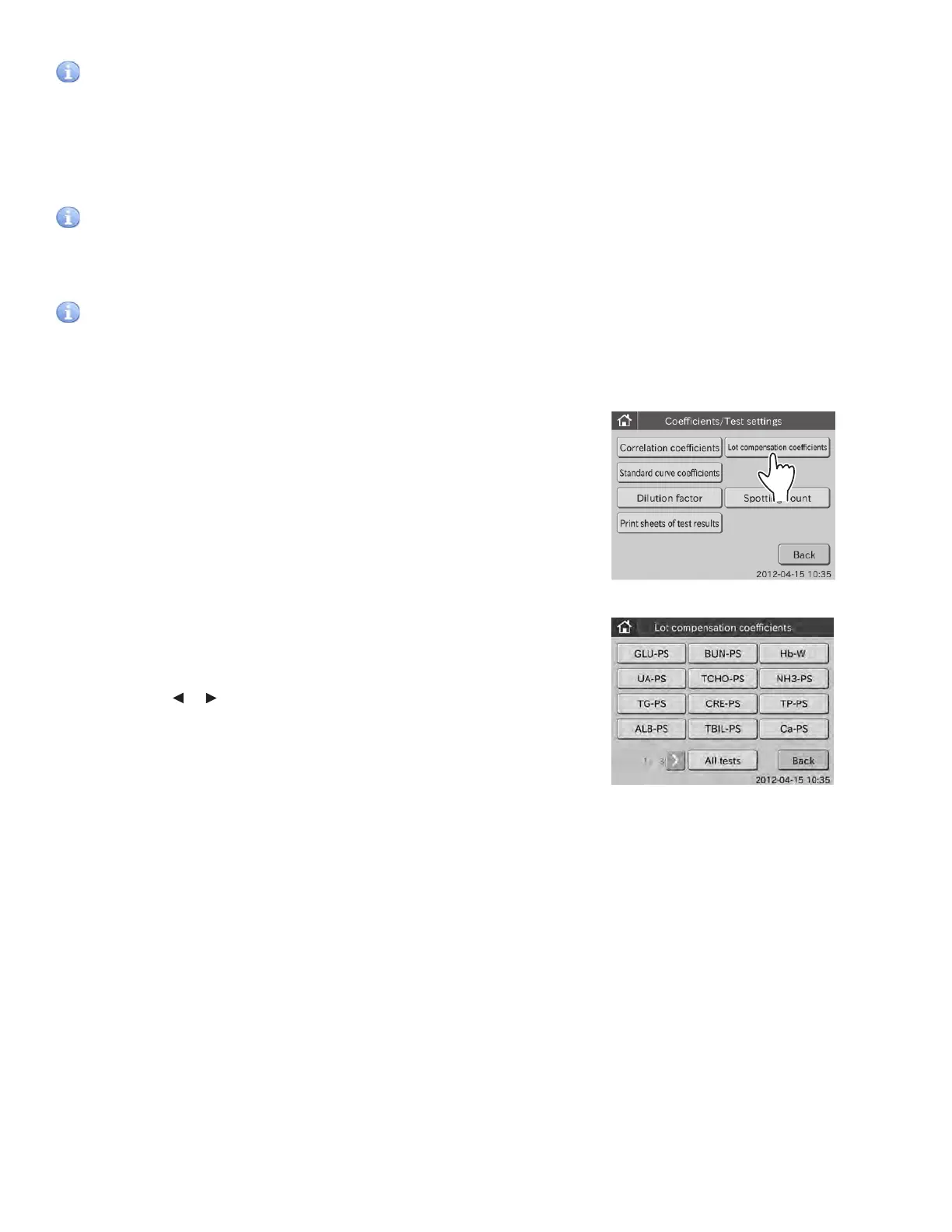
2. Touch LOT COMPENSATION COEFFICIENTS in the menu dialogue.
A list of selection buttons is displayed.
By touching or , you can see all “Test Name-Sample Type”
buttons.
NOTE: All of the test names and sample types that QC card reading is
completed are displayed as “Test Name-Sample Type” buttons.
NOTE: ISE test names (test codes 90 to 99) are displayed without
sample type.
NOTE: When touching ALL TESTS, the lot information dialogue is
displayed. Refer to Section 6.7.3 for information about lot information
dialogue.
NOTE: To cancel setting, touch BACK.
108



 To Next Page