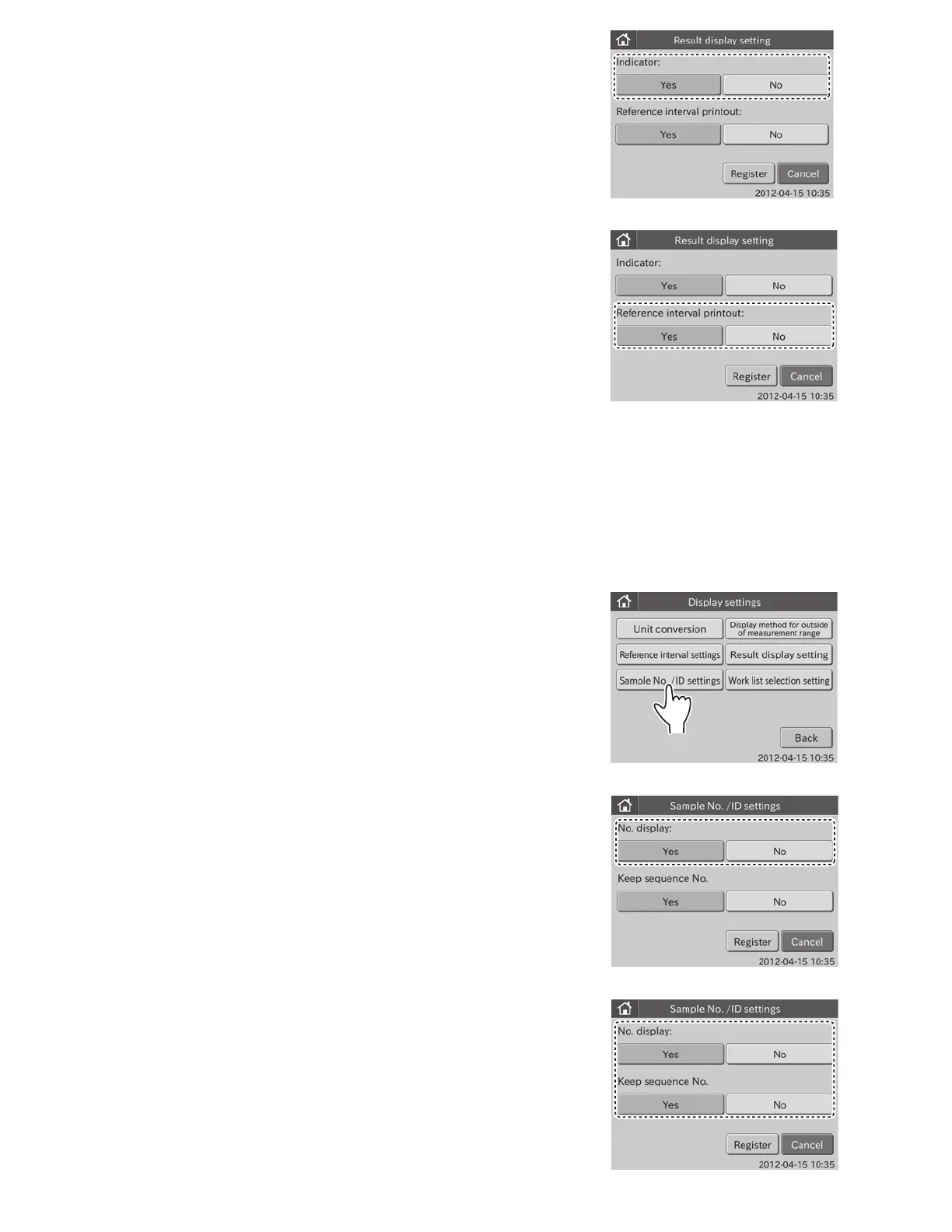
3. Touch YES or NO in the [Indicator:].
4. Touch YES or NO in the [Reference interval printout:].
5. Touch REGISTER.
The result display settings are registered, and then the display
returns to the DISPLAY SETTINGS menu dialogue.
NOTE: To cancel setting, touch CANCEL.
6.9.5 Sample No./ID Settings
This mode is used to set the display/not display of sample No. in test result.
Also, the save/not save of sequence No. assigned by the analyzer is set.
1. Touch DISPLAY SETTINGS in the ADMINISTRATOR MODE FUNCTION menu dialogue.
The display settings menu dialogue is displayed.
NOTE: For information about how to display the administrator MODE FUNCTION menu dialogue, refer to Section 6.1.2.
2. Touch SAMPLE NO./ID SETTINGS in the menu dialogue.
The sample No./ID settings dialogue is displayed.
3. Touch YES or NO in the [No. display:].
102



 To Next Page