4.1 User Daily/Periodic Maintenance
According to the following table, please perform daily/periodic maintenance and replacement of parts by users.
Check points Cleaning interval Replacement interval Procedure
Air filter Once a month - Refer to Section 4.2
Incubator Once every 3 months or
when inaccurate test
results occur
- Refer to Section 4.3
Spotting part When slide transfer error or tip ejection error
etc. occurs
- Refer to Section 4.3
Slide reader When reading errors occur frequently Refer to Section 4.4
Recording paper
-
Appearance of red lines (both sides
of paper)
Refer to Section 4.5
Light source lamp
-
When a photometer gain setting
error occurs, or the lamp’s cumulative
illumination time exceeds 1000 hours
Refer to Section 4.6
Sampler O-ring
- Once a year Refer to Section 4.7
ISE unit Once every 3 months or when inaccurate
test results occur
- Refer to Section 4.3
IMPORTANT
After maintenance, plug in the AC power cable, and be sure to check the operation of the analyzer by turning on the
power switch.
4.2 Cleaning the Air Filters
The air filter should be checked and cleaned at least once a month.
IMPORTANT
If the air filter is not cleaned, the temperature inside the analyzer will increase resulting in adverse effects on test
results.
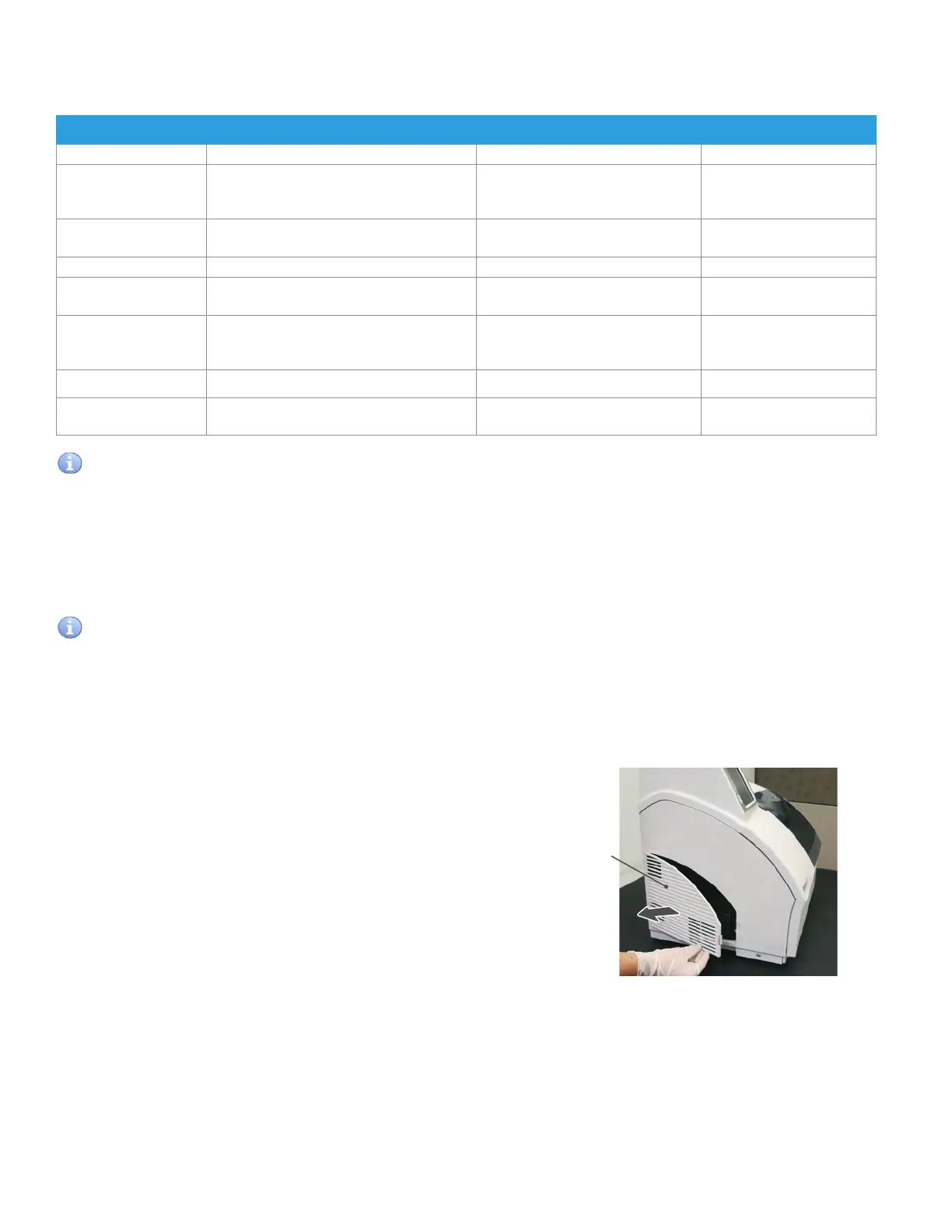
Louver
4.2.1 Cleaning procedures
1. Turn off the power of the Element DC.
2. Remove the louver, and then take out the air filter.
48



 To Next Page