6.1 Mode Setting Procedure and Description
There are 2 kinds of modes: one is the administrator mode, which can only be operated by administrators; another is the
normal mode, which can be operated by normal operators.
The important modes, which affect test results such as correlation coefficients settings, can only be operated in the
administrator mode. The administrator modes must be operated only by the administrators who have responsibility over
the analyzer. By touching FOR ADMINISTRATOR in the MODE FUNCTION menu dialogue and then inputting a password,
the ADMINISTRATOR MODE FUNCTION menu dialogue is displayed.
For information about how to display the MODE FUNCTION menu dialogue, refer to Section 2.2.3.
6.1.1 Mode Setting Procedure
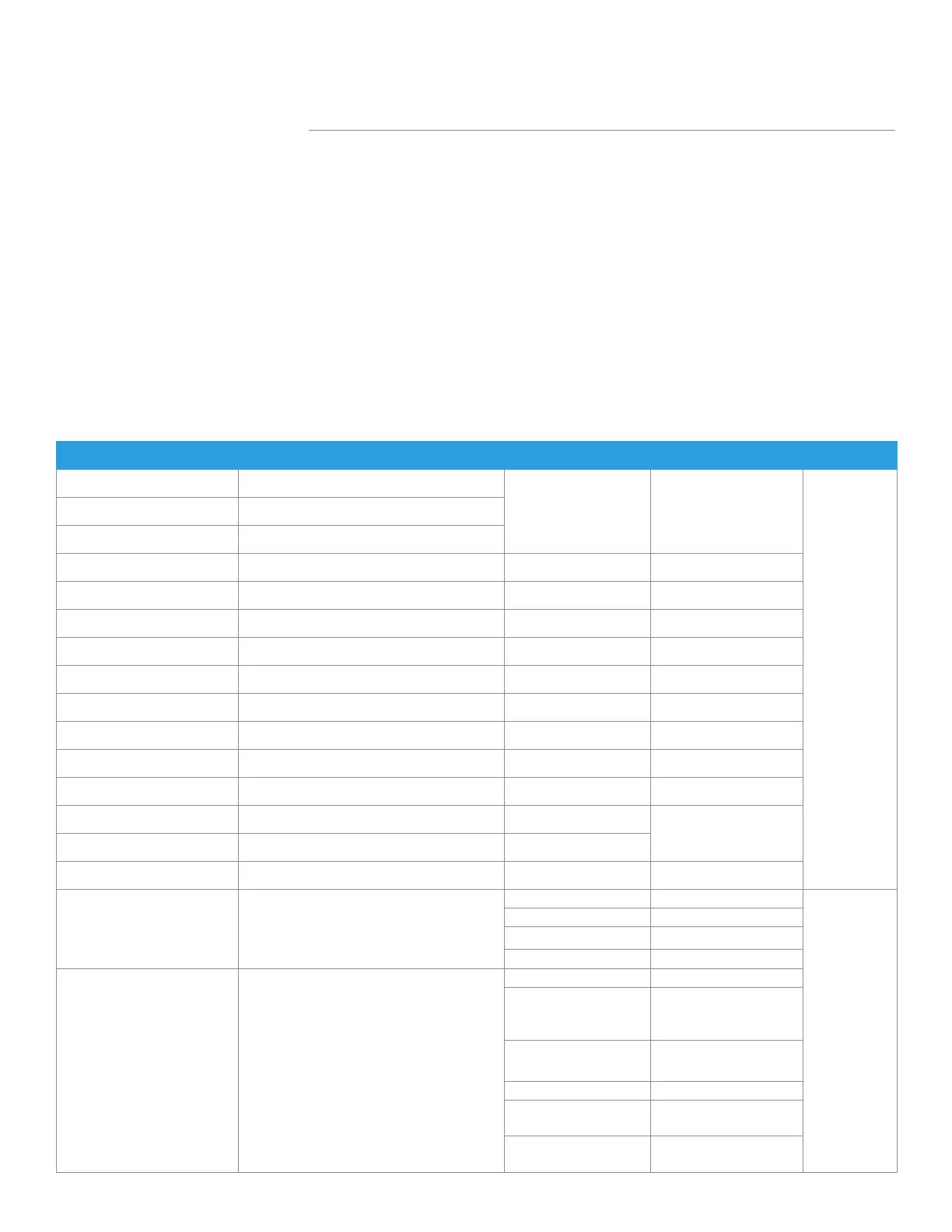
Mode Function Menu Main Setting Menu Sub-Setting Menu Reference Section Operator
Control Start control measurement
- 6.2
Normal
Additional test
Rerun
Date & time settings - - 6.3
Display brightness - - 6.4
Buzzer volume Error sound - 6.5.1
Test end sound - 6.5.2
Lamp configuration - - 6.6
Display information Error log - 6.7.1
Display temperature & humidity - 6.7.2
Lot information - 6.7.3
DI card information - 6.7.4
Maintenance Sampler leak check Sample tip
4.7.1
Dilution tip
Reference plate level check - 4.3
For administrator Basic/External I/F settings Language setting 6.8.1
Admin
Date format setting 6.8.2
Host I/F settings 6.8.3
Barcode reader 6.8.4
For administrator Display settings
Unit conversion 6.9.1
Display method
for outside of
measurement range
6.9.2
Reference interval
settings
6.9.3
Result display setting 6.9.4
Sample No./ ID
settings
6.9.5
Work list selection
setting
6.9.6
Section 6: Mode Settings and Functions
75
Element DC
Veterinary Chemistry Analyzer



 To Next Page