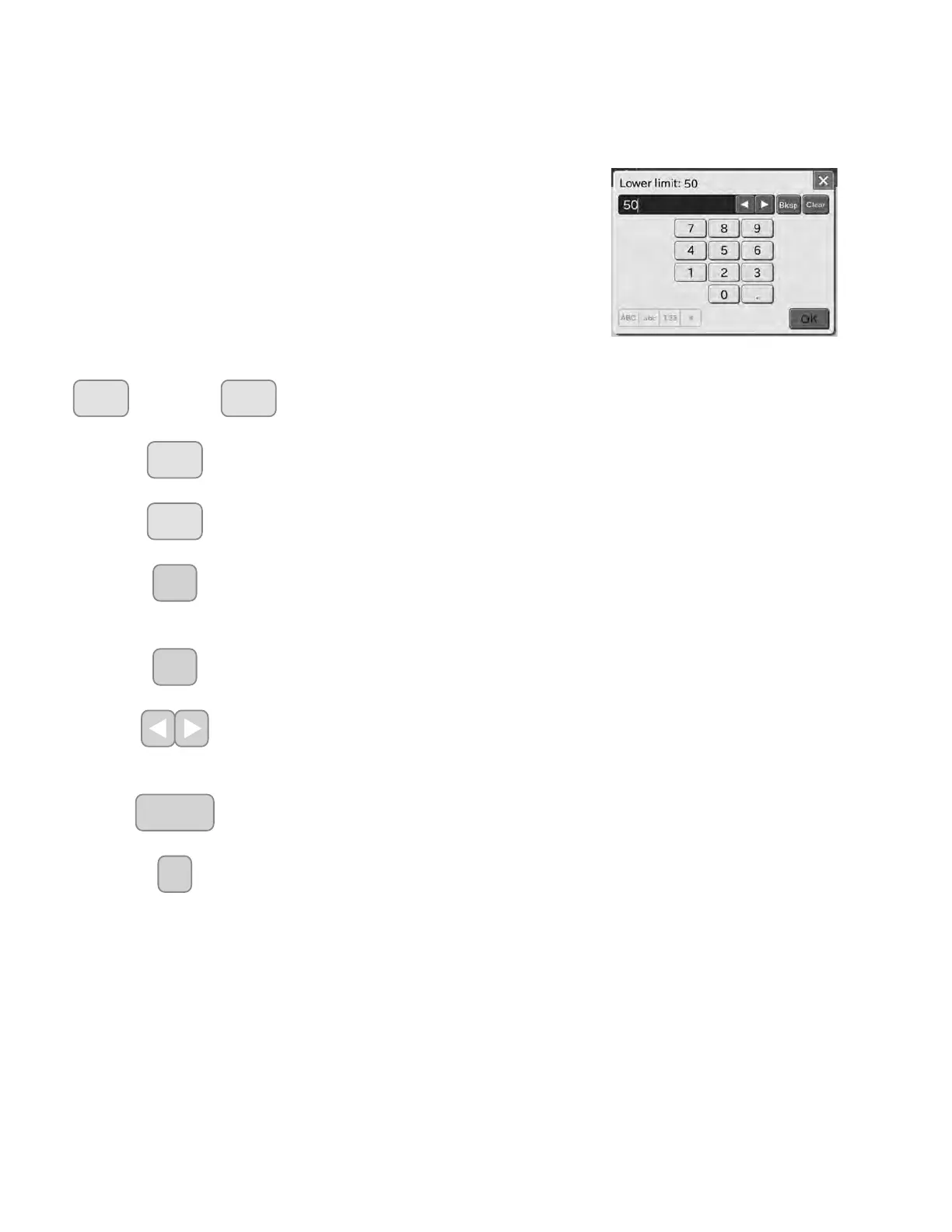
2.3.1 Ten-Key Input Dialogue
Numeric characters are input with ten-key.
2.3 Names and Functions of Screen Keyboard
There are 2 kinds of screen keyboards: one is the ten-key keyboard; another is the alphanumeric keyboard. When entering
numbers or letters during operation or setting, the screen keyboard pops up automatically.
~
NUMERIC button
The NUMERIC buttons are used for inputting numeric characters.
PERIOD button
The PERIOD button is used for inputting a decimal point.
- (Minus) button
The (Minus) button is used for inputting the minus (-) sign.
%NVS
BKSP (Backspace)button
The BKSP (Backspace) button is used for deleting the character on the left side of the
cursor.
&OHDU
CLEAR button
The CLEAR button is used for deleting all input data.
CURSOR MOVE buttons
The CURSOR MOVE buttons are used for moving the cursor character-by-character to
right or left each time the either button is pressed.
2.
OK button
The OK button is used for confirming input data.
ᶣ
X button
The X button is used for deleting all input data and exit the screen keyboard dialogue.
20



 To Next Page