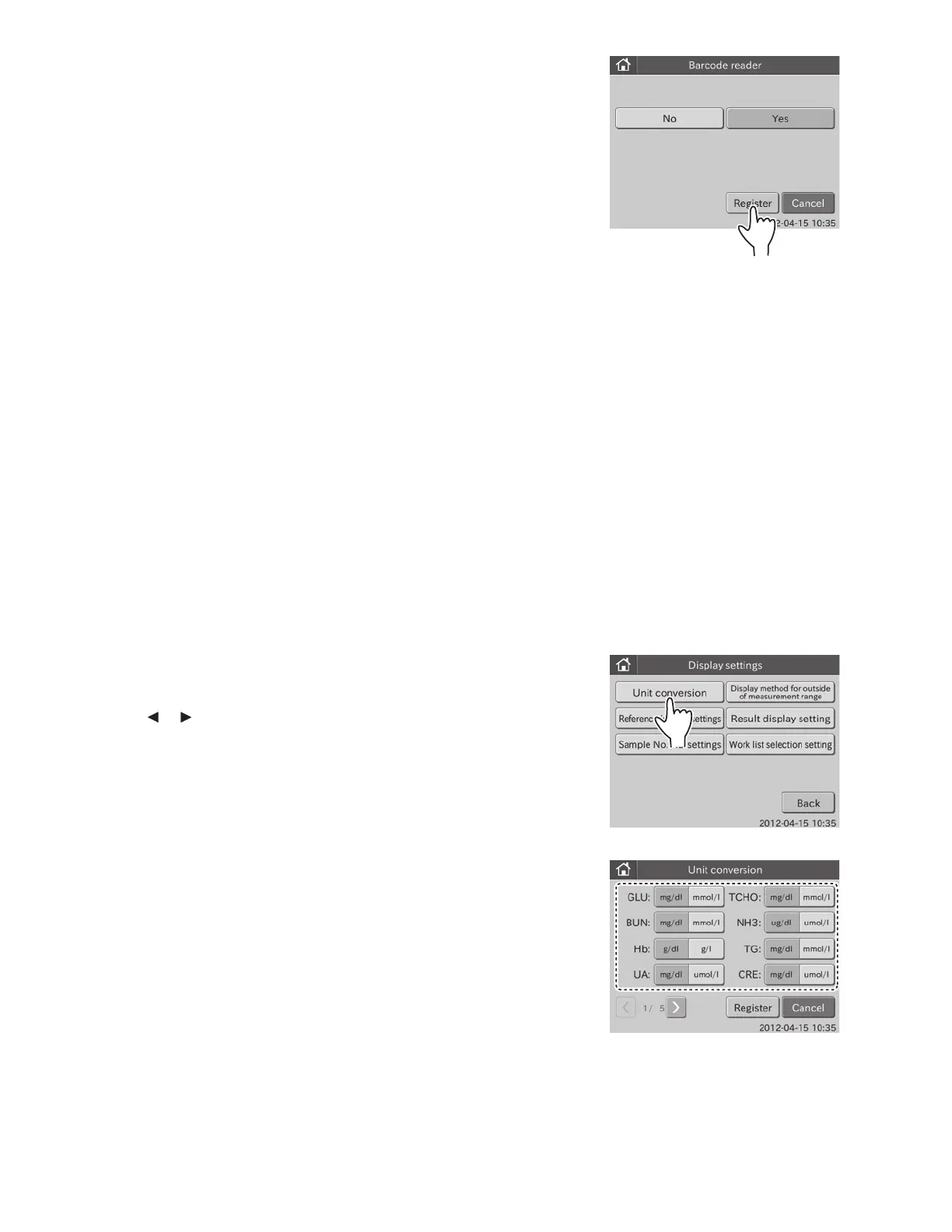
b. Touch REGISTER.
The barcode reader setting is set to [No], and then the
display returns to the BASIC/EXTERNAL I/F SETTING
menu dialogue.
NOTE: To cancel setting, touch CANCEL.
6.9 Display Settings <Admini.>
The following settings are possible in this mode.
• Unit conversion
• Display method for outside of measurement range
• Reference interval settings
• Result display setting
• Sample No./ID settings
• Work list selection setting
6.9.1 Unit Conversion
This mode is used to set Unit (A) and Unit (B) for each test name.
1. Touch DISPLAY SETTINGS in the ADMINISTRATOR MODE FUNCTION menu dialogue.
The display settings menu dialogue is displayed.
NOTE: For information about how to display the ADMINISTRATOR MODE FUNCTION menu dialogue, refer to Section 6.1.2.
2. Touch UNIT CONVERSION in the menu dialogue.
NOTE: Test names are displayed in order of new QC reading date.
NOTE: Touch
or to display the desired page of test names.
94



 To Next Page