3.7 Preparations
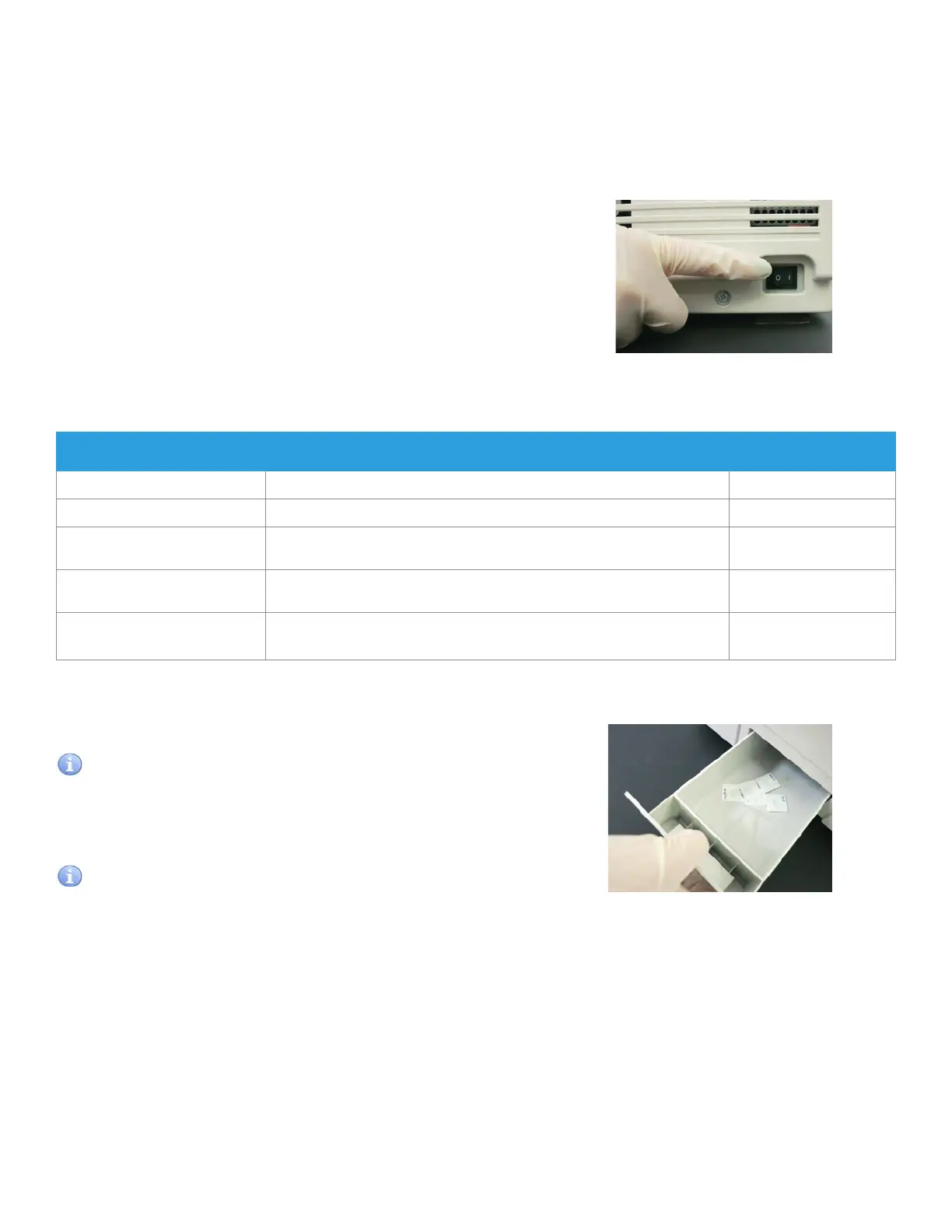
To turn the power on the first time, depress the [ I ] side
of the power switch which is located the right side of the
analyzer. The analyzer boots up. Then, use the panel power
button to turn the analyzer on and off.
NOTE: If analyzer will not be used for a long period of time,
depress the [O] side of the power switch.
3.7.1 List for Daily Maintenance before Use
According to Section 3.7.2, please perform the daily maintenance before use.
Item Contents Reference Section
Cleaning disposal box Dispose of used slides and tips.
3.7.2 (1)
Checking air filter Check that the air filter on the left side of the analyzer is set.
3.7.2 (2)
Removing used consumables Dispose of used mixing cup and remaining reference fluid and remove
remaining sample.
3.7.2 (3)
Checking recording paper When a red line appears along the sides of the recording paper, replace the
recording paper roll with a new one.
3.7.2 (4)
Checking date & time If either the date or time is incorrect, adjust it using the [Date & Time Settings]
of MODE FUNCTION.
3.7.3 (4)
3.6 Disposal of Consumables
Used slides and tips are discarded into a disposal box. The used sample tubes, diluent, reference fluid, and mixing cups
must be replaced by hand.
1. Remove the disposal box and dispose of the tips and slides.
IMPORTANT
If the box is completely full, slide transfer error or tip eject error
may occur causing adverse effects on test results.
2. Check that the air filter is set.
IMPORTANT
If the analyzer is used without setting the filter, adverse effects
on test results may occur.
3. Dispose of used mixing cup and remaining reference fluid
and remove remaining sample.
4. Check remaining recording paper.
When a red line appears along the sides of the recording
paper, replace the recording paper roll with a new one. Refer
to Section 4.5 for replacing.
3.7.2 Preparations before Turning the Power On (Daily Maintenance before Use #1)
26



 To Next Page