WARNING
Do not touch the edge of the paper cutter with bare hands.
3.7.3 Turning the Power On (Daily Maintenance before Use #2)
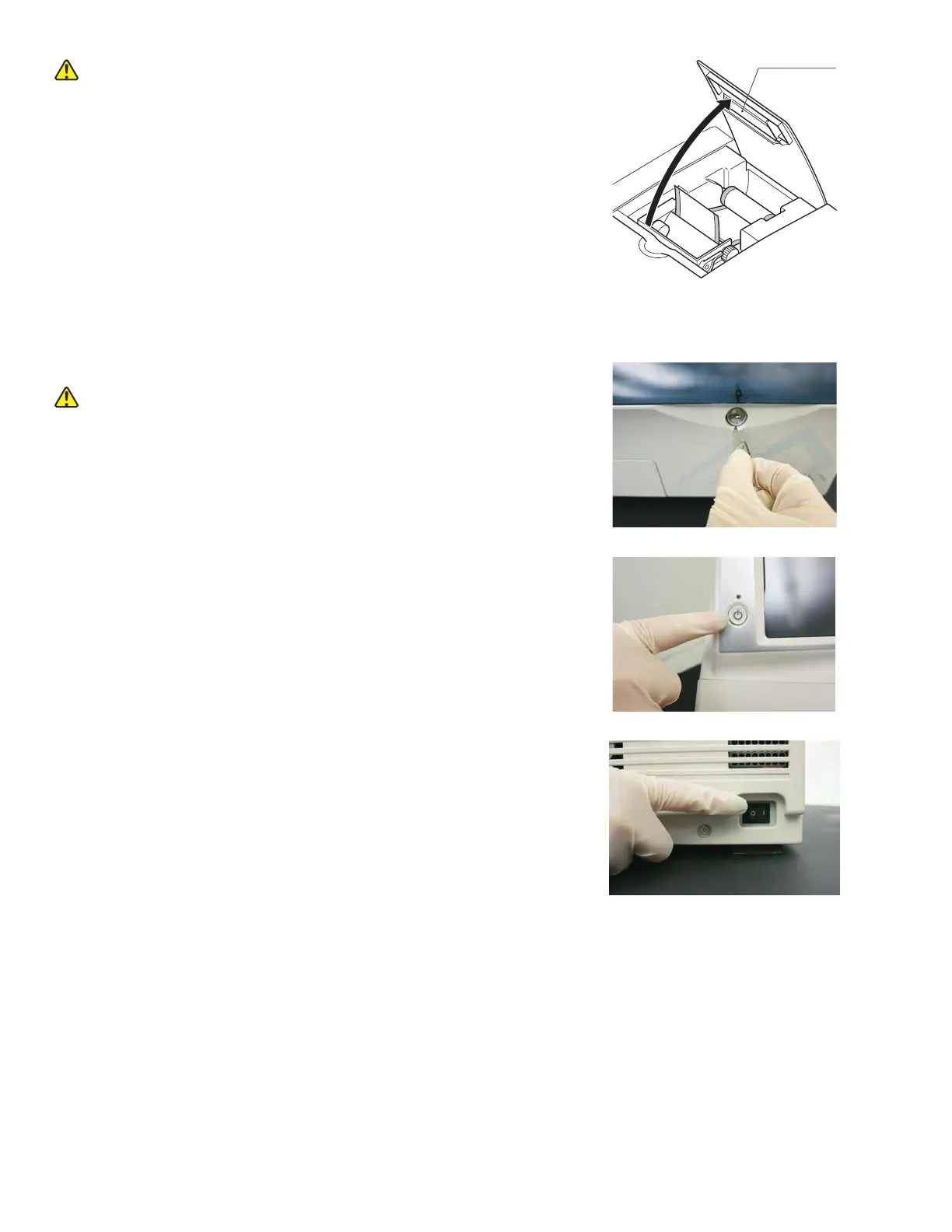
1. Close the sampler cover.
2. Lock the sampler cover with the key.
WARNING
During sample processing, ensure the LCD under cover and
sampler cover are closed to prevent injuries and biohazard.
When the display reads [Ready to test], the sampler cover can
be opened.
3. Turn the power button on.
Press POWER.
NOTE: If power switch is not turned on, depress the [ I ] side of
the power switch. The analyzer boots up. Pressing POWER is not
necessary.
27



 To Next Page