4.6.1 Replacement and cleaning procedures
1. Remove disposal box and front under cover. Then, open the
cover of the light source lamp located on the bottom left
side of the analyzer.
2. Unscrew a thumbscrew as shown in the left figure and
remove the lamp unit.
3. Unplug the connector of the light source lamp and remove
the lamp unit.
opening and close cover
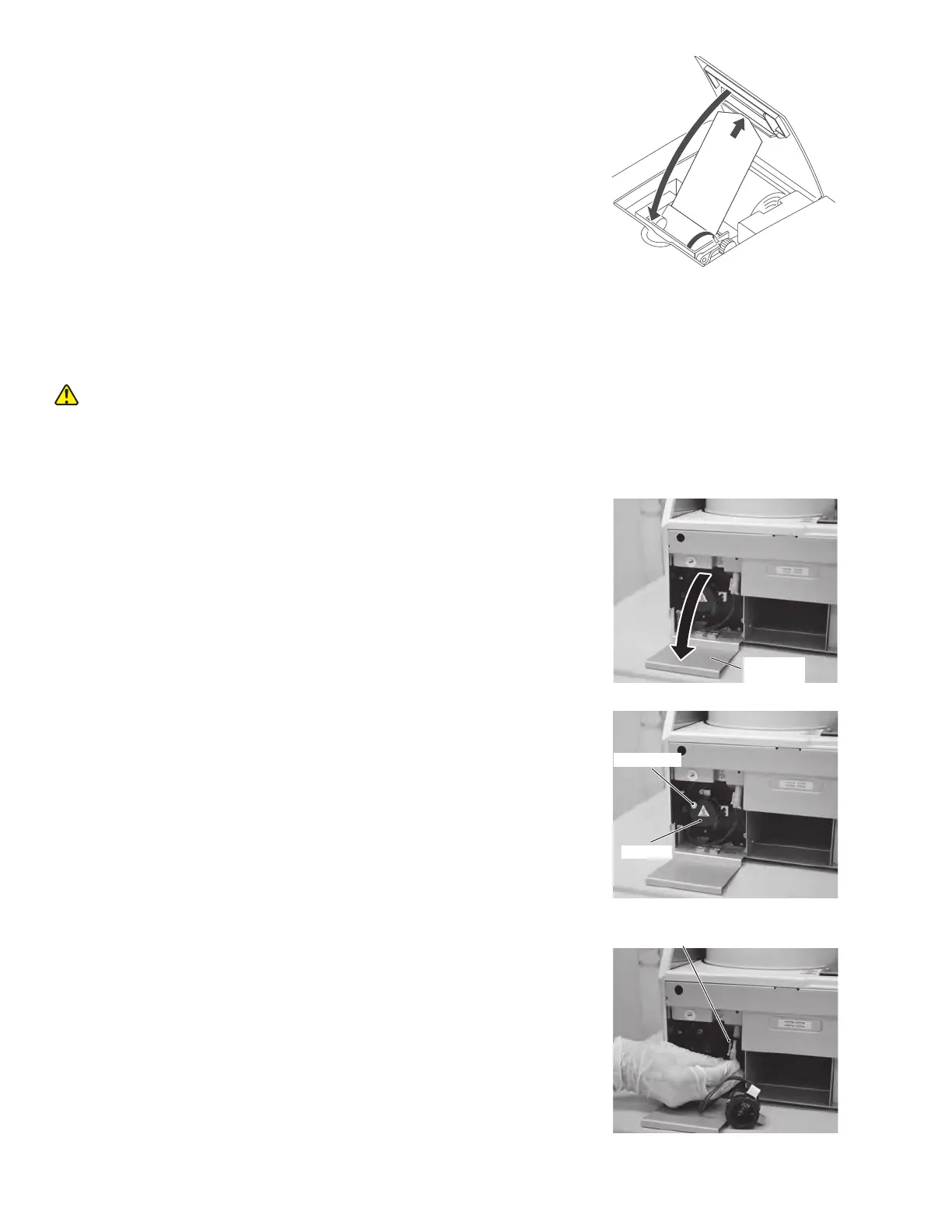
(9)Lock lever
9. Lock the lever.
Make sure that the paper will advance straight and then
lower the lever to lock the paper.
10. Close the printer cover.
Pass the paper through the cutter opening on the printer
cover and close the cover.
11. Press FEED to check that the paper is fed normally.
4.6 Replacing and Cleaning the Light Source Lamp
The average life of the lamp is 1000 hours. It is necessary to replace the light source lamp if a photometer gain error occurs
or if the lamp’s cumulative illumination time has exceeded 1,000 hours.
CAUTION
The light source lamp gets very hot. Before replacing the lamp, turn off the power and wait for at least five minutes.
The lamp can be safely replaced once it has cooled down.
Light source
Lamp unit
Thumbscrew
Connector
56



 To Next Page